Using FTB Products in an Automated Test Environment
254 FTB-500
Monitoring Remote Commands
3. Do one of the following:
If monitoring using ActiveX or RS-232, tap Connect.
You are automatically connected to the monitoring system, and the
Connect button changes to a Disconnect button, enabling you to
disconnect from IC when you have finished your work.
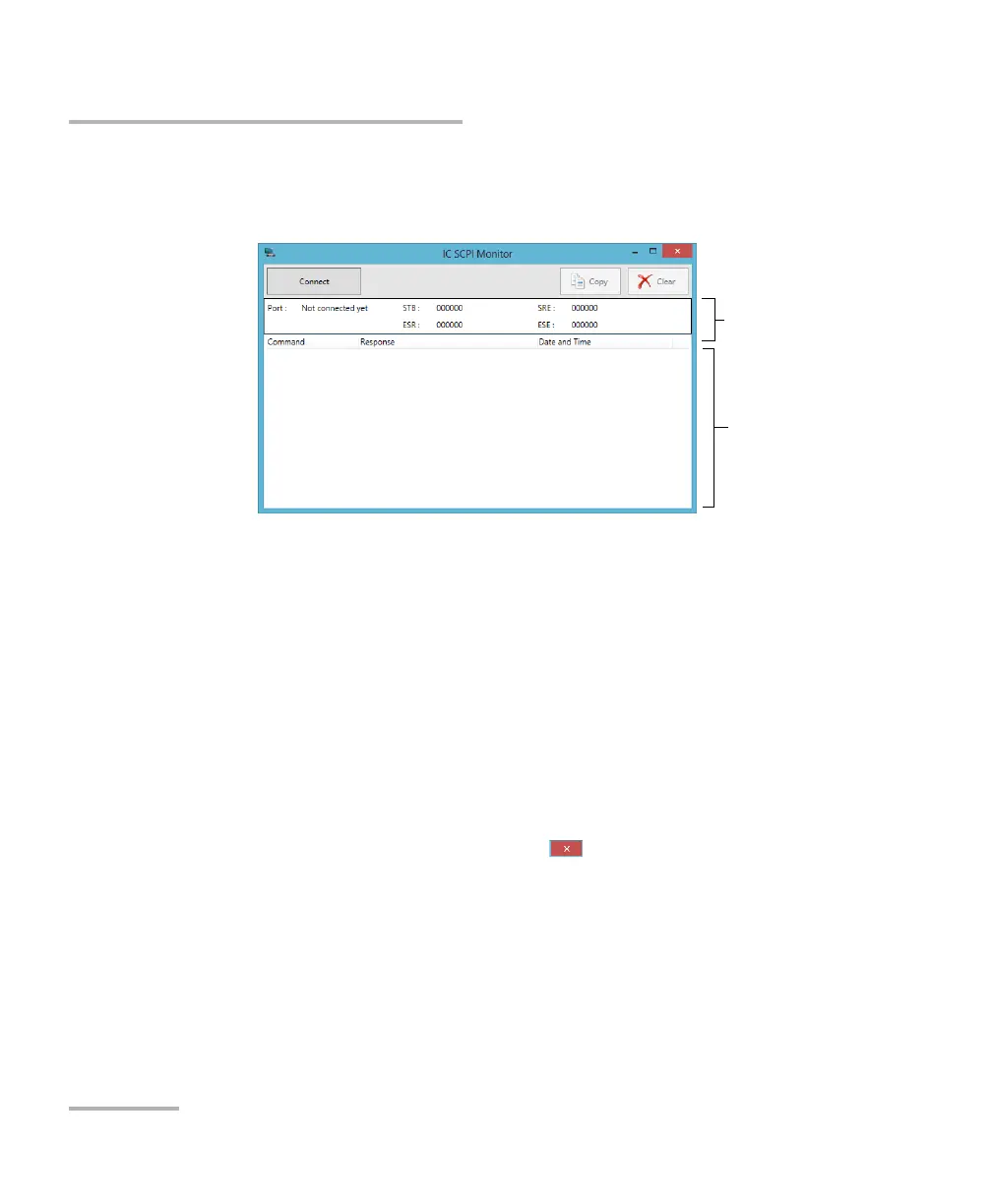
Once connected, your current connection information will appear
in the upper part of the window, and the commands will appear as
a list in the lower part of the window.
To clear the history, tap Clear.
To view the list in any word processor, tap Copy to send it to the
clipboard, and then paste it in your document. You can use any
program, as the list is copied in text format.
To exit the monitoring utility, tap .
For more information, see the section on using your unit in an
automated test environment.
Connection
information
Incoming
commands



 To Next Page