Maintenance
FTB-500 271
Viewing Battery Status
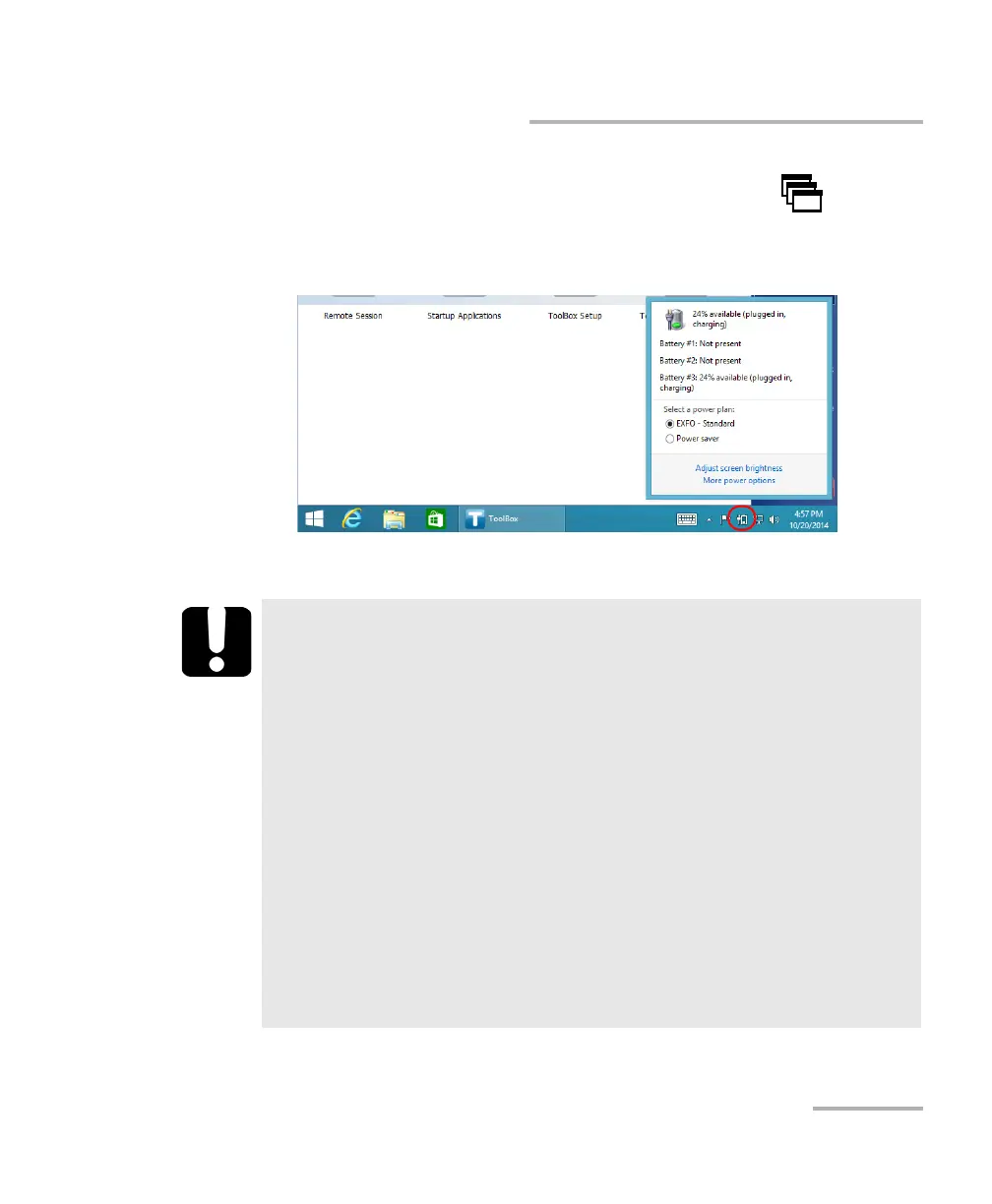
To view the battery status:
1. If necessary, from the front panel of the unit, press the button to
show the taskbar.
2. If you want to view detailed information, tap the battery icon.
The detailed information is displayed.
IMPORTANT
Your FTB-500 was set at the factory to warn you about low battery
charge level (when it reaches about 10 %), and to shut down
automatically when the batteries are at a very low charge level (less
than 5 %).
However, if you are using modules that are more demanding
energy-wise, your unit will shut down automatically before it
reaches 5 %. The charge level that triggers the automatic shutdown
depends on the power required by the modules.
If you are using such modules often, you can set your unit through
the Windows Control Panel to increase the value at which you will
be warned of the low battery level and when the unit will shut
down automatically. For more information about power
management in Windows, refer to the corresponding online
documentation.



 To Next Page