Maintenance
FTB-500 273
Recalibrating the Batteries
3. Connect your unit to a power outlet using the provided AC
adapter/charger or power supply.
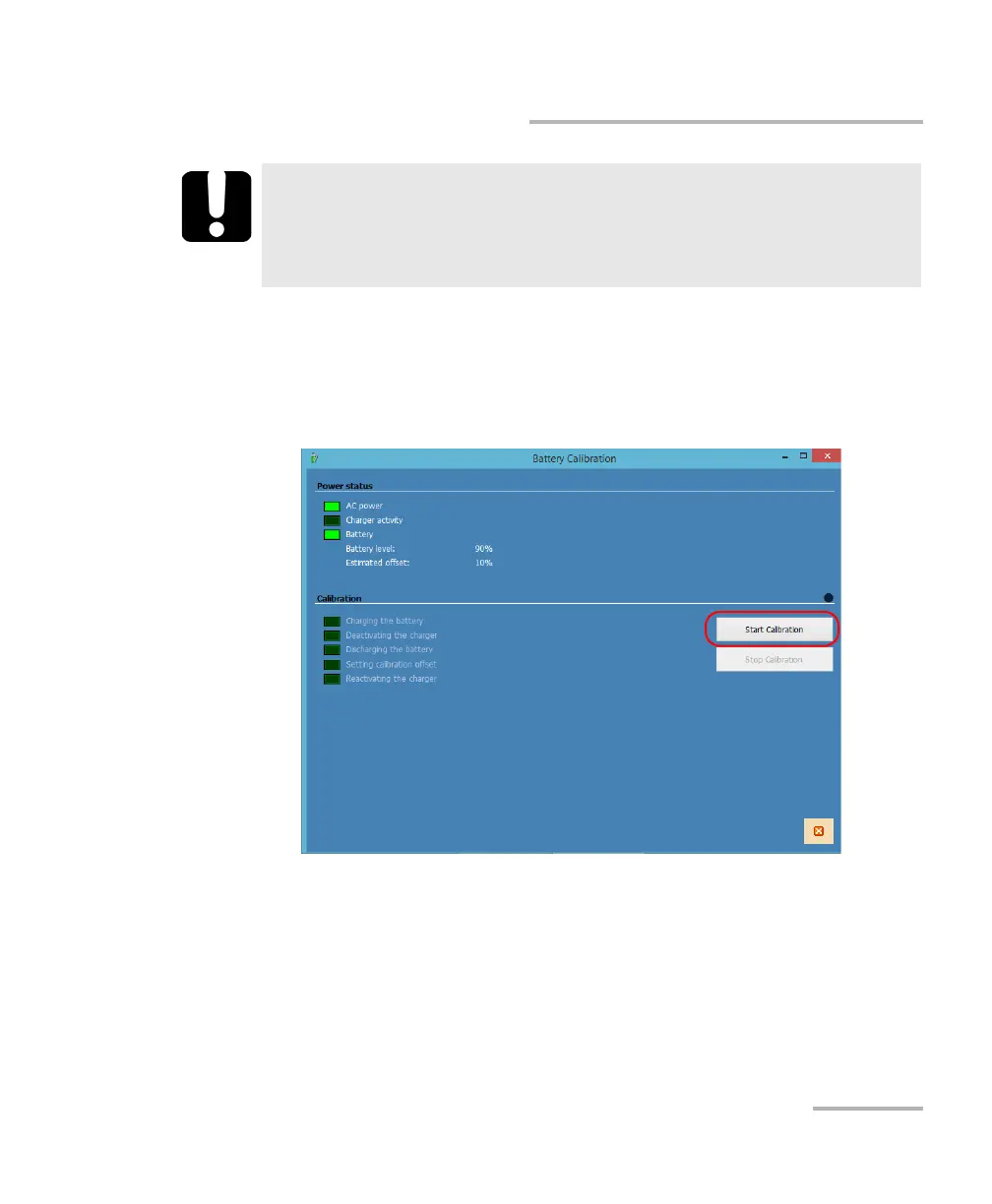
4. Tap the Start Calibration button (the Stop Calibration button will
become available).
When a calibration step is underway, the on-screen LED preceding the
step name appears in yellow. When a step is complete, the LED turns
to green.
Once calibration is complete, the Start Calibration button becomes
available again.
IMPORTANT
During the calibration process, the unit will turn off. Do not restart
the unit while the battery LED indicator is cycling through its
green-red-yellow sequence. This will cancel the calibration process.



 To Next Page