Troubleshooting
FTB-500 309
Viewing System Information
Retrieving the Component Versions
You can view the version of ToolBox as well as those of the system image
and hardware components that are installed on your unit.
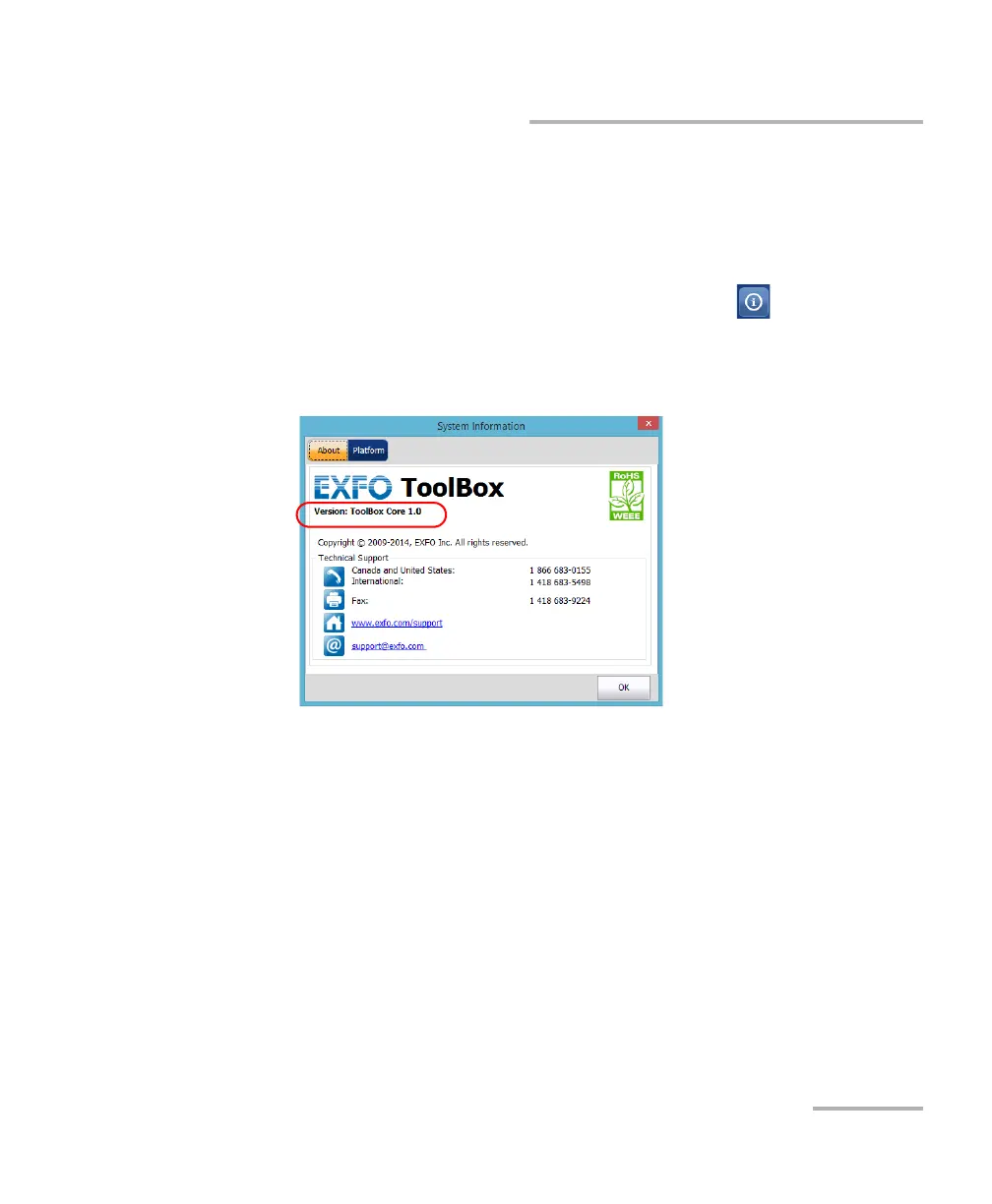
To retrieve the ToolBox version:
1. In the lower right corner of the main window, tap .
2. Tap the About tab.
The version number is displayed.



 To Next Page