Getting Started with Your Unit
28 FTB-500
Inserting and Removing Test Modules
Note: If you are using larger or heavier modules, place them near the bottom of
the unit as much as possible.
4. Insert the protruding edges of the module into the grooves of the
receptacle’s module slot.
5. Push the module all the way to the back of the slot, until the retaining
screw makes contact with the receptacle casing.
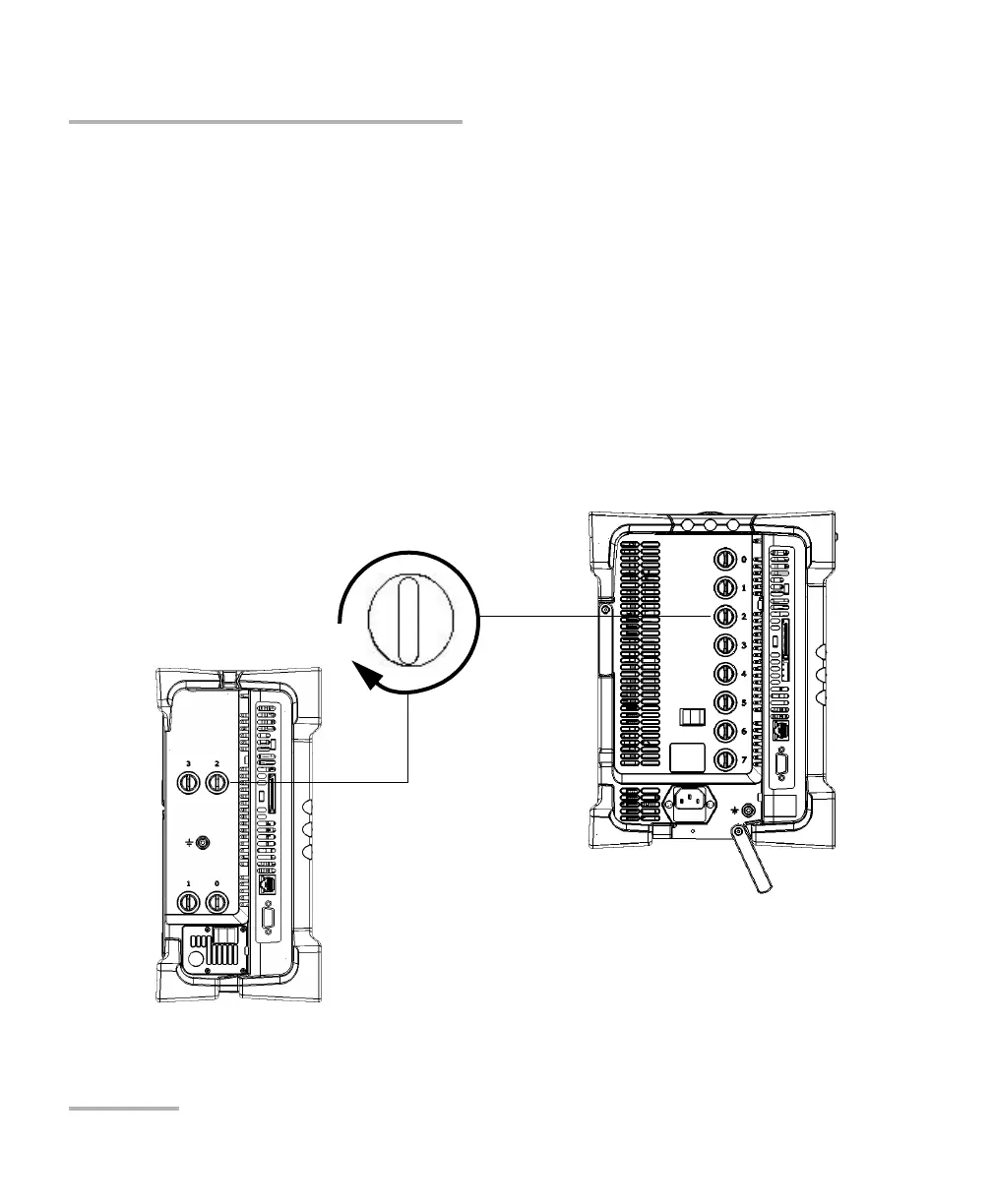
6. Place the unit so that its left panel is facing you.
7. While applying slight pressure to the module, turn the retaining screw
clockwise until it is tightened.
This will secure the module into its “seated” position.
Turn retaining screw knob
clockwise
FTB-500 left panel



 To Next Page