Getting Started with Your Unit
30 FTB-500
Inserting and Removing Test Modules
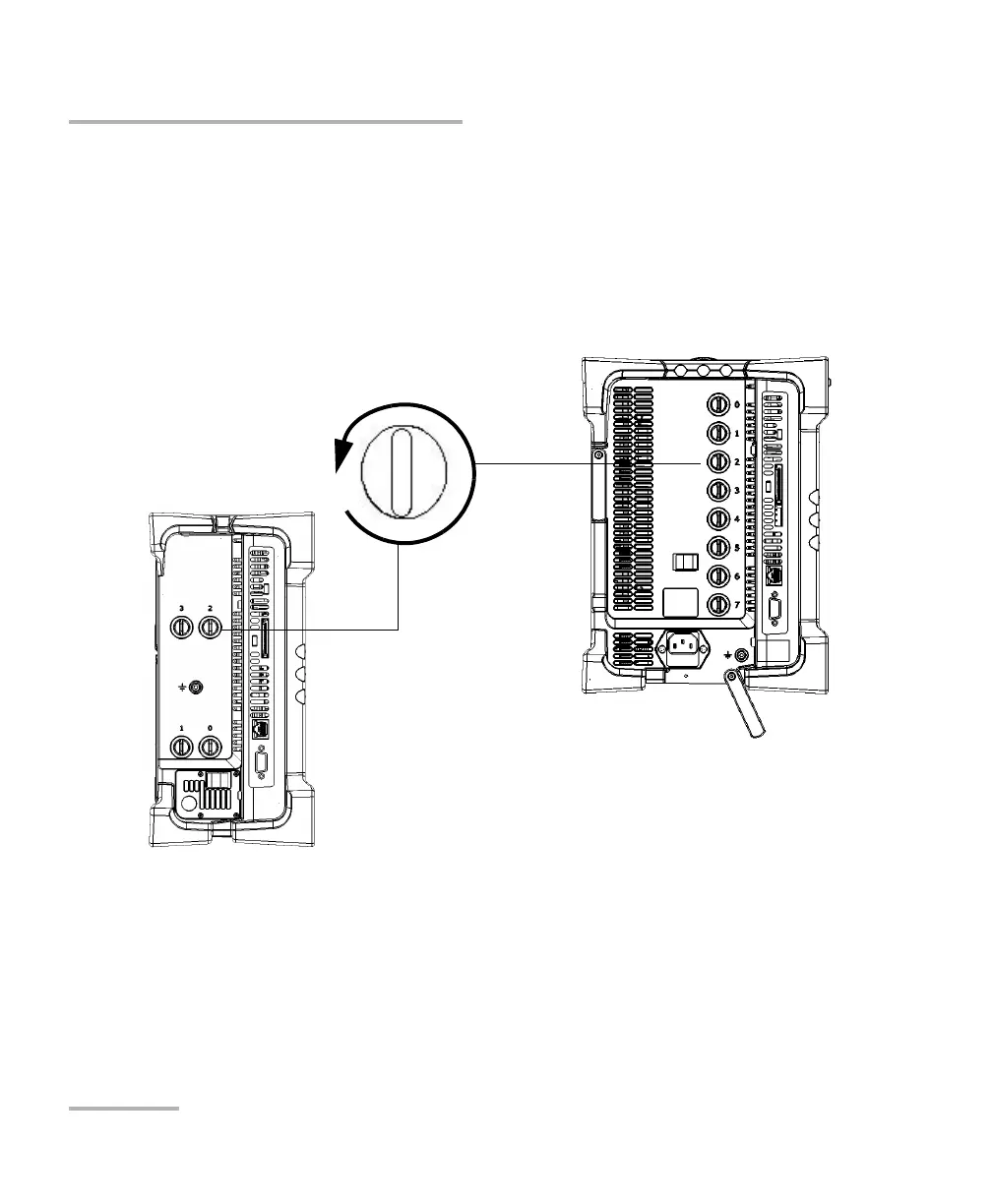
To remove a module from the FTB-500:
1. Exit ToolBox and turn off your unit (shut down, not hibernate or sleep).
2. Position the unit so that the left panel is facing you.
3. Turn the retaining screw counterclockwise until it stops.
The module will be slowly released from the slot.
4. Place the unit so that the right panel is facing you.
Turn retaining screw knob(s)
counterclockwise
FTB-500 left panel



 To Next Page