Communicating Through TCP/IP over Telnet
416 FTB-500
Executing SCPI Commands Over Telnet
To connect through TCP/IP over Telnet from a remote
Windows client:
1. From your computer, start Windows.
2. On the taskbar, click Start (Start button ( ) under Windows 8.1 and
Windows 10) and select Run.
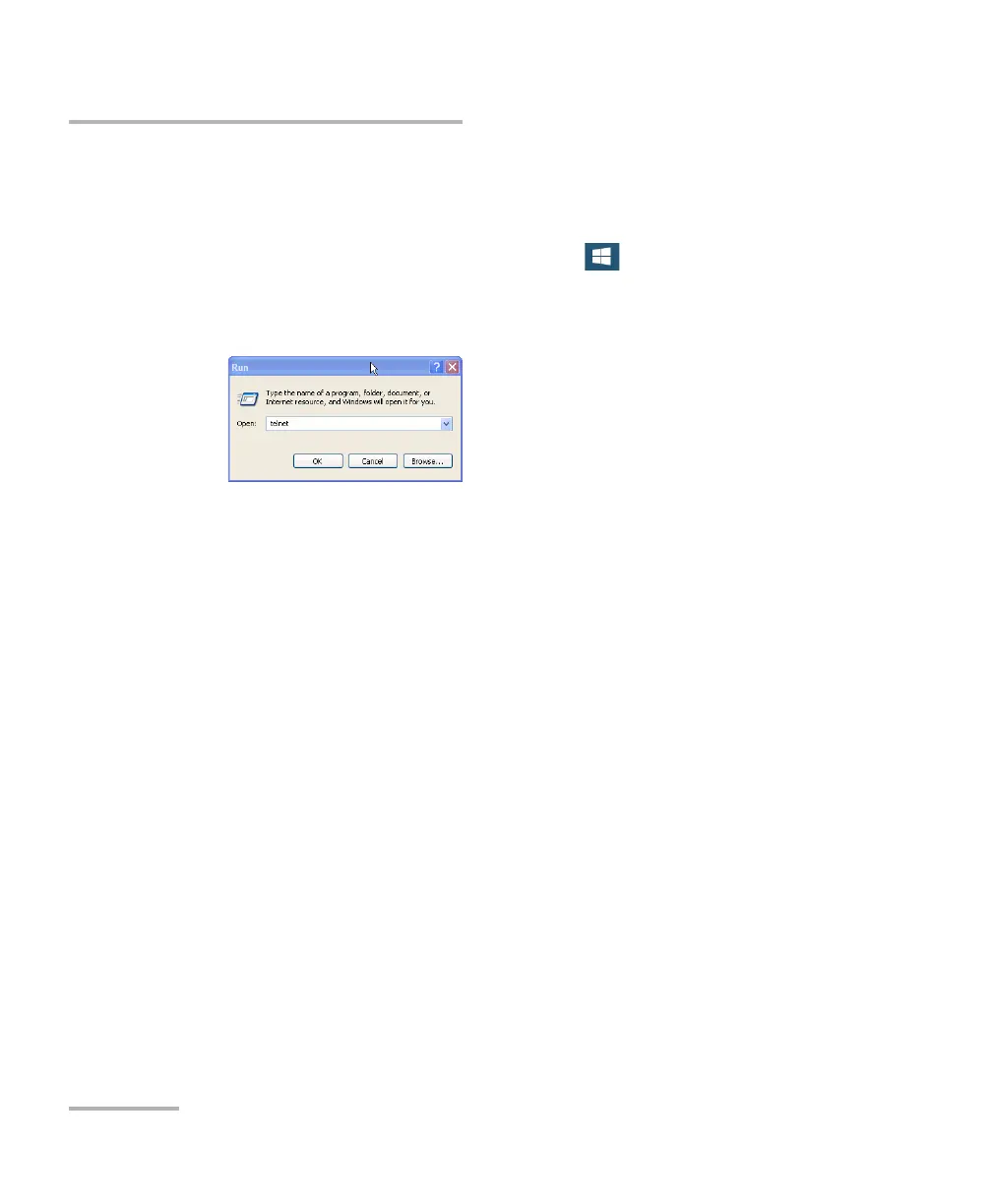
3. In the Open box, type telnet, and then click OK.
Note: If you receive an error message, it probably means that the Telnet client is
not already activated on your computer. In this case, in the Open box, type
pkgmgr /iu:TelnetClient, and then click OK to enable the client. Once it is
done, perform step 3 again.



 To Next Page