Getting Started with Your Unit
FTB-500 37
Turning Off Your Unit
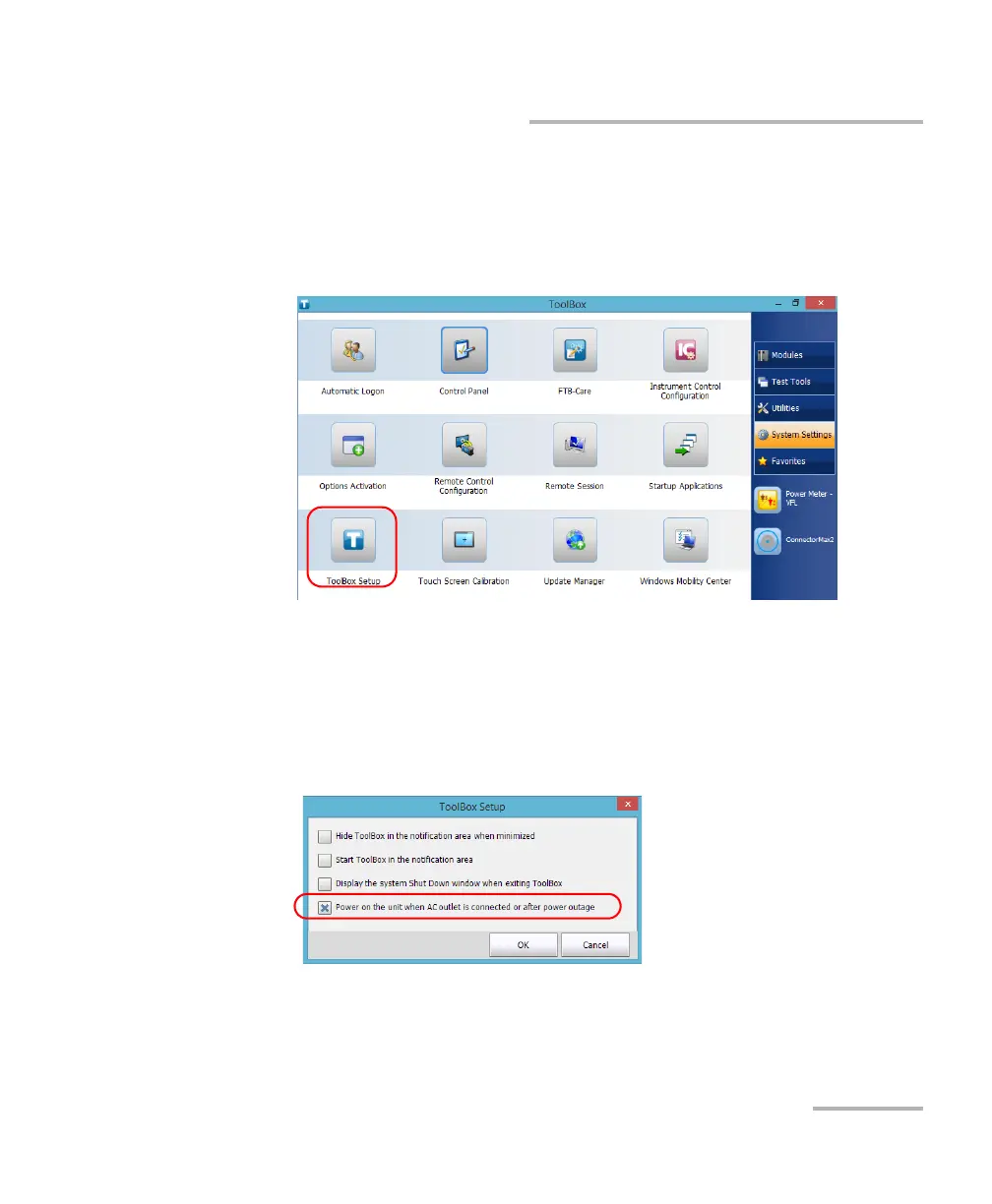
To configure your unit to automatically restart after AC power
comes back:
1. From the main window, tap the System Settings button.
2. Tap ToolBox Setup.
3. Select the Power on the unit when AC outlet is connected or after
power outage box to enable the corresponding option.
OR
Clear the box if you prefer that your unit does not restart automatically
after AC power comes back.
4. Tap OK to confirm the changes and return to the System Settings
window.



 To Next Page