Getting Started with Your Unit
52 FTB-500
Activating Software Options
To activate software options for your unit or module:
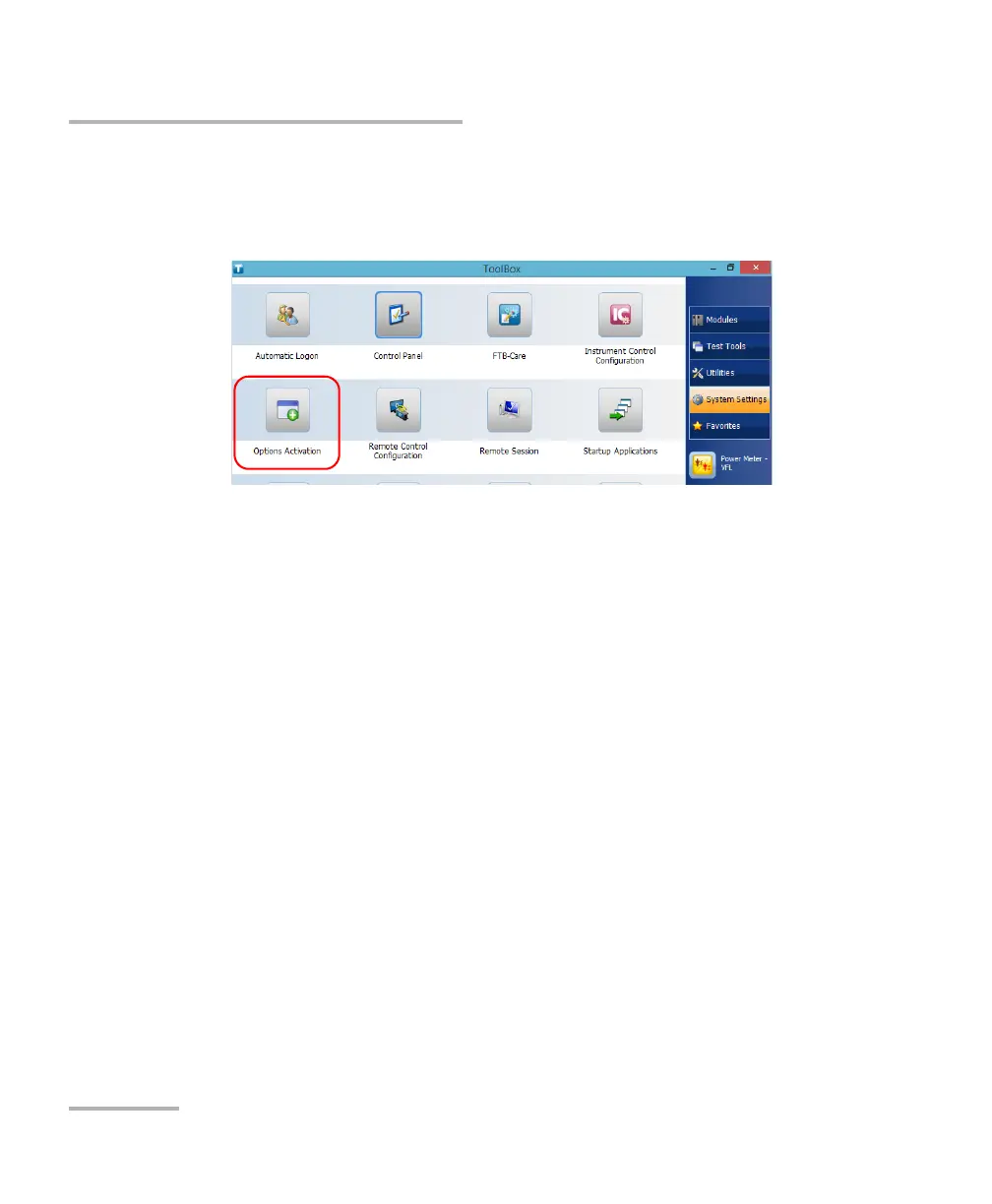
1. From the main window, tap the System Settings button, and then tap
Options Activation.
2. When the application prompts you to authorize the changes to your
unit (identified as “computer”), tap Yes.



 To Next Page