Setting Up Your FTB-500
66 FTB-500
Adjusting Microphone and Speaker Volume
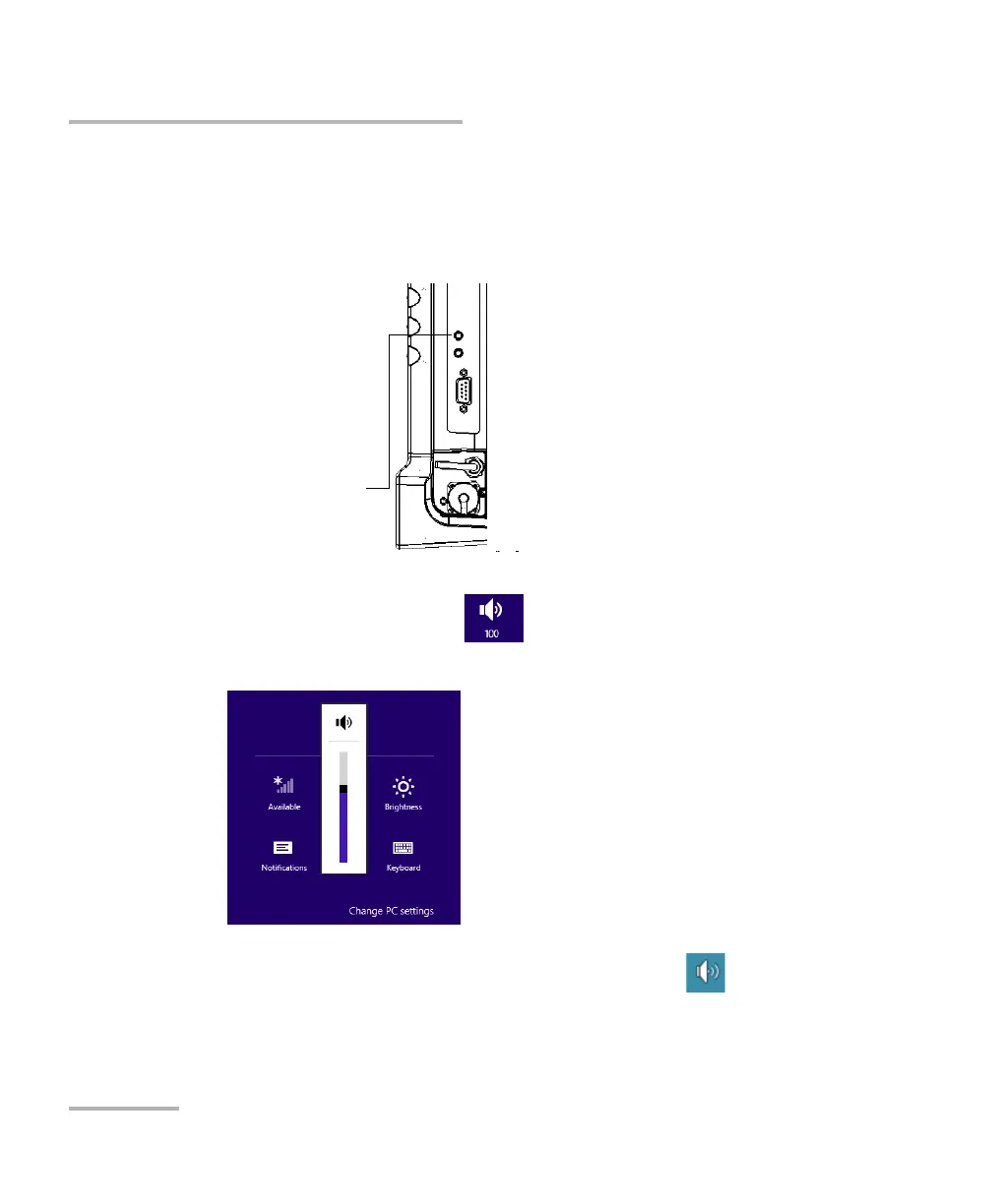
To adjust speaker (or headphones) volume:
1. If necessary, ensure that the external speaker (or headphone jack if
you are using a headset) is connected to the audio out port located on
the right panel of the unit.
2. From the right side of the screen, swipe left to display the Charm bar.
3. Tap Settings, and then the icon.
4. Move the slider until the sound level is to your liking.
Note: You can also access the sound level slider by tapping the icon from the
taskbar.
The new value is taken into account immediately.
Audio out port
(for 3.5 mm connector)



 To Next Page