MLC 62 Series • Hardware Setup
2-21
VOLUME
DISPLAY
OFF
PC
VIDEO
LAPTOP
MUTE
OFF
ON
PC
VIDEO
LAPTOP
MUTE
Extron
Extron
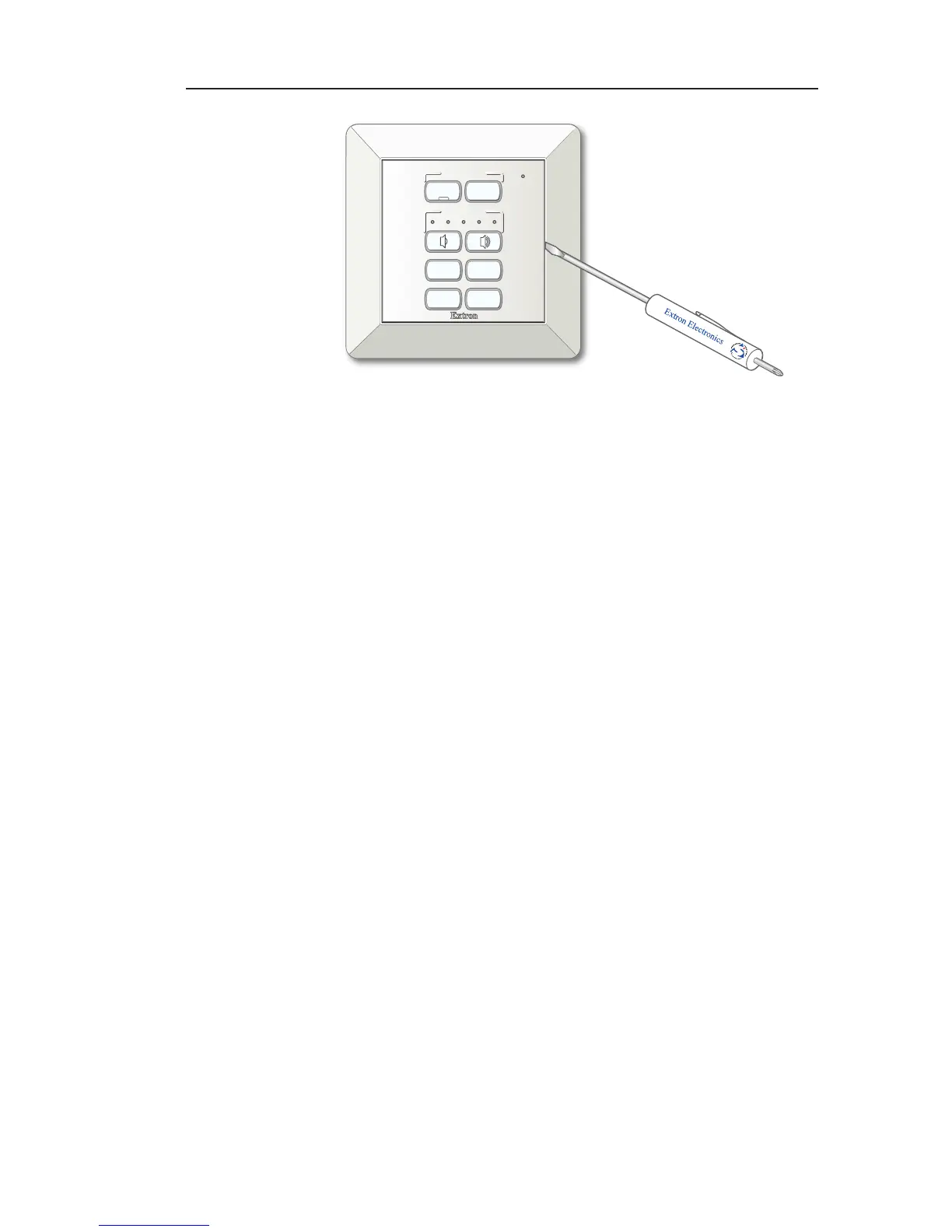
Pressing the release tab to remove the MLC 62 EU
from the wall frame
3. Pry the MLC upward until it is free of the wall frame, then
lift the unit out of the mounting surface.
To reinstall the MLC, press it into the opening in the wall frame
until the both tabs on the unit snap into place.



 To Next Page