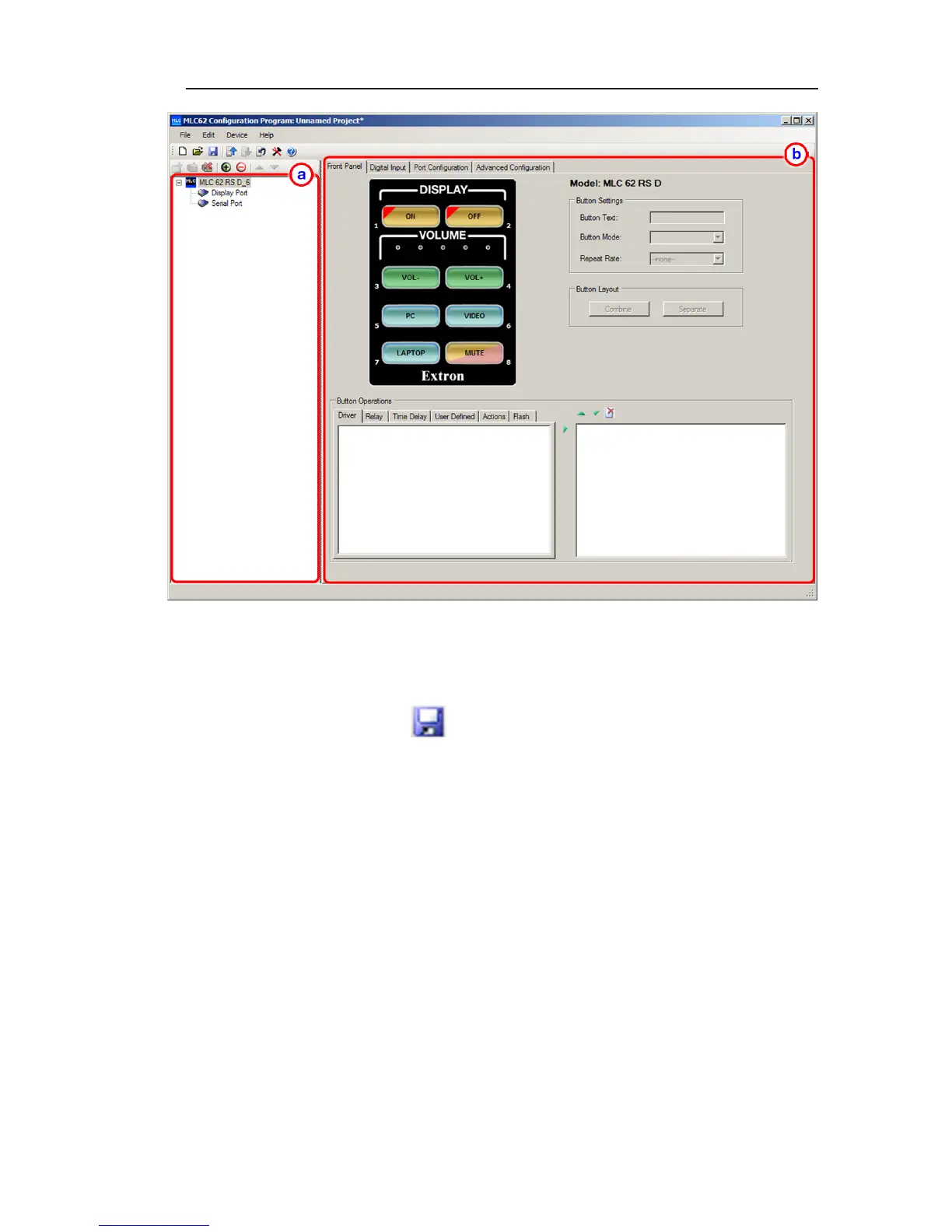
MLC 62 Series • Software Setup
3-5
The MLC 62 main window
5. Save and name your project as follows:
a. From the File menu, select Save As..., or click the Save
icon on the main toolbar.
b. On the Save As window, give your project file a name
and save it to the desired location on your computer.
N
Your project is saved as a file with a .mlp extension.
Step three: configure the ports
Add the desired drivers (downloaded in step 1) to each port
to which a device (for example, your display or switcher) is
connected.
1. From the device configuration tree, select a port name to
configure (ports are listed under the configuration's name).
It is recommended that you start with the Display port.
When you select the port, the Port Configuration screen is
displayed. You can also click the Port Configuration tab
to display it.



 To Next Page