MLC 62 Series • Introduction
1-3
VOLUME
Extron
DISPLAY
ON OFF
LAPTOP MUTE
VIDEOPC
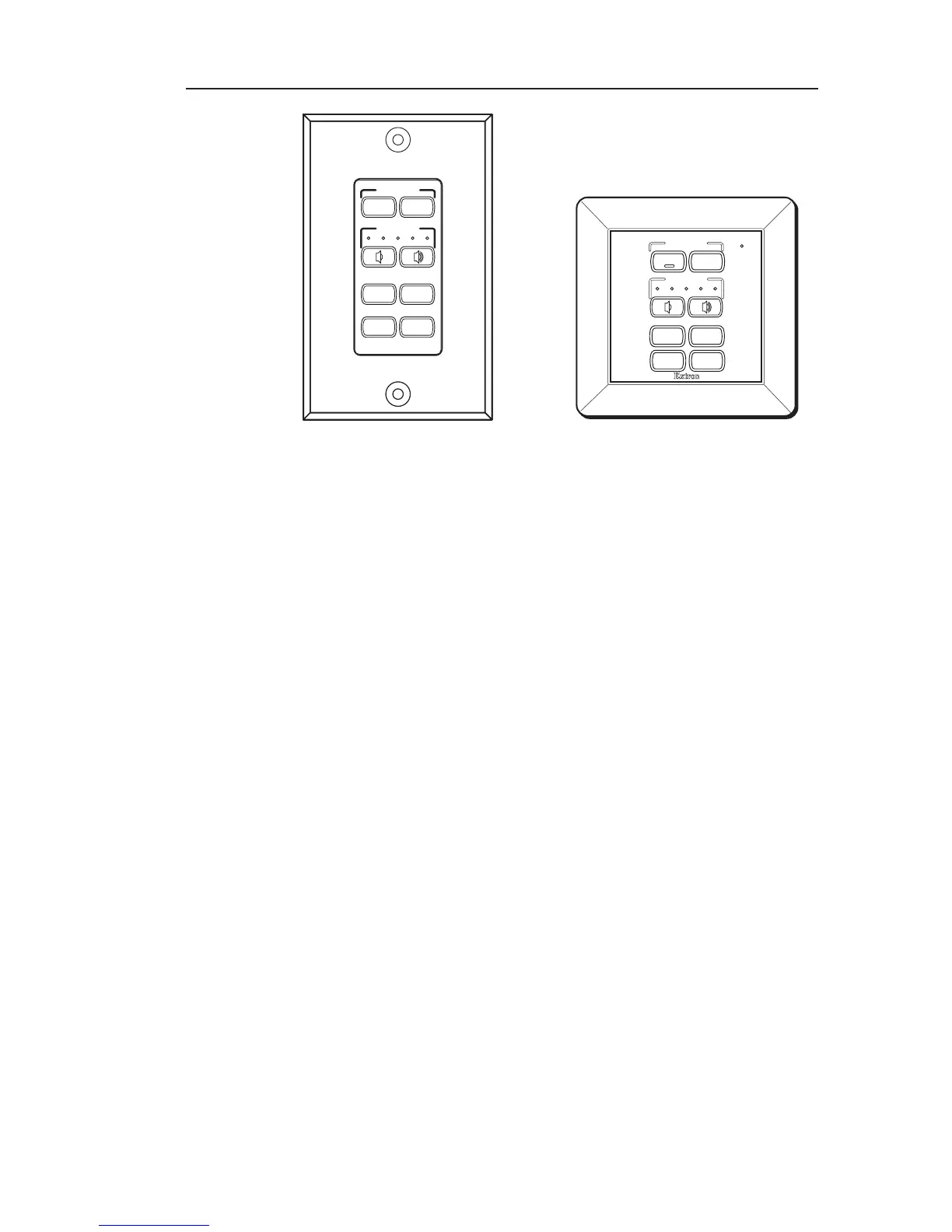
MLC 62 D MLC 62 EU
Alternative faceplates
If desired, you can order a six-button faceplate for either MLC
model. These alternative faceplates contain six slots that
accommodate a split Display button, a split Volume button, and
two single buttons.
Windows-based configuration software
The MLC 62 Configuration Program, provided on DVD with the
product, enables you to set functions for the front panel buttons
and configure the MLC's ports in order to control display
devices via the MLC. This software works in combination with
the IR or RS-232 drivers, also provided with the MLC on DVD
or available on the Extron Web site. See chapter 3, "Software
Setup", for information on getting started using this software.
System requirements
The minimum system requirements for the PC on which you
install the configuration software include:
• Intel
®
Pentium
®
III 1 GHz processor
• MicroSoft Windows XP SP2
• 512 MB of RAM
• 50 MB of available hard disk space
Extron
VOLUME
DISPLAY
ON
OFF
LAPTOP MUTE
PC VIDEO



 To Next Page