MLC 62 Series • Hardware Setup
Hardware Setup, cont’d
2-20
MLC 62 RS D
VOLUME
DISPLAY
OFF
ON
MUTE
LAPTOP
VIDEO
PC
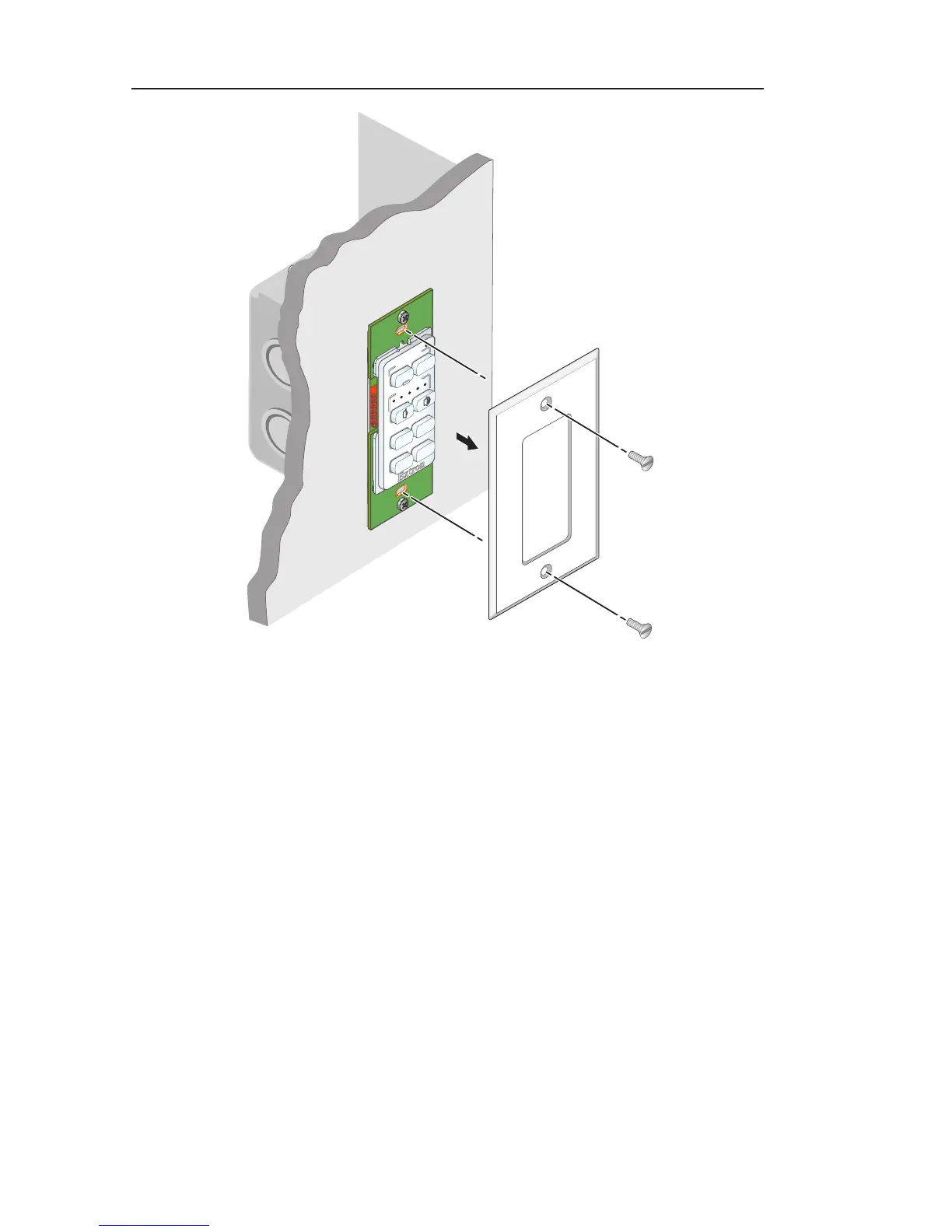
Wallplate
Removing the MLC 62 D wallplate
Accessing MLC 62 EU side panel features
To access the MLC 62 EU side panel features (IR sensor and
USB connector), you must remove the MLC from the plastic
wall frame, leaving the frame attached to the metal mounting
bracket.
To remove the MLC from the wall frame:
1. Insert the flat tip of the provided Extron Tweeker (or other
small, flat-headed screwdriver) in the center on the right or
left side, between the edge of the MLC and the wall frame.
2. Press the screwdriver head inward to release the tab
holding the MLC in place in the wall frame.



 To Next Page