Ch2. Connections | 17
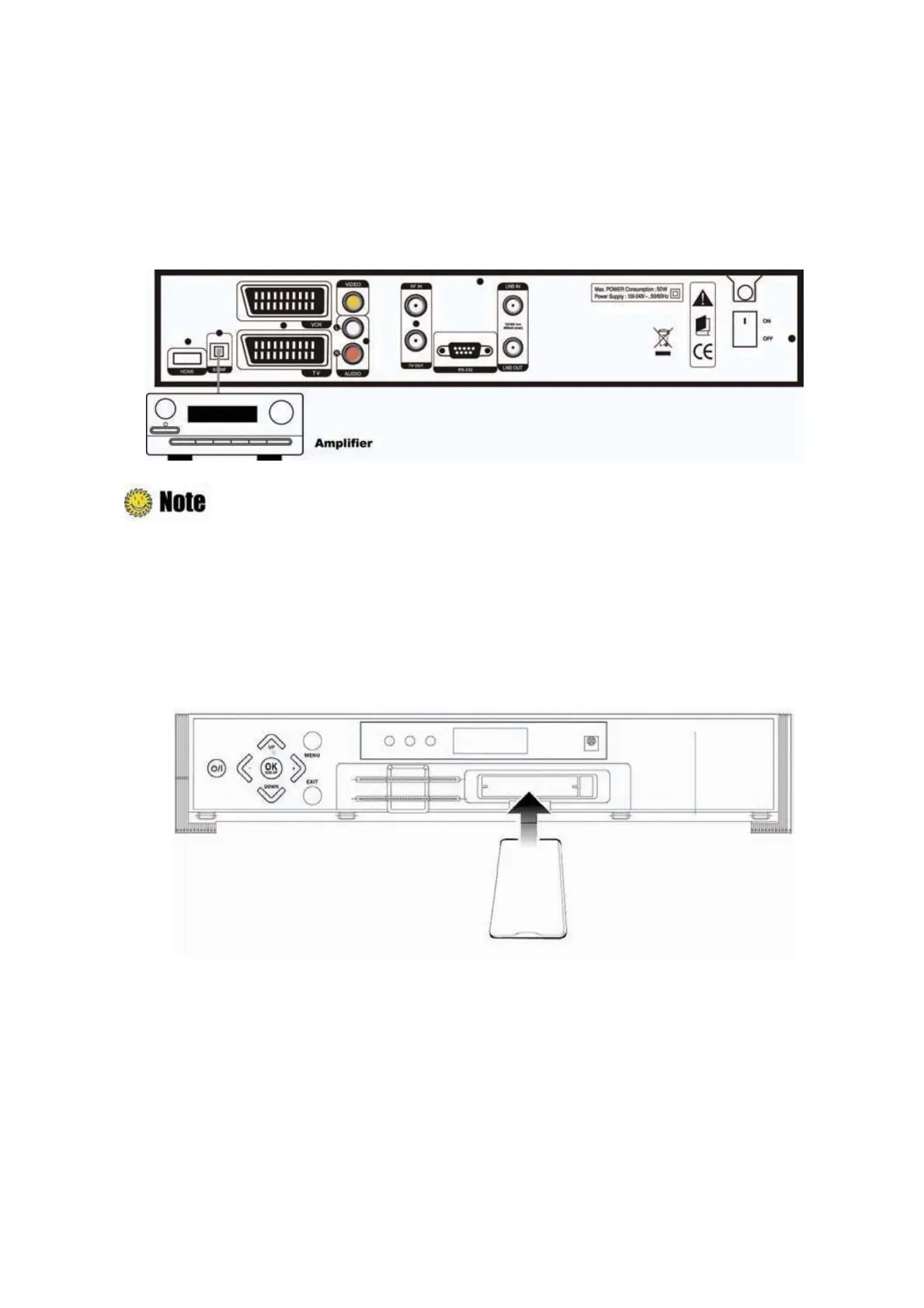
2.3 Connect to the Optical S/PDIF(Optional)
If you watch a program encoded by a Dolby Digital, you can enjoy the higher quality sound of the
Dolby Digital audio
U
Connect the optical S/PDIF to Dolby digital decoder or Digital television.
S/PDIF is an optional port.
2.4 Connecting to CI Module
Insert CI module fully into CI slot for watching TV programs from Service Provider.



 To Next Page