Ch5. Settings | 33
4.9.6 Editing Channels
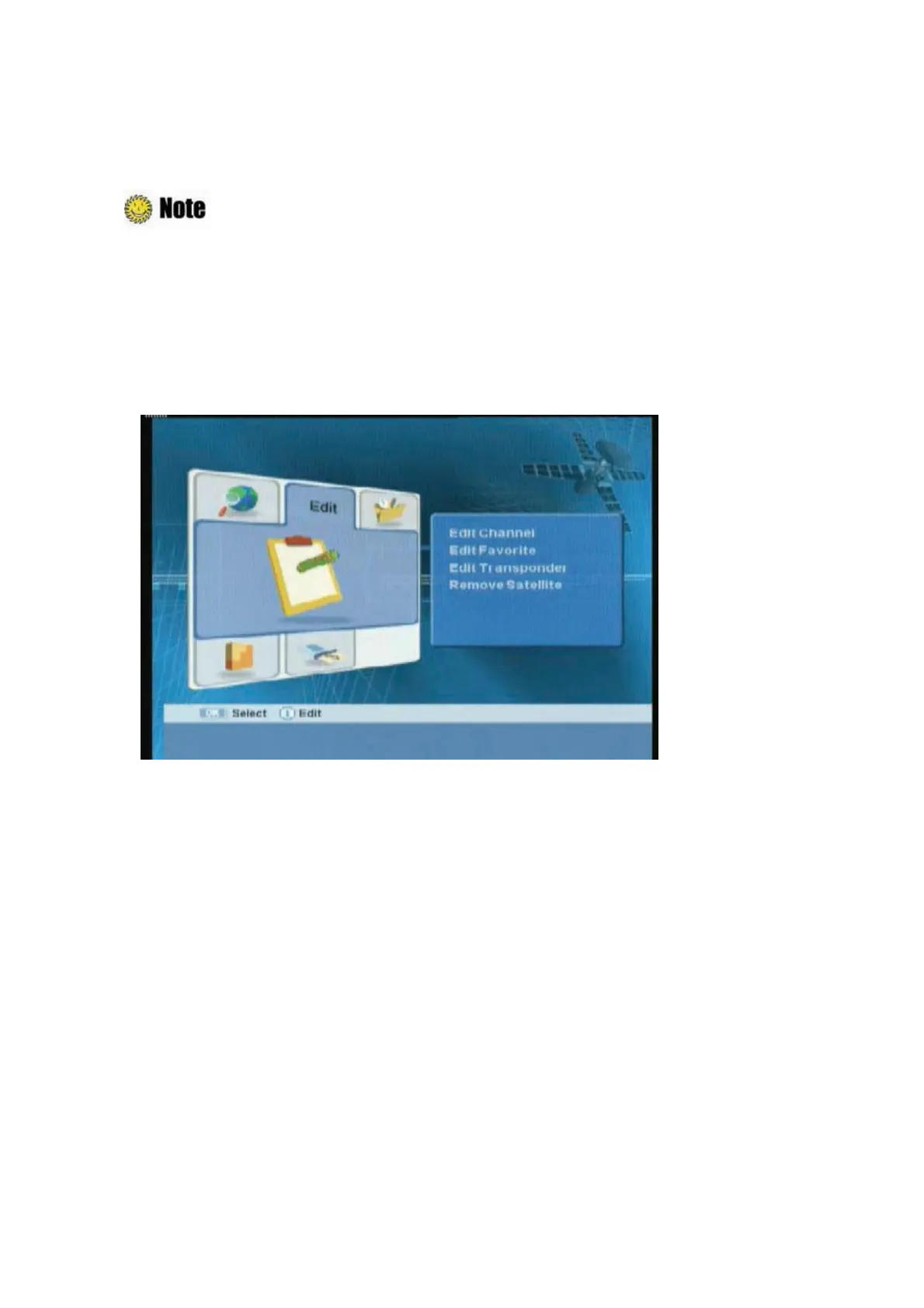
You can edit(such as lock, delete, move, and rename) all channels or each channel.
Press the “EXIT” or “MENU” button to save the changes and return to the previous menu.
1. Press the “MENU” button.
2.
ᐭ
!
Move to the Edit menu using the “
䯛䯝
” button, and press the “OK” button.
ᐮ
!
Select the Edit
Channel menu using the “OK” button.
!
ᐯ
Enter your password using the
ˈ
0~9
ˉ
buttons.
G
The
default password is 0000.
3. You can lock, delete, move, and rename all channels or each channel. If you want to delete one
or more channels, select the desired channel(s) and press the “Green” button.
4. Whenever you press the “MENU” or “EXIT” button after completing channel deletion, the
following message will appear. Move cursor to the “OK” button and press the “OK” button to
save the changes.



 To Next Page