Ch5. Settings | 47
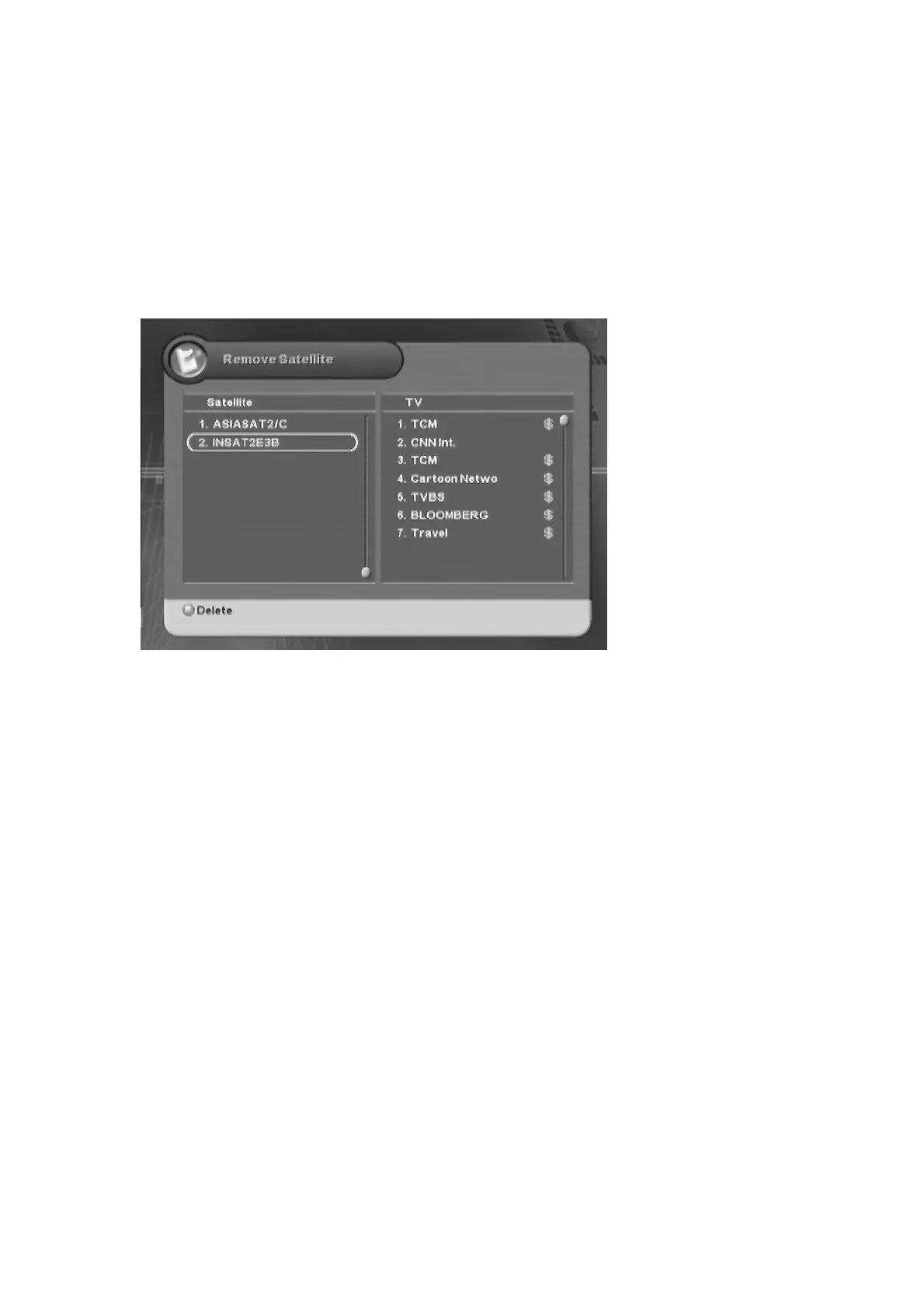
5.2.4 Remove Satellite
You can remove the channel(s) for the only added satellite.
1.
#ᐭ
!
Move to the Edit menu using the “
ൖ൘
” button, and press the “OK” button.
ᐮ
!
Move to the
Remove Satellite sub-menu using the “
” button, and press the “OK” button.
!
ᐯ
Enter your
password using the
ˈ
0~9
ˉ
buttons.
G
The default password is 0000.
2. Press the “OK” button to select the satellite.
3. Press the “Red” button to delete the channel(s) for the satellite.
4. Whenever you press the “MENU” or “EXIT” button after deleting the channel(s), the confirmation
message will appear. Move cursor to the “OK” button and press the “OK” button to save the
changes.



 To Next Page