24 | S 30.12CI H User Manual
[Basic
Functions ]
4.1 Changing Channel
There are several ways to change the channel.
z
Press the “
G
” button on the remote control to access the channels sequentially.
z
Enter your desired channel number using the “0~9“ buttons directly.
z
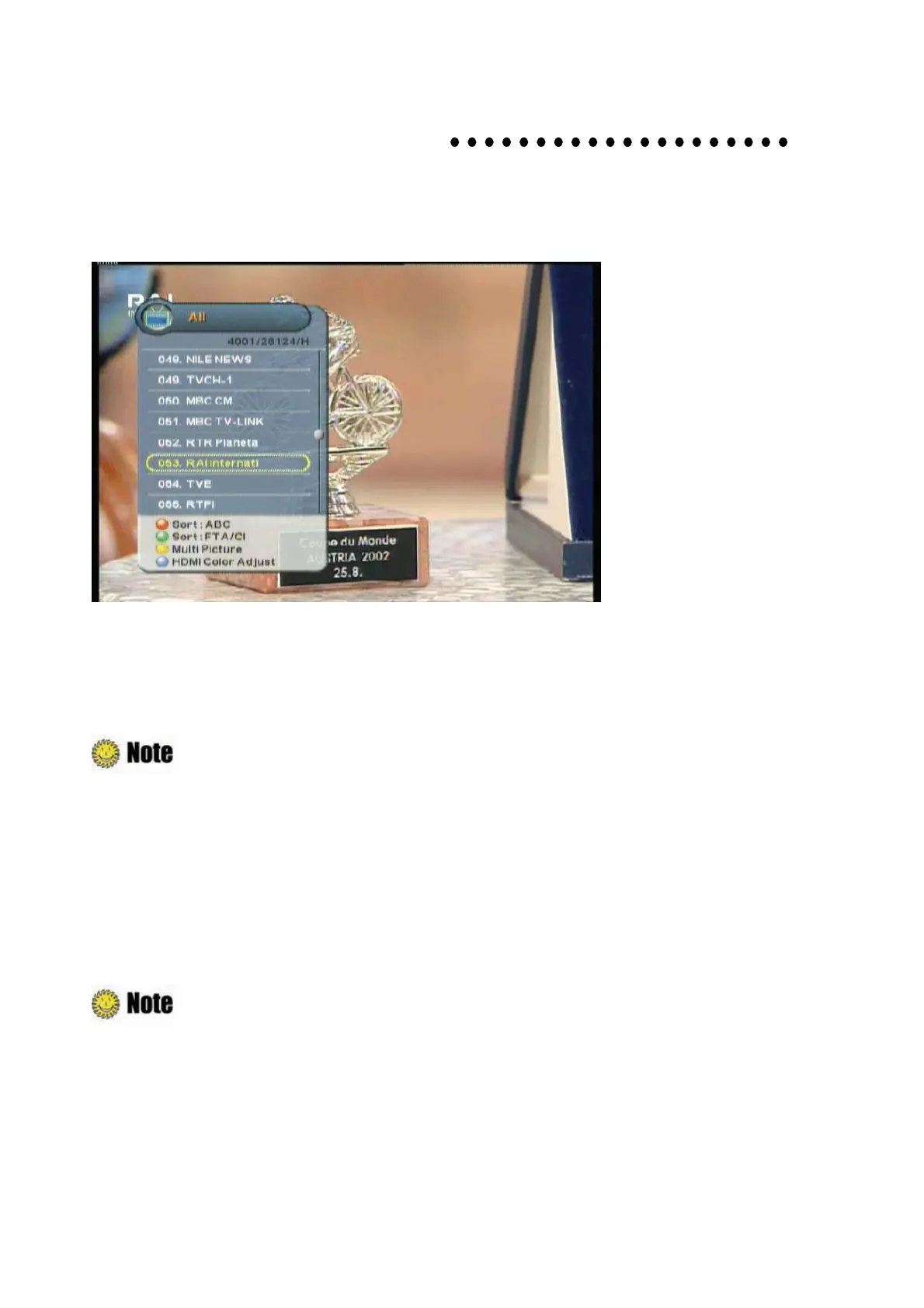
Press the “OK” button to display TV channel list, and then select the desired channel.
z
You can move to the previous channel by pressing the “Blue” button.
: During setting up the Menu(ex, Guide, Edit channel, etc), you can also change the
current channel using the lower “CH
G
” button without OSD.
4.2 Adjusting Volume
You can change the volume level of the current channel.
z
Press the “
䯛䯝
” button to change the audio volume level.
z
Press the “MUTE” button to turn the sound off temporarily.
: During setting up the Menu(ex, Guide, Edit channel, etc), you can also change the
volume level using the lower “VOL
G
” button without OSD.



 To Next Page