18 | S 30.12CI H User Manual
2.5 Starting Up
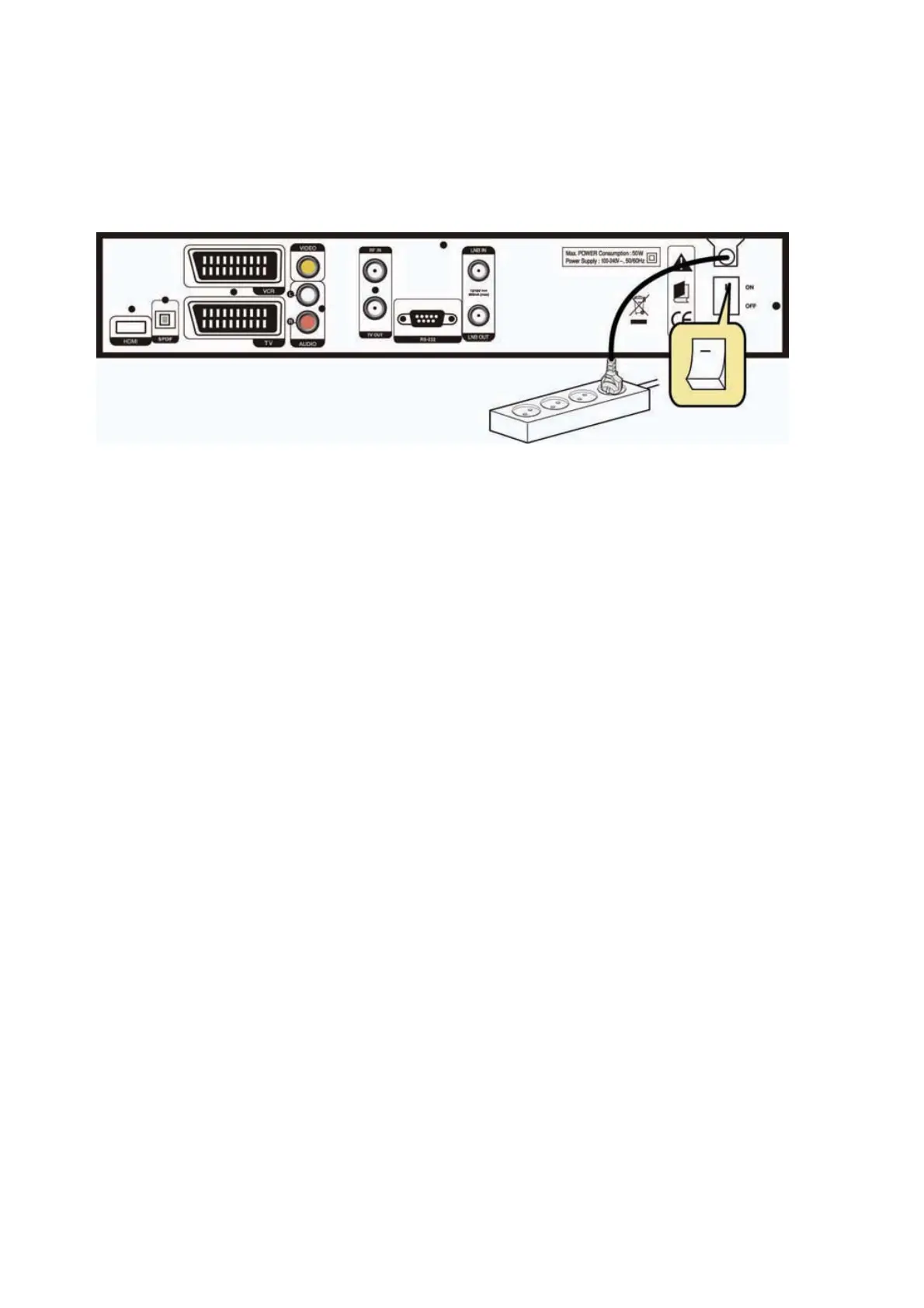
1. Connect the power cord of the receiver to a power outlet
G
and press the “Power” button at the
rear panel to turn the receiver on.
2. The first time you power up the receiver, it will display the initial screen, then some parameters
for system configuration should be set. Refer to the following chapter for detailed information
about the basic settings.



 To Next Page