Ch5. Settings | 45
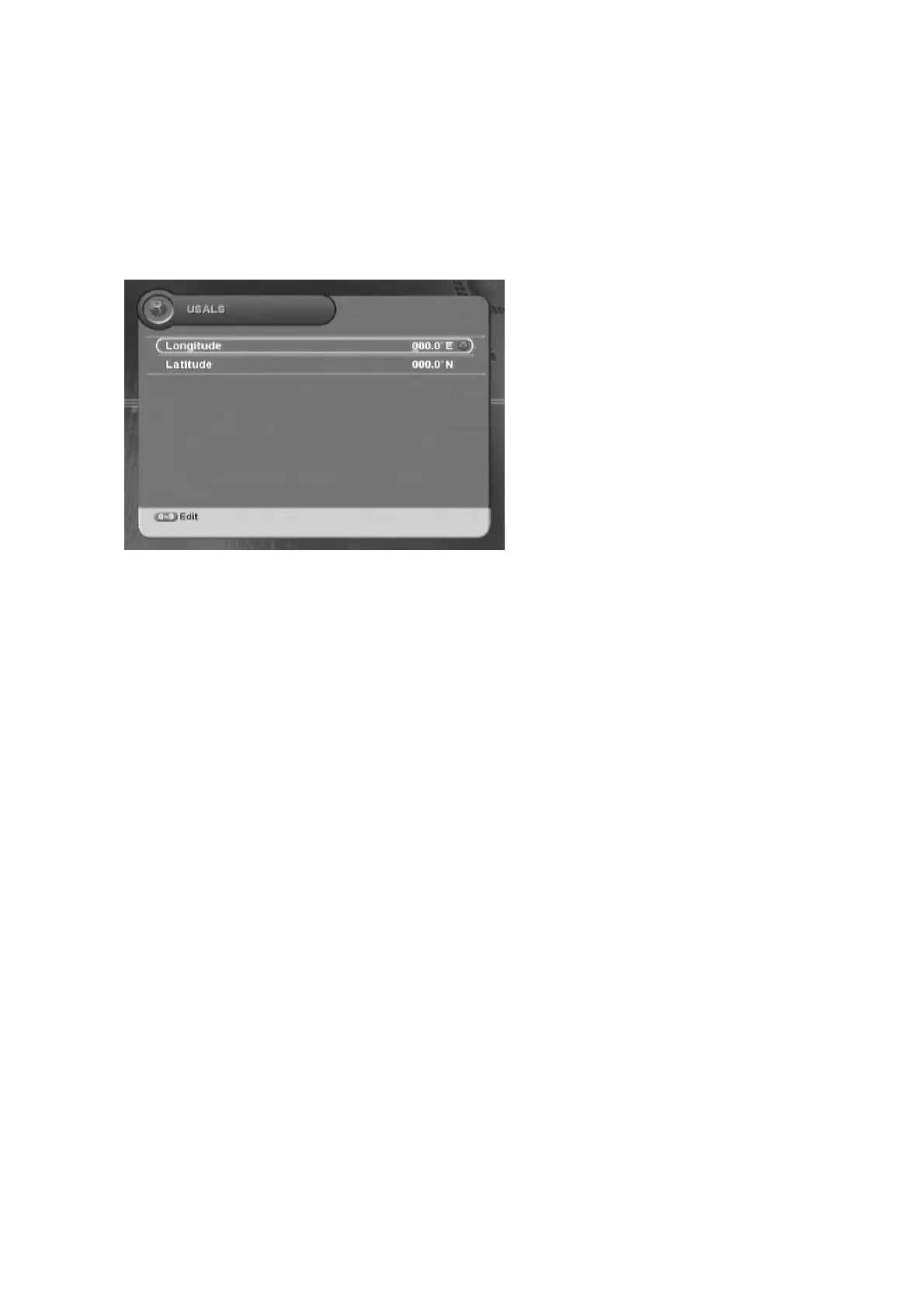
5.1.6 USALS
You can set the angle of the antenna by entering the values directly.
ᐭ
!
Move to the Search Channel menu using the “
䯛䯝
” button, and press the “OK” button.
ᐮ
!
Move to the USALS sub-menu using the “
䮨䮪
” button, and press the “OK” button.
!
ᐯ
Enter your
password using the
ˈ
0~9
ˉ
buttons.
G
The default password is 0000.
Longitude, Latitude :
You can enter the value
using the “0~9” button.
1. Enter Longitude and Latitude value directly using the “0~9” button.
2. When the entering angle values are finished, the confirmation message will appear. Move
cursor to the “OK” button and press the “OK” button to save the changes.



 To Next Page