52 | S 30.12CI H User Manual
5.4 Tools
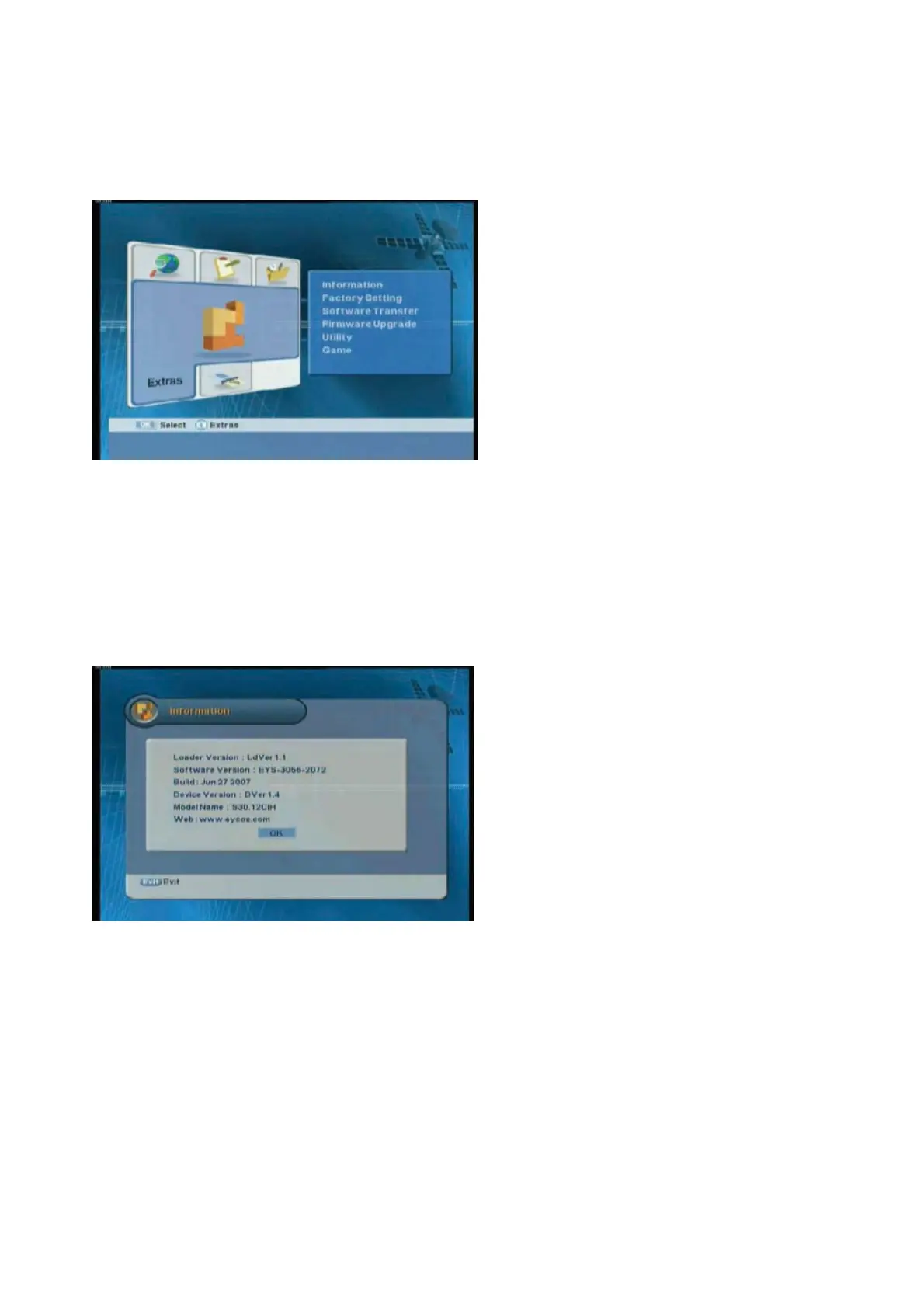
You can view the receiver information, restore to the default setting, upgrade the program, and etc.
z
Information:
Shows the receiver version.
z
Factory Setting:
Restores to the default
setting.
z
Software Transfer:
Upgrades the
program.
z
Firmware upgrade:
The latest s/w can be
downloaded by on-air.
z
Utility:
Provides the convenient utilities
such as calendar and calculator.
z
Game:
Provides the games.
ᐭ
!
Move to the Tools menu using the “
ൖ൘
” button, and press the “OK” button.
ᐮ
!
Move to the
desired sub-menu using the “
” button, and press the “OK” button.
5.4.1 Information
You can view system information.



 To Next Page