Ch5. Settings | 29
[ Advanced
Functions ]
4.9 Managing Channel List
4.9.1 Displaying Channel List
You can see various channel lists and change the channels from the channel list more
conveniently.
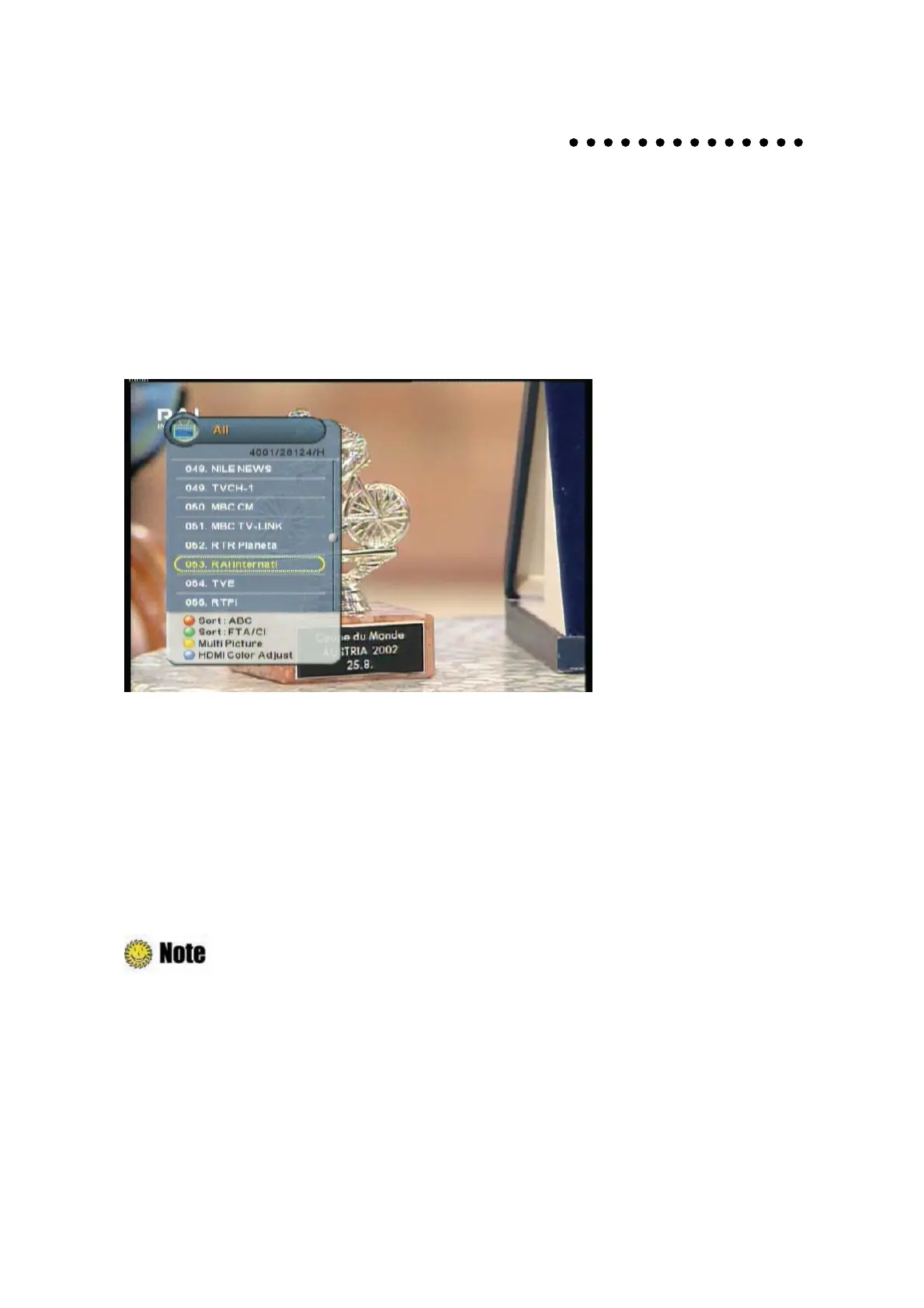
1. Press the “OK” button while watching a program to display the selected channel list.
z
RED: Sorts the channel lists by alphabetic order.
z
Green: Sorts the channel lists by FTA/CI order.
z
Yellow: Displays the multi-channel window.
z
Blue: HDMI Color adjust.
2. Move to the desired channel using the “
ˉ
button and press the “OK” button to change the
channel.
Press the “FAV” button to switch among the channel modes such as ‘ALL, FAV1~4, etc’. Refer to
Chapter 4.10 Managing Favorite Channel Lists
for more information.



 To Next Page