Ch3. Basic Settings | 21
2. Select the appropriate GMT Offset value using the “
ൖ൘
” button or enter the local time using the
“0~9” button.
3. Press the “Red” button to move to the next setting. Or press the “EXIT” button to return to the
previous screen.
Press the “EXIT” button to save the previous input information and exit the basic settings. If you
exit the basic settings without fully completing the setting procedures, you may not watch any
broadcasting normally.
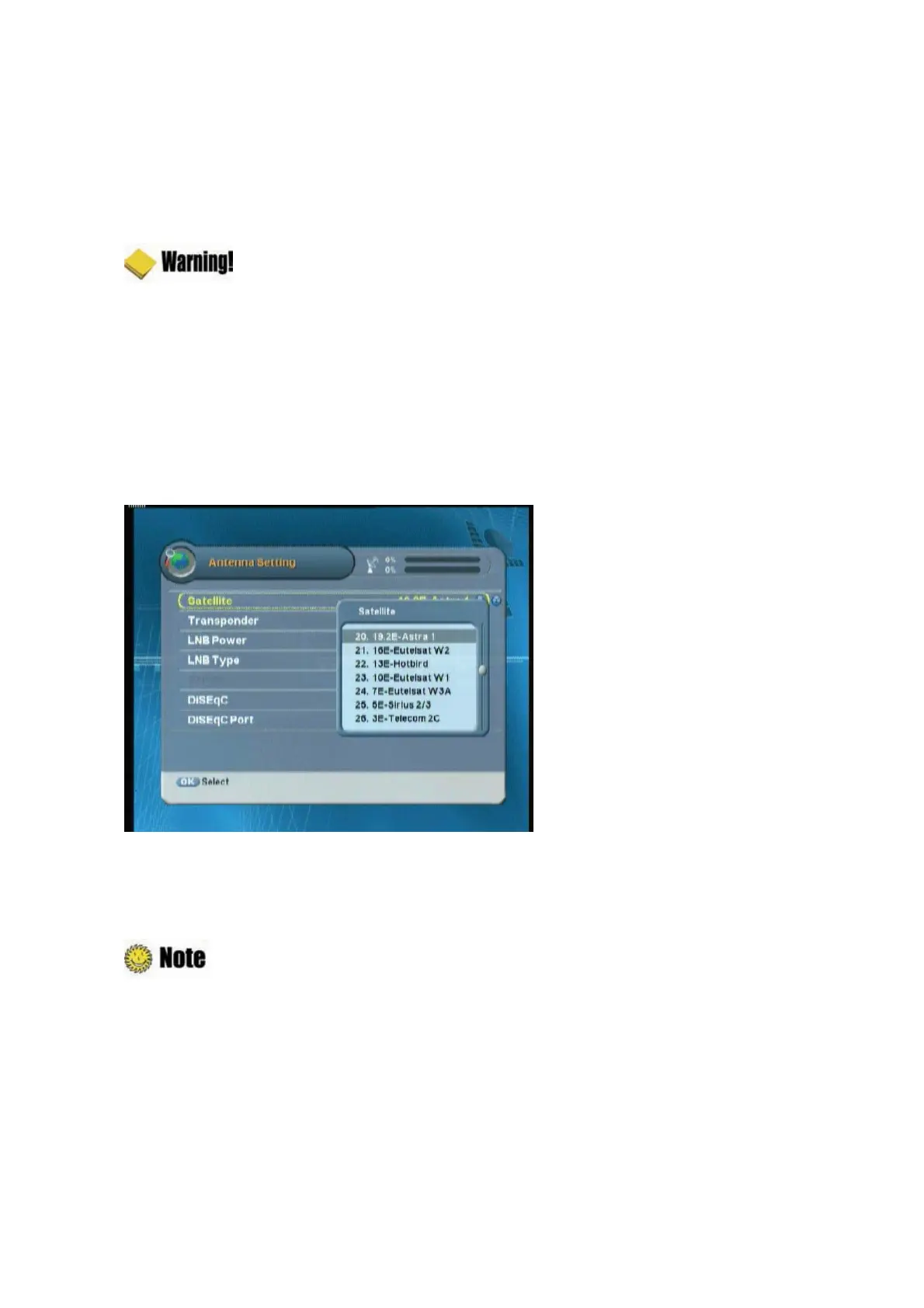
3.3 Antenna Setting
You can set the antenna's properties to watch the program.
1. Select the Satellite name using the “
ൖ൘
” button.
2.
Set transponder value for the satellite
using the “
ൖ൘
” button.
3. Set the LNB power and frequency type using the “
ൖ൘
” button.
: When using Universal LNB, select Universal for LNB type (9750/10600 (MHz)). Also,
if you select Universal, 22KHz tone value is disabled.
4. Select 22kHz Tone using the “
ൖ൘
” button. When using 22kHz tone switch, select ‘On’.
Otherwise, select ‘Off’.
5. Select DiSEqC item using the “
ൖ൘
” button.
6. When you complete the setting, press the “Red” button to search the channel.



 To Next Page