26 | S 30.12CI H User Manual
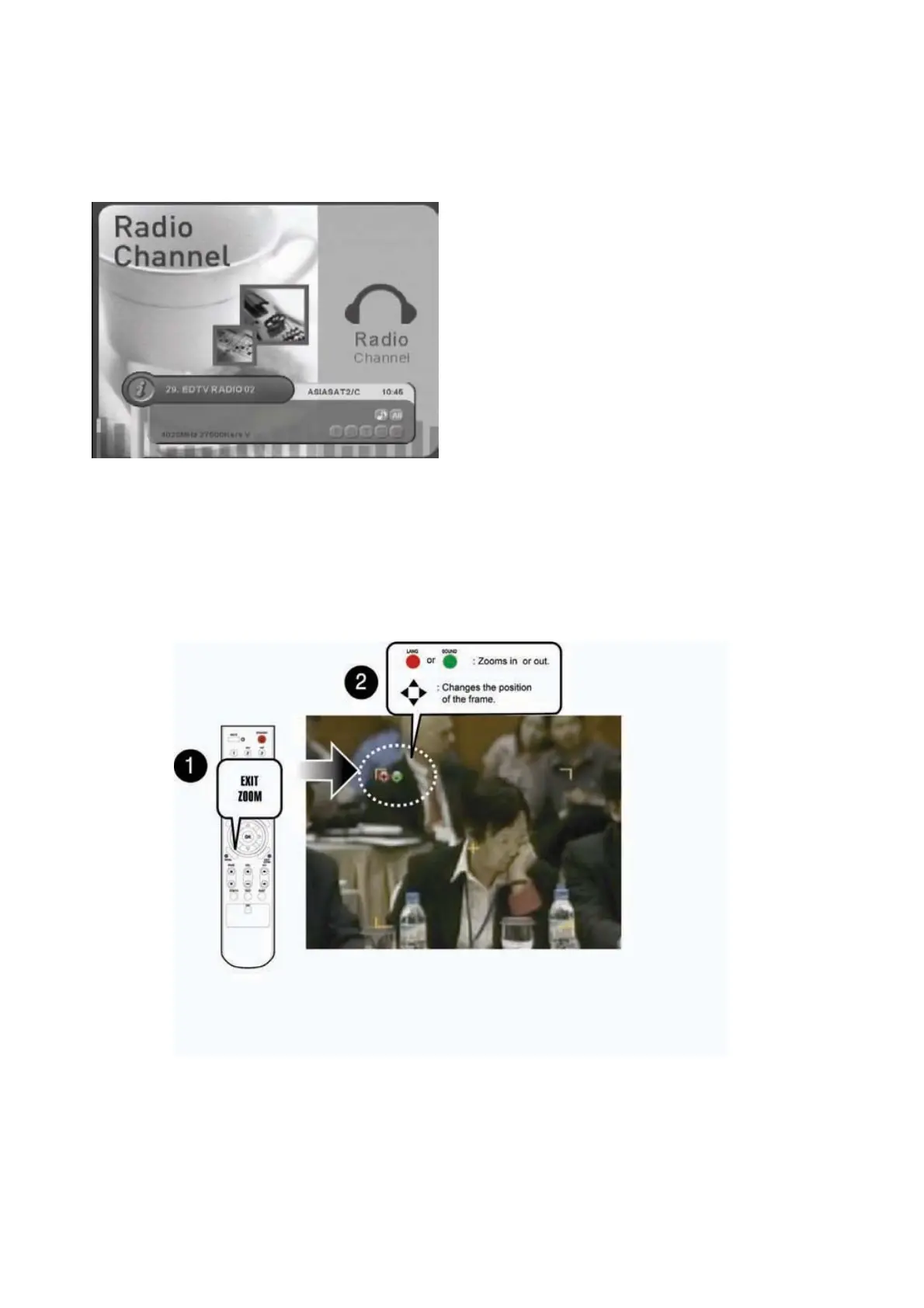
4.4 Switching TV and Radio
Press the “TV/RADIO” button to switch TV/Radio.
4.5 Freezing Screen/Zooming Screen
You can zoom in or out the current screen.
1. Press the “Yellow” button to pause the current program.
2. Press the “EXIT/ZOOM” button to select zooming mode.
3. Press the “Red” button to zoom in the screen or the “Green” button to zoom out the screen.
Or press the “
䯛䯝
” button to change the position of the frame.
4. Press the “OK” button to zoom in or out the current screen.
5. Press the “EXIT” button to return to the normal screen size. Press the “Yellow” button again to
continue the program.



 To Next Page