Ch5. Settings | 37
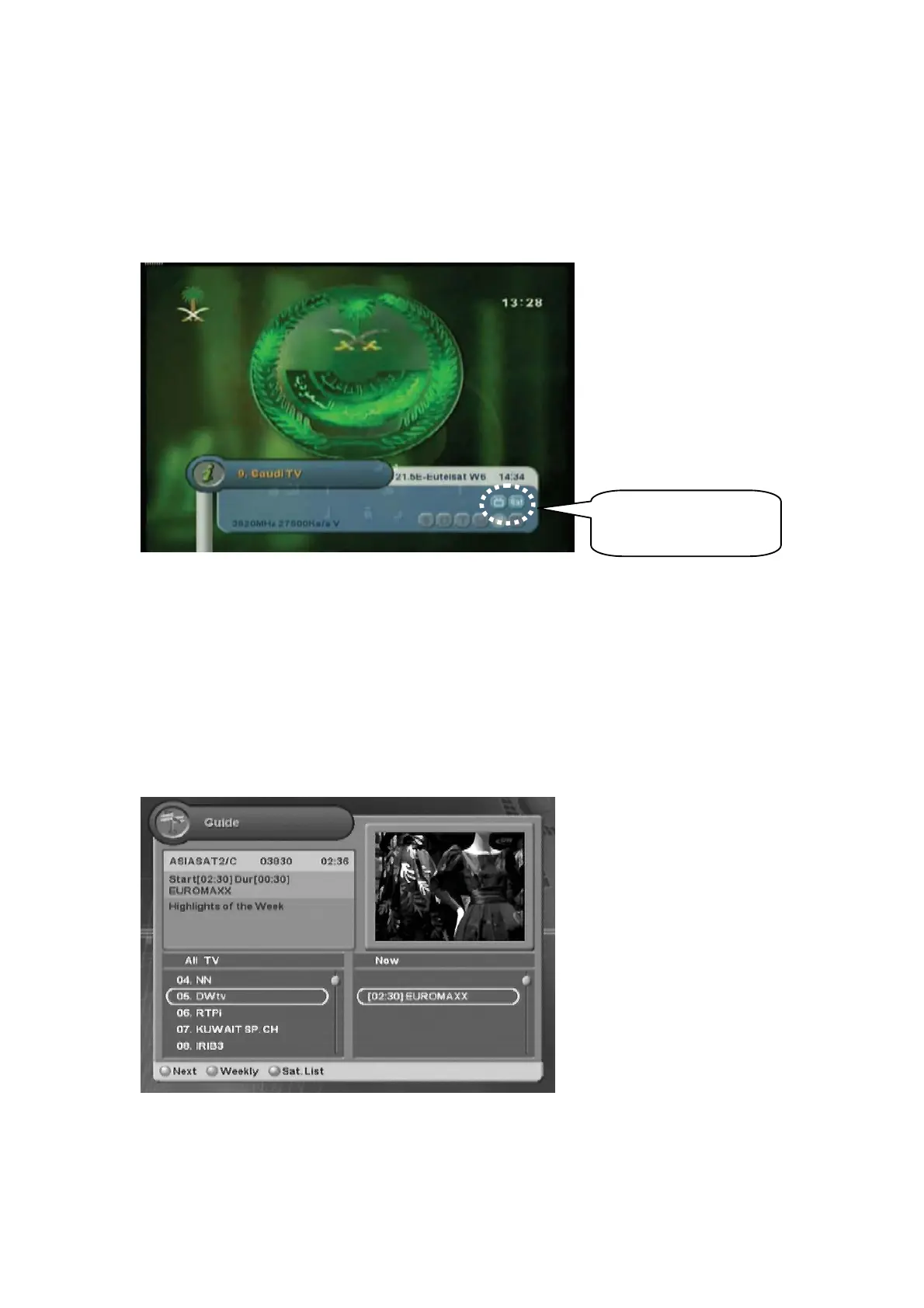
4.11 Changing Channel Mode
You can change the channel mode by group.
1. Whenever you press the “FAV” button, the channel mode changes sequentially such as
ALLĺFAV1ĺ FAV2ĺ…ĺ
hss
.
2. Press the “OK” button to display All Channel or Favorite Channel lists according to the current
channel mode.
4.12 Viewing Program Guide
The Program Guide shows program information about each channel-by date and time.
1. Press the “GUIDE” button.
Move to other desired channel using the “
ź” button. If there are
G
multiple channels, use the
“PAGE
ź” button to move to
G
channels by page.
2. Press the “Red” button to view weekly schedule for the selected channel.
Channel Mode



 To Next Page