48 | S 30.12CI H User Manual
5.3 Setup
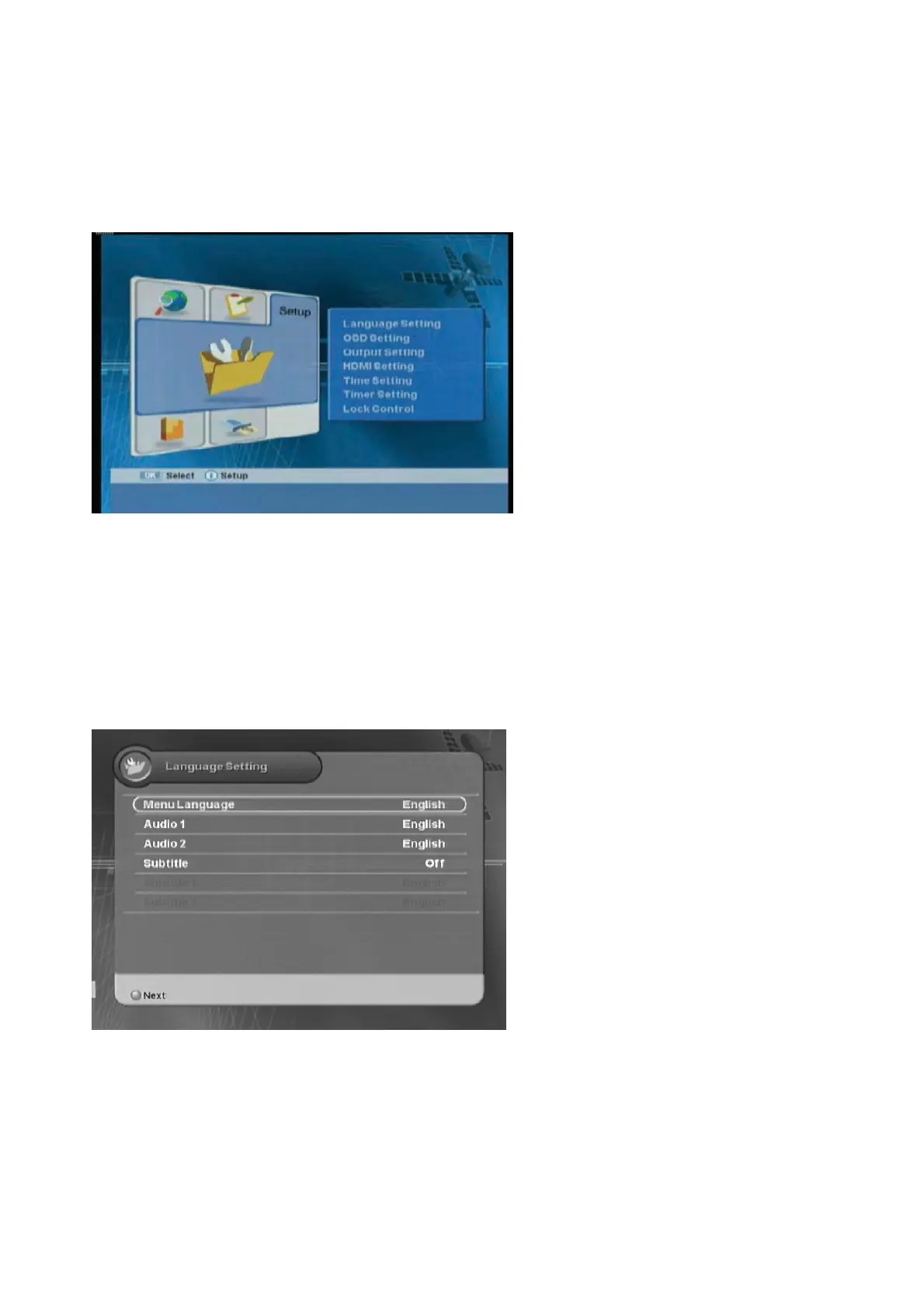
You can setup additional function such as Language Setting, OSD, Output Setting, Time & Timer
Setting, and Lock Control.
z
Language:
Selects the language.
z
OSD Setting:
Sets the OSD.
z
Output Setting:
Sets the connected
devices.
z
HDMI Setting :
Sets the HDMI
output.
z
Time & Timer Setting:
Sets the time
and timer.
z
Lock Control:
Sets the system lock.
ᐭ
!
Move to the Setup menu using the “
ൖ൘
” button, and press the “OK” button.
ᐮ
!
Move to the
desired sub-menu using the “
” button, and press the “OK” button.
5.3.1 Language Setting
You can select the Menu Language, Audio, and Subtitled Language.
z
Menu Language :
Selects the
desired menu language.
z
Audio :
Selects the desired audio
language.
z
Subtitle :
Selects the subtitle On or
Off.
ᐭ
!
Move to the desired item using the “
” button.
ྚ
Select the desired value using the “
ൖ൘
”
button
1ࣜᐯࣜ
Exit the menu using “MENU” or “EXIT” button.



 To Next Page