30 | S 30.12CI H User Manual
4.9.2 Searching Channel
You can search the specific channel among various channel lists more conveniently.
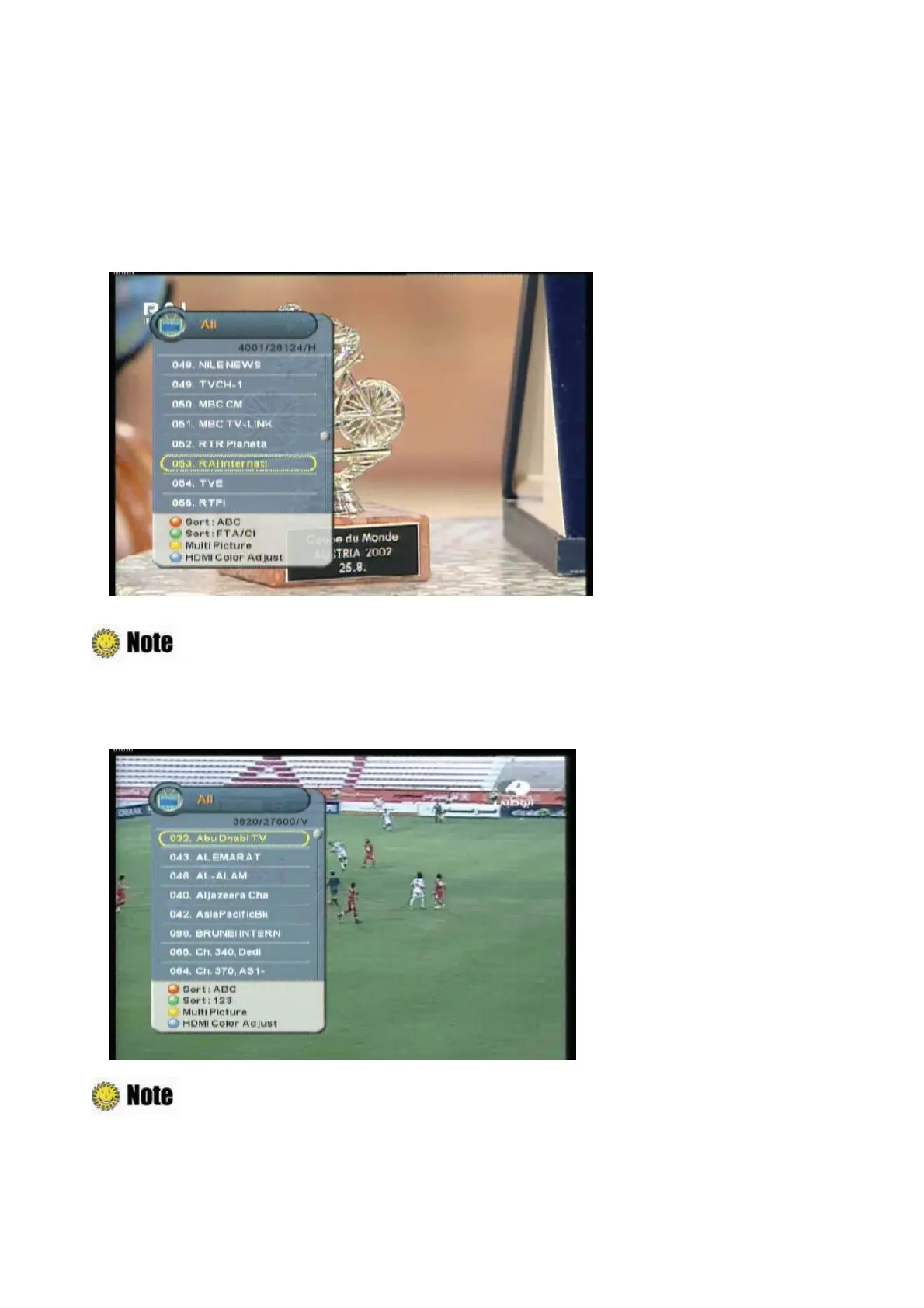
1. Press the “OK” button while watching a program to display the selected channel list.
2. Press the “Red” button to sort the channel lists by alphabetic order.
: Press the “Green
ˉ
button to sort the channel lists by FTA/CI order.
3. Press the “2(abc)~9(wxyz)” button to search the channel lists which have same initial. For
example, press the “2(abc)” button, and then see the channel lists which start with ‘a’.
: Press the “PAGE
ˉ
button to move to the previous/next page(about 8 channels).



 To Next Page