Ch5. Settings | 27
4.6 Changing Subtitle Language
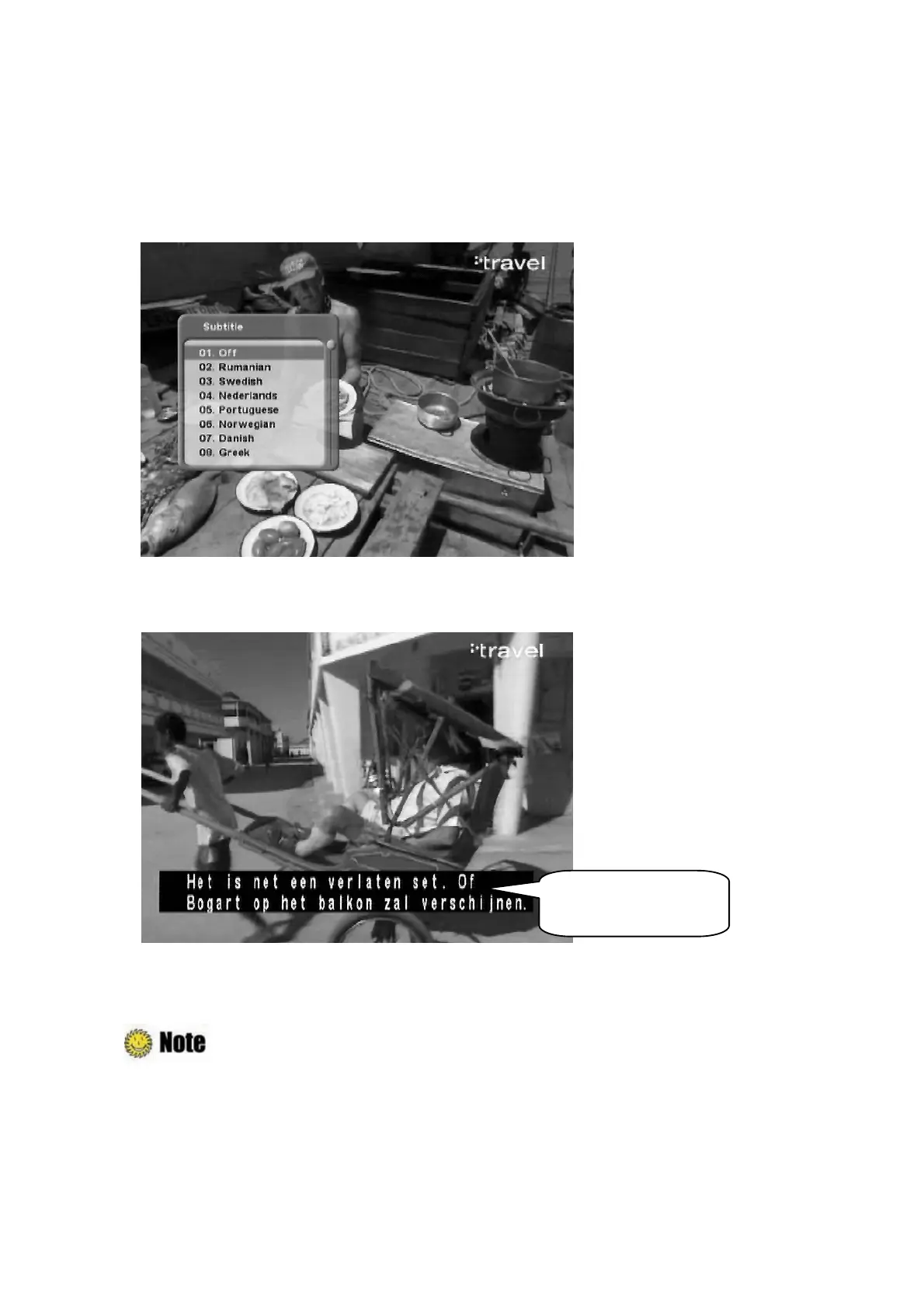
If the current program provides Subtitle information, you can select the subtitle language.
1. Press the “SUBT” button to display the subtitle language list.
2. Select the desired subtitle language using the “
ˉG
button, and press the “OK” button. The
subtitle language will be displayed at the bottom of the screen.
3. Select ‘OFF’ from the subtitle language list not to display subtitle from the screen.
: You can select a default subtitle language by pressing the “MENU” button and
selecting the Setup–Language Setting–Subtitle menu in order. Refer to
Chapter
5.3.1 Language Settings
for more information.
Subtitle language



 To Next Page