20 | S 30.12CI H User Manual
If you use the receiver for the first time after connecting, you have to perform basic settings. Once
the setup procedure is finished correctly, you can start watching TV or listening to radio.
Turn on your TV and the receiver. Follow the instruction on the screen.
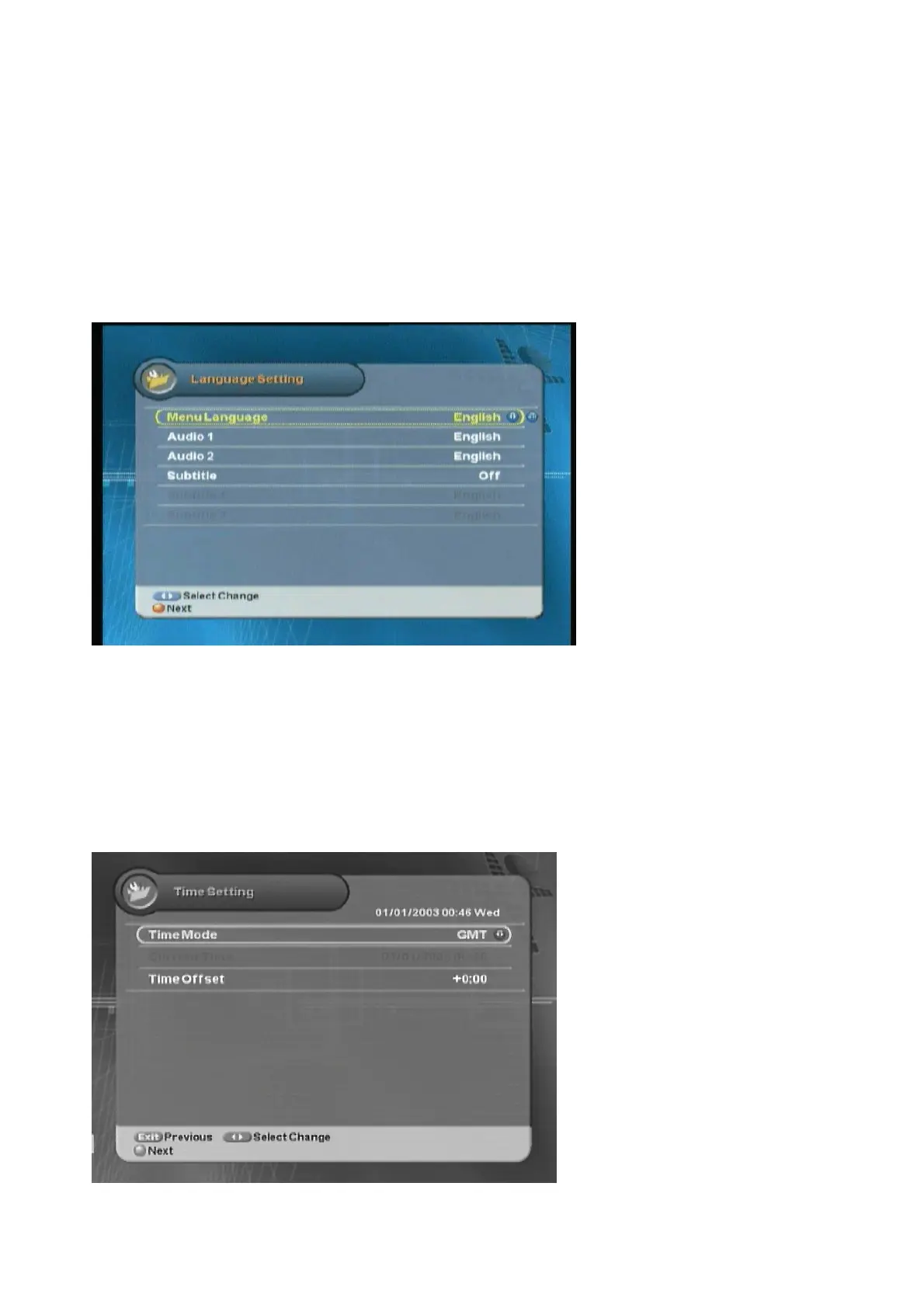
3.1 Language
You can select Menu Language, Audio, and the Subtitled Language.
1. Select the appropriate language from the list using the “
ൖ൘
” button.
2. Press the “
” buttons to move cursor into other language items.
3. Press the “Red” button to move to the next setting.
3.2 Time Setting
You can set the current time.
1. Select Time Mode between GMT Offset and Local time using the “
ൖ൘
” button.



 To Next Page