Ch5. Settings | 25
4.3 Viewing Program Information
You can view the program information window by pressing the “INFO” button while watching a
program. Press the “EXIT” or “INFO” button to hide the program information.
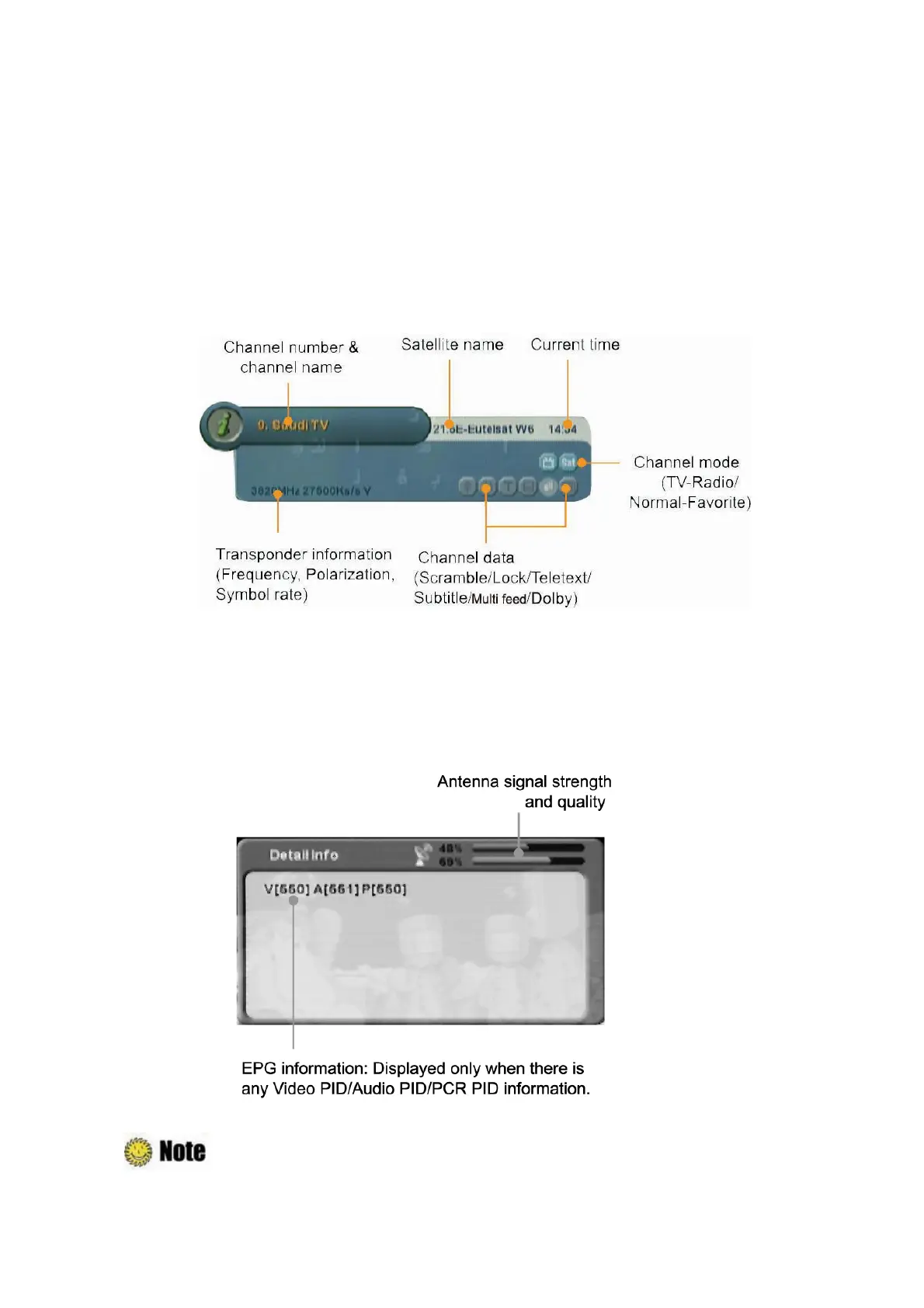
1. Basic Information
The Basic Information is displayed as following on the screen.
2. Detailed Information
You can see detailed information about the current program. Press the “INFO” button to view
detailed information during the basic information is displayed. Press the “EXIT” or “INFO” button to
hide the program information.
: If there is no available EPG information, it is not displayed. Refer to
Chapter 5.1.4
Advanced Search
for more information.



 To Next Page