36 | S 30.12CI H User Manual
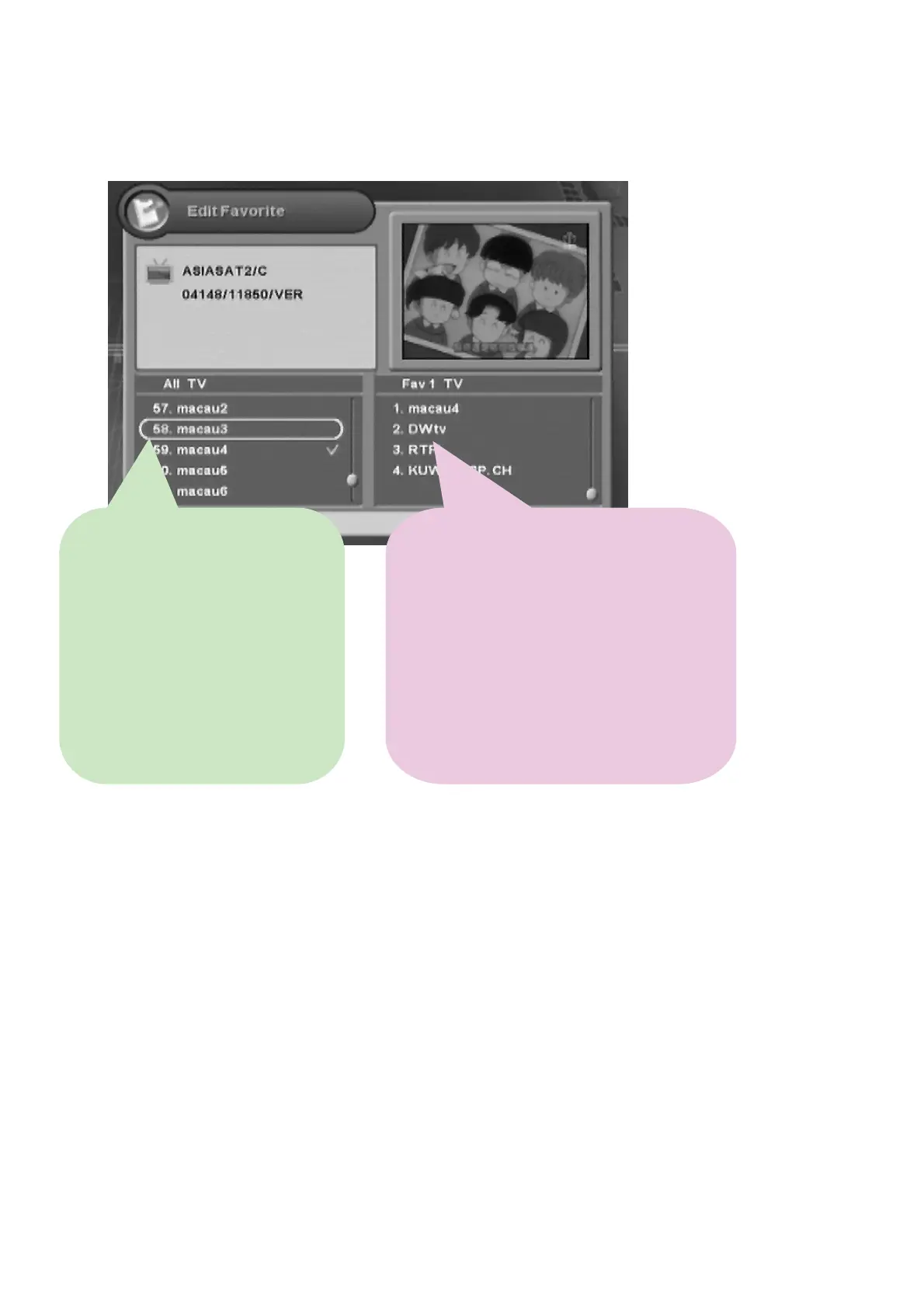
4. You can edit favorite channel list(s) or group(s). If you want to add channel(s), select the desired
channel, and then press the “OK” button.
5. Whenever you press the “MENU” or “EXIT” button after editing favorite channel, the
confirmation message will appear. Move cursor to the “OK” button and press the “OK” button to
save the changes.
Ɣ
:
Switches Right column.
Ɣ
FAV :
Changes the Favorite mode on
the Right column.
Ɣ
OK :
Adds channels.
Ɣ
RED
: Views the satellite lists.
Ɣ
:
Switches Left column.
Ɣ
FAV :
Changes the Favorite mode on the left
column.
Ɣ
OK :
Deletes one or more channel.
Ɣ
RED :
Locks/unlocks one or more channel(s).
Ɣ
Green
: Renames a channel group name.
Ɣ
Yellow
:Moves channel(s) to the desired location.
Ɣ
Blue
: Renames a channel group



 To Next Page