40 | S 30.12CI H User Manual
This chapter describes how to search for channels, edit channel, setup for language(OSD,
Timer, etc.), and show tools.
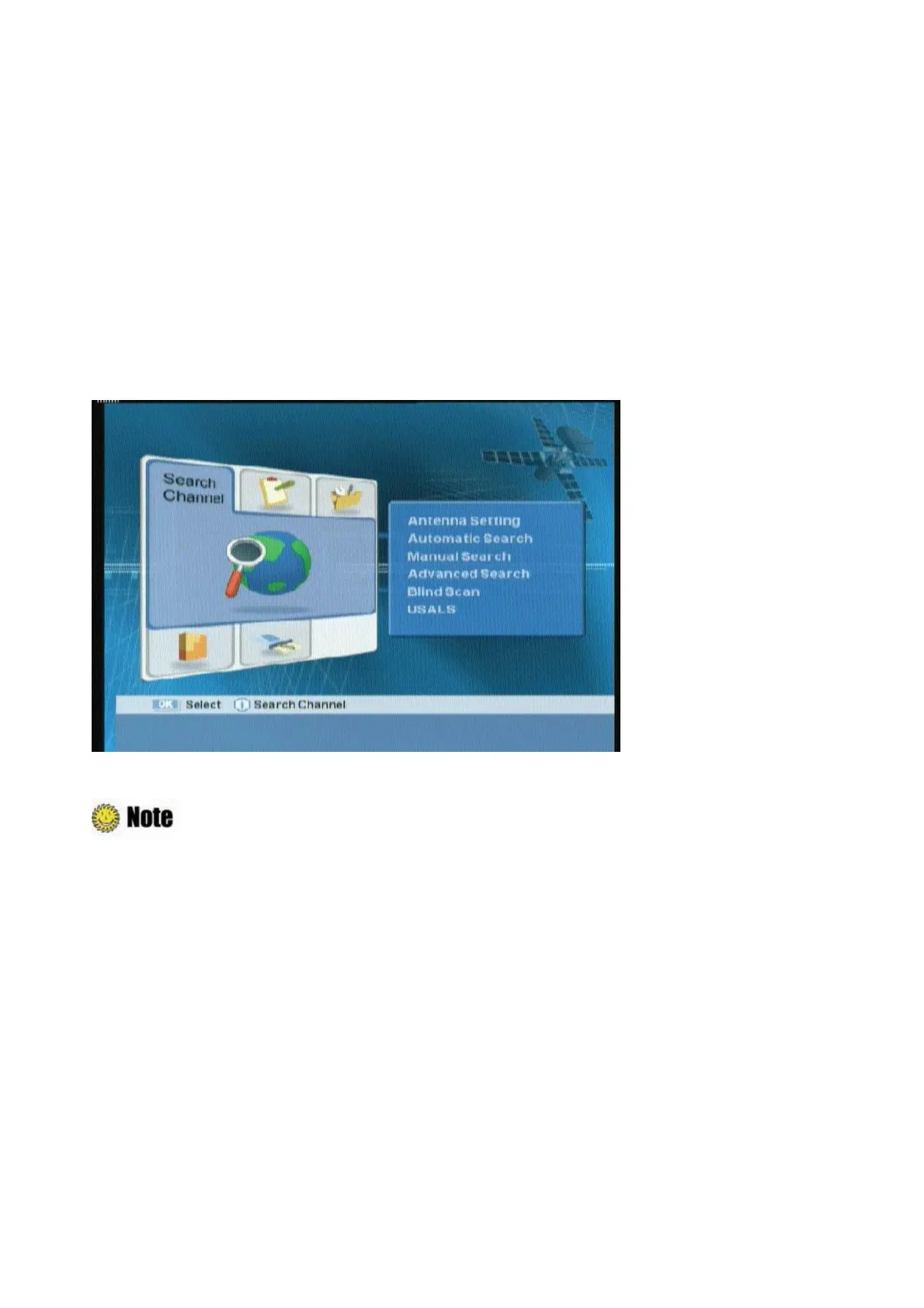
1. Press the “MENU” button to display the Menu OSD.
2. Move to the appropriate Menu using the “
ൖ൘
” button, and then press the “OK” button to select
the menu.
3. Move to the appropriate Menu using the “
” button, and then press the “OK” button to select
the sub-menu.
4. If the password input window appears, enter your password using the
ˈ
0~9
ˉ
buttons.
G
The
default password is 0000.
z
Press the “EXIT” button to return to the previous screen.
z
Press the “MENU” button to exit the setting menu.
z
The menu program shows buttons that can be used at every stage of setup.



 To Next Page