110
(MT12 - Gb2004)
I
NTERCOMS *
V
IDEOINTERCOMS *
T
ELECOMMUNICATION
coax
VIDEO INTERCOM SYSTEM CONNECTED TO THREE EXTERNAL DOOR STATIONS, ONE OF WHICH ONLY AUDIO
Diagram ref. Q.ty Article Description
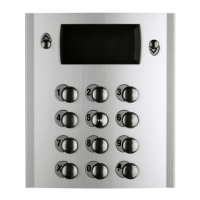
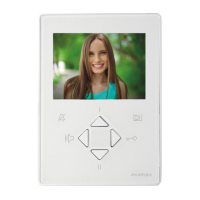
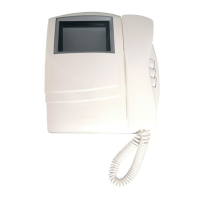
VC ... PT 5160 + WB 5100 Videointercom FLAT + wall bracket
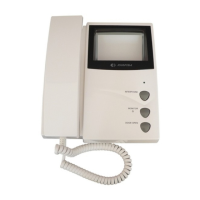
PT 5660 + WB 5600 + 1283 Videointercom + wall bracket + back box
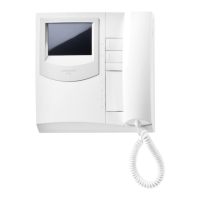
PT 5860 + WB 5600 Videointercom reflex + wall bracket
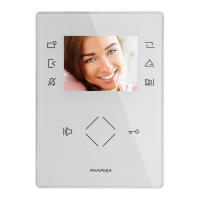
PV 1260 + WB1200 + 1283 Videointercom + wall bracket + back box
PV 2160 + WB 2100 Videointercom FLAT + wall bracket
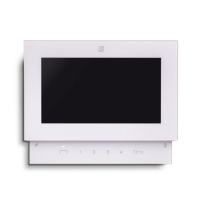
DV ... DV2-4 Video distributor
AL 1 1281 Power supply
TR 1 1382 Timer
DS1 1 1473 Exchanger
DS2 1 1273TV Exchanger
PA 3 ** Door release button (optional)
SE 3 ** Electric door lock (12Vac-1A)
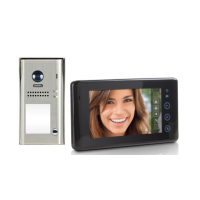
External door station
Mody series (for the composition see pages 82÷85)
1 row 2 row
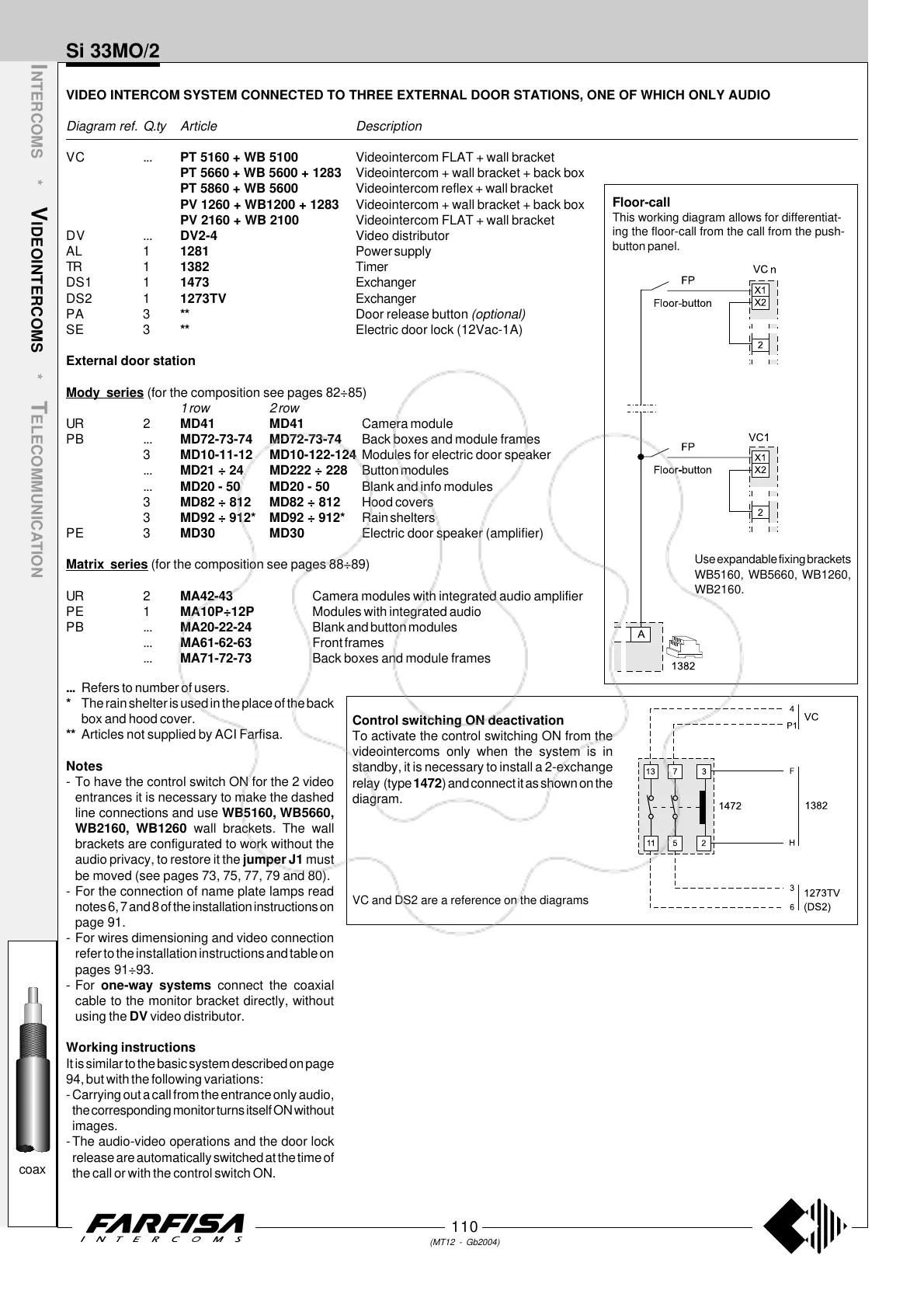
UR 2 MD41 MD41 Camera module
PB ... MD72-73-74 MD72-73-74 Back boxes and module frames
3 MD10-11-12 MD10-122-124 Modules for electric door speaker
... MD21 ÷ 24 MD222 ÷ 228 Button modules
... MD20 - 50 MD20 - 50 Blank and info modules
3 MD82 ÷ 812 MD82 ÷ 812 Hood covers
3 MD92 ÷ 912* MD92 ÷ 912* Rain shelters
PE 3 MD30 MD30 Electric door speaker (amplifier)
Matrix series (for the composition see pages 88÷89)
UR 2 MA42-43 Camera modules with integrated audio amplifier
PE 1 MA10P÷12P Modules with integrated audio
PB ... MA20-22-24 Blank and button modules
... MA61-62-63 Front frames
... MA71-72-73 Back boxes and module frames
Si 33MO/2
... Refers to number of users.
* The rain shelter is used in the place of the back
box and hood cover.
** Articles not supplied by ACI Farfisa.
Notes
- To have the control switch ON for the 2 video
entrances it is necessary to make the dashed
line connections and use WB5160, WB5660,
WB2160, WB1260 wall brackets. The wall
brackets are configurated to work without the
audio privacy, to restore it the jumper J1 must
be moved (see pages 73, 75, 77, 79 and 80).
- For the connection of name plate lamps read
notes 6, 7 and 8 of the installation instructions on
page 91.
- For wires dimensioning and video connection
refer to the installation instructions and table on
pages 91÷93.
- For one-way systems connect the coaxial
cable to the monitor bracket directly, without
using the DV video distributor.
Working instructions
It is similar to the basic system described on page
94, but with the following variations:
- Carrying out a call from the entrance only audio,
the corresponding monitor turns itself ON without
images.
-The audio-video operations and the door lock
release are automatically switched at the time of
the call or with the control switch ON.
Use expandable fixing brackets
WB5160, WB5660, WB1260,
WB2160.
Floor-call
This working diagram allows for differentiat-
ing the floor-call from the call from the push-
button panel.
Control switching ON deactivation
To activate the control switching ON from the
videointercoms only when the system is in
standby, it is necessary to install a 2-exchange
relay (type 1472) and connect it as shown on the
diagram.
VC and DS2 are a reference on the diagrams



 To Next Page