178
(MT12 - Gb2004)
Si 31MT/1
I
NTERCOMS *
VIDEO INTERCOMS *
TELECOMMUNICATION
MIXED VIDEO INTERCOM / VIDEO INTERCOM-TELEPHONE SYSTEM CONNECTED TO ONE EXTERNAL DOOR STATION
Q.ty Article Description
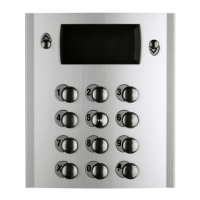
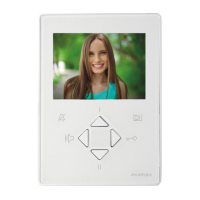
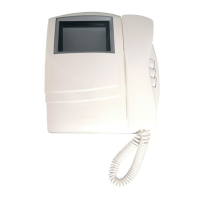
... PT 5160 + WB 5100 Videointercom FLAT + wall bracket
... PT 5660 + WB 5600 + 1283 Videointercom + wall bracket + back box
... PT 5860 + WB 5600 Videointercom reflex + wall bracket
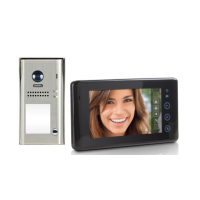
... PV 1260 + WB1200 + 1283 Videointercom + wall bracket + back box
... PV 2160 + WB 2100 Videointercom FLAT + wall bracket
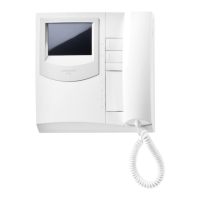
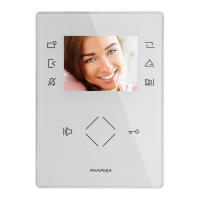
... ST 7100W + WB7100 Studio series monitor + wall bracket
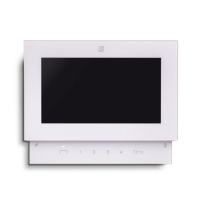
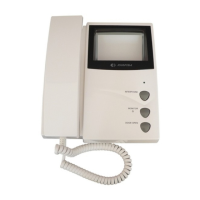
... ST740W +WB700 Studio series telephone + wall bracket
... FT11D Intercom-telephone interface
... FT105P-FT208P PABX
... ES60-ES65 Intercom-telephone interface for PABX
... DV2-4 Video distributor
1 1281 Power supply
1 1382 Timer
1 PA ** Door release push-button (optional)
1 SE ** Electric door lock (12VAC-1A)
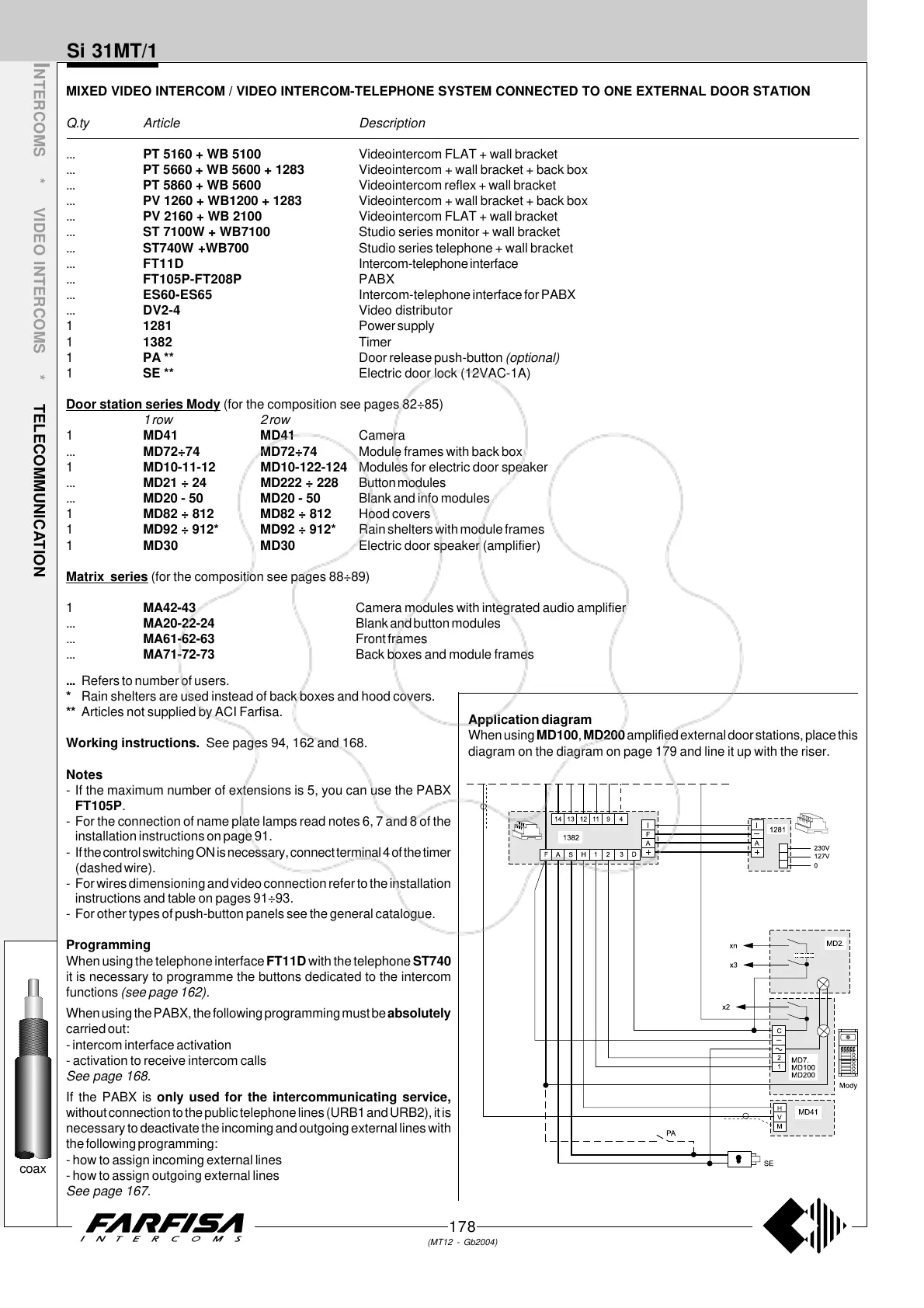
Door station series Mody (for the composition see pages 82÷85)
1 row 2 row
1 MD41 MD41 Camera
... MD72÷74 MD72÷74 Module frames with back box
1 MD10-11-12 MD10-122-124 Modules for electric door speaker
... MD21 ÷ 24 MD222 ÷ 228 Button modules
... MD20 - 50 MD20 - 50 Blank and info modules
1 MD82 ÷ 812 MD82 ÷ 812 Hood covers
1 MD92 ÷ 912* MD92 ÷ 912* Rain shelters with module frames
1 MD30 MD30 Electric door speaker (amplifier)
Matrix series (for the composition see pages 88÷89)
1 MA42-43 Camera modules with integrated audio amplifier
... MA20-22-24 Blank and button modules
... MA61-62-63 Front frames
... MA71-72-73 Back boxes and module frames
coax
... Refers to number of users.
* Rain shelters are used instead of back boxes and hood covers.
** Articles not supplied by ACI Farfisa.
Working instructions. See pages 94, 162 and 168.
Notes
- If the maximum number of extensions is 5, you can use the PABX
FT105P.
- For the connection of name plate lamps read notes 6, 7 and 8 of the
installation instructions on page 91.
- If the control switching ON is necessary, connect terminal 4 of the timer
(dashed wire).
- For wires dimensioning and video connection refer to the installation
instructions and table on pages 91÷93.
- For other types of push-button panels see the general catalogue.
Programming
When using the telephone interface FT11D with the telephone ST740
it is necessary to programme the buttons dedicated to the intercom
functions (see page 162).
When using the PABX, the following programming must be absolutely
carried out:
- intercom interface activation
- activation to receive intercom calls
See page 168.
If the PABX is only used for the intercommunicating service,
without connection to the public telephone lines (URB1 and URB2), it is
necessary to deactivate the incoming and outgoing external lines with
the following programming:
- how to assign incoming external lines
- how to assign outgoing external lines
See page 167.
Application diagram
When using MD100, MD200 amplified external door stations, place this
diagram on the diagram on page 179 and line it up with the riser.



 To Next Page