36
(MT12 - Gb2004)
Si 13MO/1
I
NTERCOMS *
V
IDEOINTERCOMS *
T
ELECOMMUNICATION
INTERCOMS CONNECTED TO 3 AUTOMATICALLY SWITCHED EXTERNAL DOOR STATIONS.
Q.ty Article Description
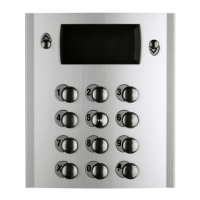
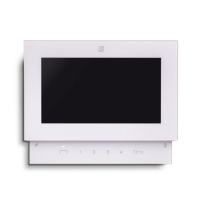
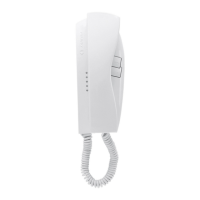
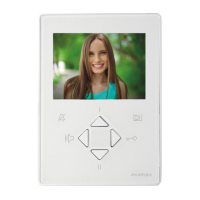
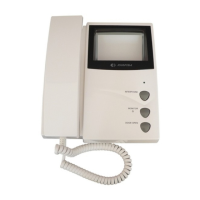
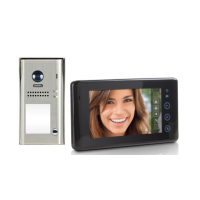
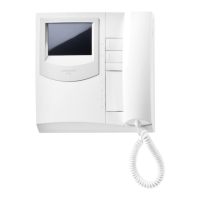
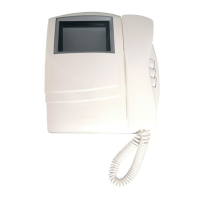
... PT 510 * Project series intercom with 1 call button
1 PRS220 Power supply
2 1473 Exchanger
3 PA ** Door release push-button (optional)
3 SE ** Electric door lock (12VAC-1A)
Door station series Mody (for items selection refer to pages 12÷15)
1 row 2 row
... MD71÷74 MD71÷74 Module frames with back box
3 MD10-11-12 MD10-122-124 Modules for electric door speaker
... MD21 ÷ 24 MD222 ÷ 228 Button modules
... MD20 - 50 MD20 - 50 Blank and info modules
3 MD82 ÷ 812 MD82 ÷ 812 Hood covers
3 MD92 ÷ 912 (
2
) MD92 ÷ 912 (
2
) Rain shelters with module frames
3 MD30 MD30 Electric door speaker (amplifier)
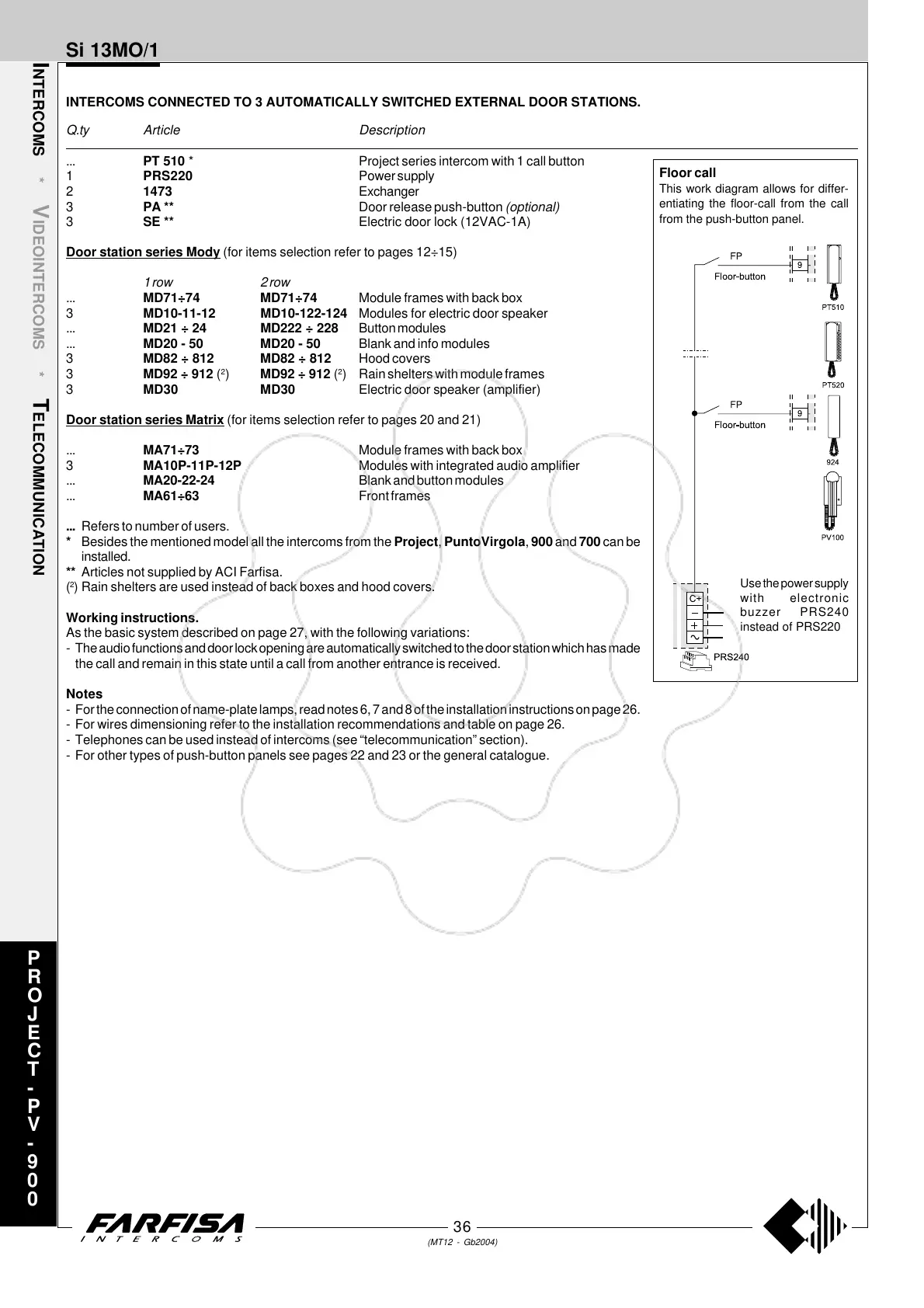
Door station series Matrix (for items selection refer to pages 20 and 21)
... MA71÷73 Module frames with back box
3 MA10P-11P-12P Modules with integrated audio amplifier
... MA20-22-24 Blank and button modules
... MA61÷63 Front frames
... Refers to number of users.
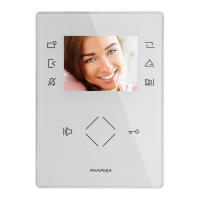
* Besides the mentioned model all the intercoms from the Project, PuntoVirgola, 900 and 700 can be
installed.
** Articles not supplied by ACI Farfisa.
(
2
) Rain shelters are used instead of back boxes and hood covers.
Working instructions.
As the basic system described on page 27, with the following variations:
- The audio functions and door lock opening are automatically switched to the door station which has made
the call and remain in this state until a call from another entrance is received.
Notes
- For the connection of name-plate lamps, read notes 6, 7 and 8 of the installation instructions on page 26.
- For wires dimensioning refer to the installation recommendations and table on page 26.
- Telephones can be used instead of intercoms (see “telecommunication” section).
- For other types of push-button panels see pages 22 and 23 or the general catalogue.
P
R
O
J
E
C
T
-
P
V
-
9
0
0
Floor call
This work diagram allows for differ-
entiating the floor-call from the call
from the push-button panel.
Use the power supply
with electronic
buzzer PRS240
instead of PRS220



 To Next Page