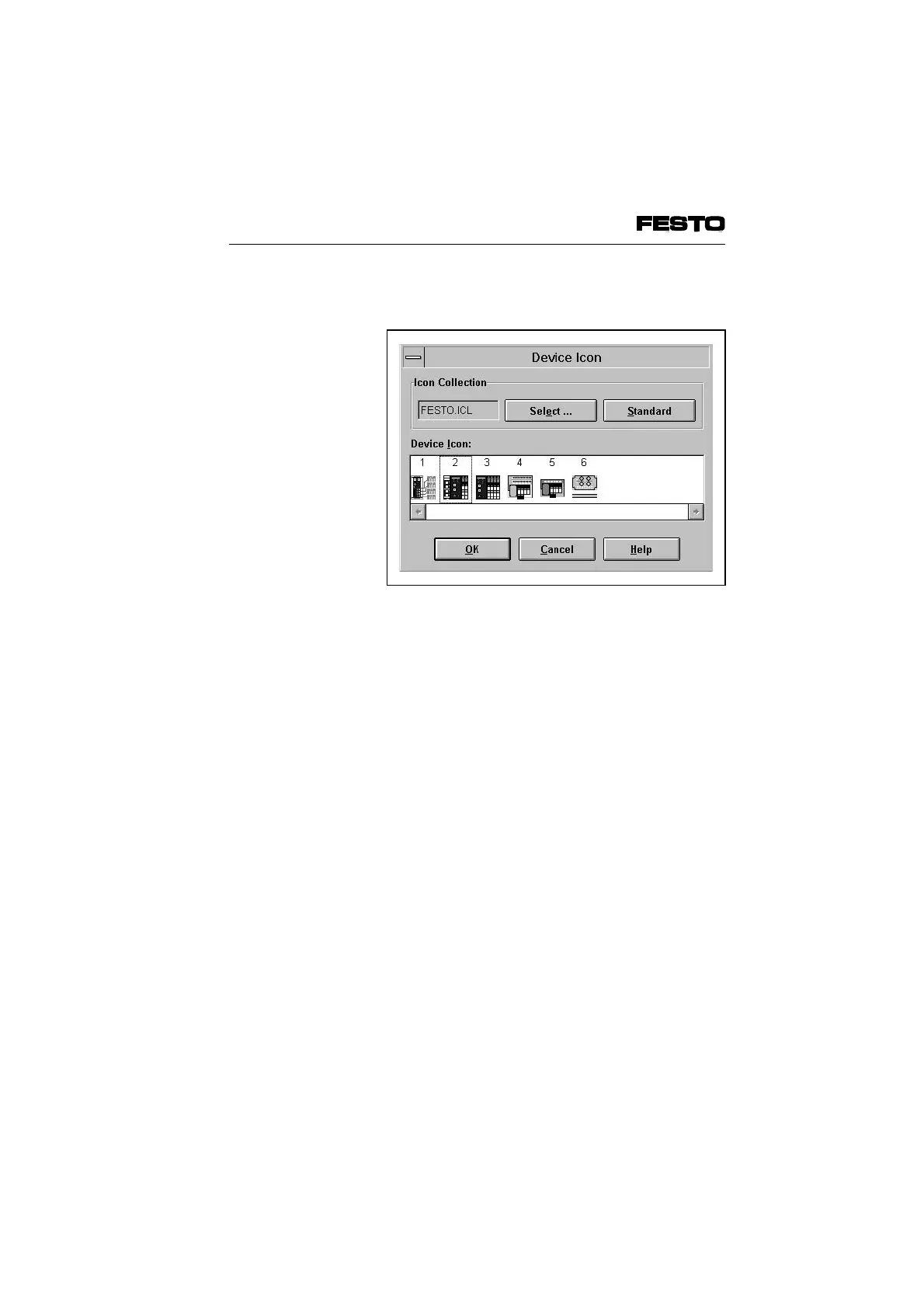
The following dialogue window will then appear:
Proceed as follows:
• Use the box "Select ... " to select the file
Festo.ICL.
• Mark the icon which corresponds to your
valve terminal.
• Transfer the icon with OK.
The icons are numbered. The following table
shows the relationship between the number of
the icon and the valve terminal type.
Fig. 4/9: Dialogue window "Device Icon" for
selecting an icon
VIFB6 - 03/05 4. Commissioning
4-22
9809c








 To Next Page