2. Fitting and commissioning
2-17
Festo P.BE-CB-COMP-EN en 1102d
Switching on • Switch on the operating voltage for the Checkbox via the
power unit.
• Start CheckKon in order to display and set the system
parameters during the TEACH and test modes
(see Chapter 2.4).
• S tart the conveyor device, if necessary manually.
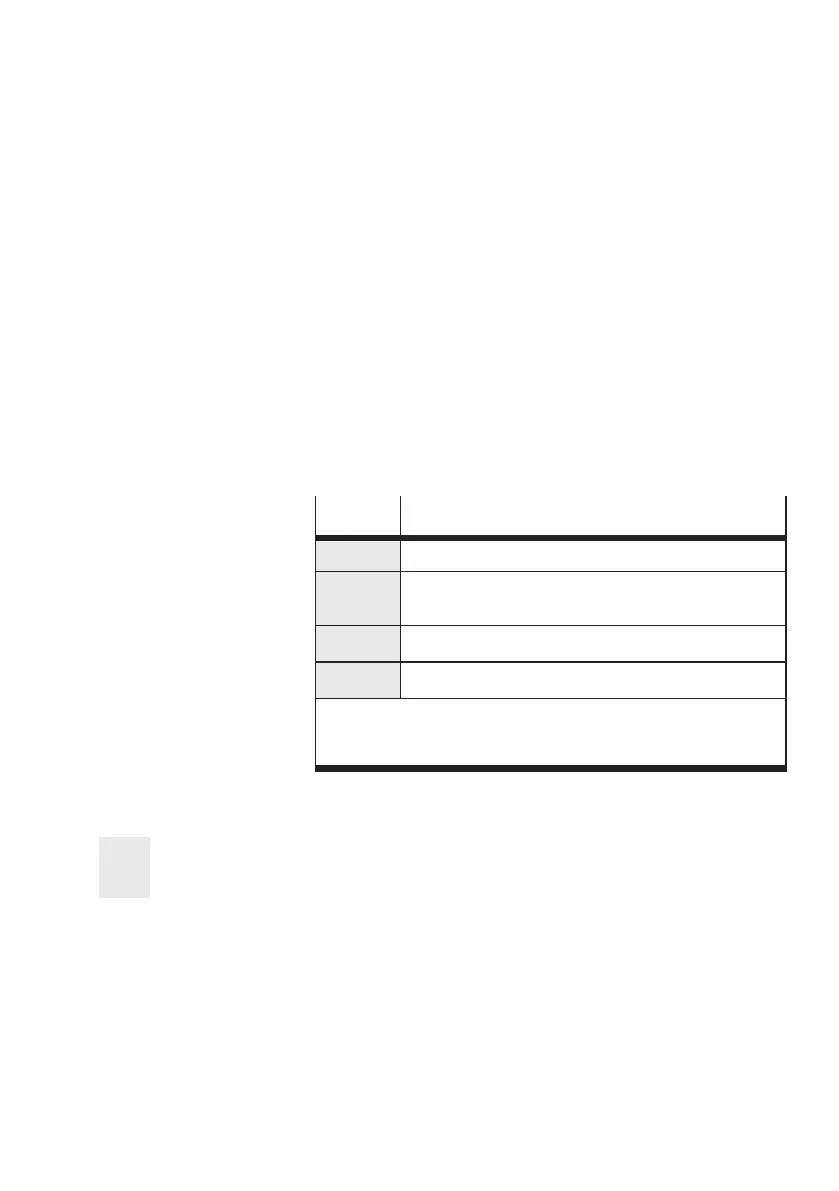
The illuminated buttons on the Checkbox light up briefly and
signal the readiness to operate. The display shows briefly the
follo wing items of system information one after the other:
LED
Explanation
CC 30
Ident. code and version status of the operating system
04 E
1)
Number of memorylocationsandadditionallythe letter E
with operating systems with encoder evaluation
2048
System setting of the c amera resolution in pixels
Stop
Ready to operate (AUTO mode: stop status)
1)
For evaluation of the encoder signals, the operating system
version ...E must be used. Consult your Festo Ser vice if you wish
to modify your operating system.
Tab. 2/4: Operating display when switched on
Lock
If “Lock” is shown in the display, the buttons ST ART/STOP
and STATUS/TEACH are locked (see Chapter 3.6.8).



 To Next Page