5 Commissioning
Festo – P.BE-CPX-CMAX-SYS-EN – en 2017-09b – English 49
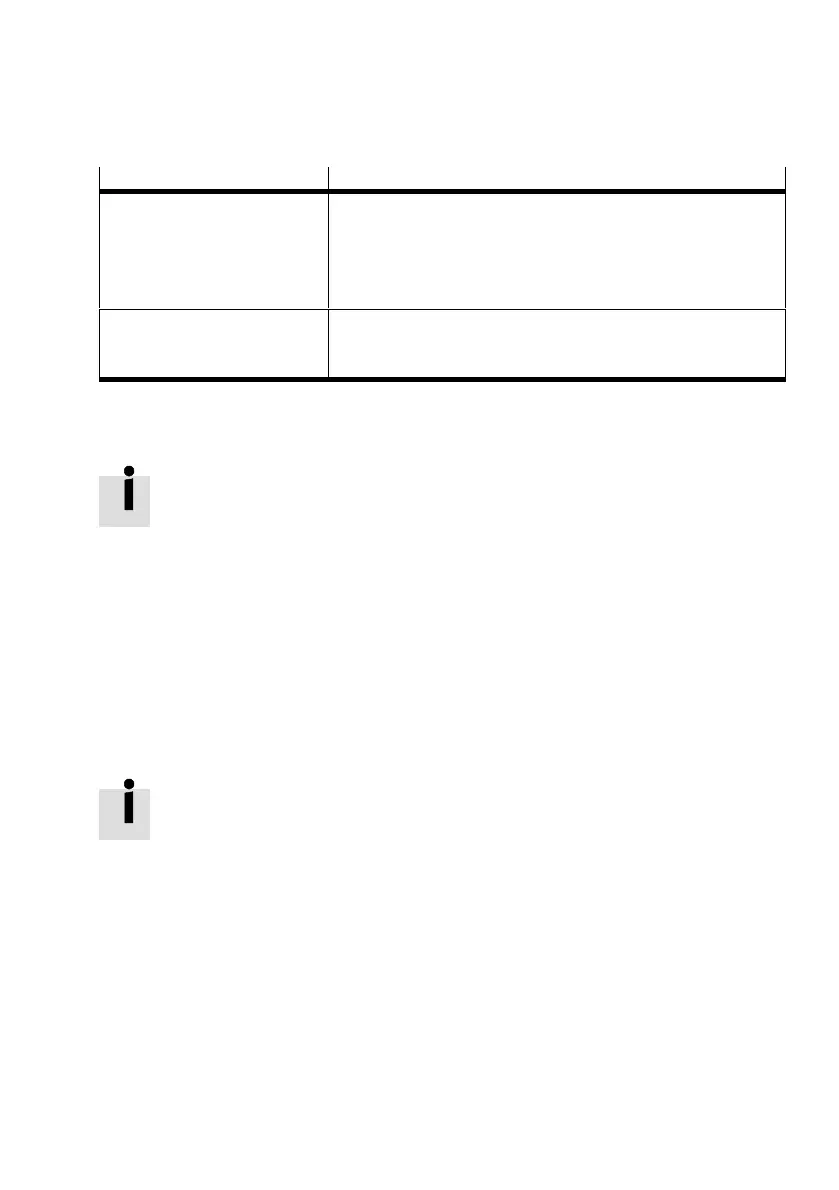
5.2 Parameterisation and commissioning options
Operation via Features
FCT plug-in CMAX
1)
– Convenient commissioning through special dialogues and
functions
– Direct operation with drive monitoring possible
– The PC must be connected with the diagnostic interface or the
Ethernet interface of the CPX terminal bus node.
Higher-order controller or control
block (CPX-CEC, CPX-FEC)
2)
– Commissioning and teaching require additional programming
effort in the PLC program
– No FCT required
1) Detailed information on this è Help for the CMAX plug-in
2) Information on this è Communication profile description, P.BE-CPX-CMA X-CONTROL-...
Tab. 5.1 Commissioning, parameterisation and teach options
Parameterisation and commissioning via FMT or CPX-MMI is not supported.
Always perform parameterisation and commissioning of the CMAX with the FCT plug-in
CMAX or the higher-order controller.
5.2.1 Communication profile FHPP
Customised for handling and positioning tasks, Festo has developed an optimised communication pro
file, the “Festo Handling and Positioning Profile (FHPP)”. The FHPP enables uniform control and pro
gramming for the various bus systems and controllers from Festo. The following is uniformly defined for
the user through FHPP:
– Operating modes
– I/O data structure
– Parameters
– Sequence control
Detailed information on the FHPP è Communication profile description, P.BE-CPX-CMAX-
CONTROL-....
5.2.2 Festo Configuration Tool (FCT)
The Festo Configuration Tool (FCT) is the software platform for configuring and commissioning various
components and devices from Festo. The FCT consists of the following components:
– a framework as program start and entry point with uniform project and data management for all
supported types of equipment
– a plug-in for the special requirements of each device type (e.g. CMAX) with the necessary descrip
tions and dialogues. The plug-ins are managed and started from the framework.





 To Next Page