6. Commissioning
106
© Festo Didactic 655633
1. Check the voltage supply and compressed air supply.
2. Remove the workpieces at the transfer points of modules or stations prior to
manual reset.
3. Carry out the reset sequence. The reset sequence is prompted by the illuminated
RESET pushbutton and executed once the pushbutton has been actuated.
4. Insert a workpiece in the workpiece receptacle.
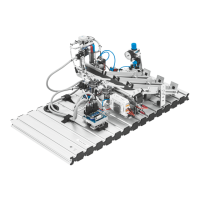
5. Start the sequence of the Handling station (PicAlfa). The start is prompted with
the illuminated START pushbutton and carried out once the pushbutton has been
actuated.
Notes
• The sequence can be stopped at any time by pressing the EMERGENCY-STOP
pushbutton or the STOP pushbutton.
• The key-operated switch AUTO/MAN enables you to select between continuous
cycle (AUTO) and individual cycle (MAN).
• In the case of a combination of stations the following applies:
The individual stations are reset against the material flow.
6.11
Starting the sequence





 To Next Page