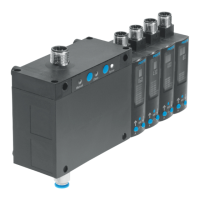
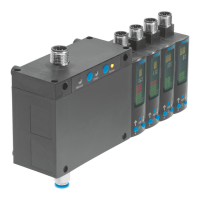
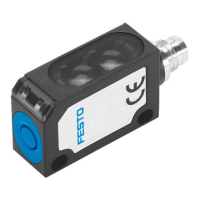
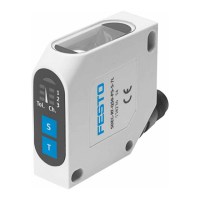
Sorting Station Inline
30 © Festo Didactic 8129444
12.5 Power supply
• The stations are supplied with electrical power from a power supply with 24 V DC voltage (max. 4 A).
• The entire station is supplied with electrical power from the rack PLC.
12.6 Loading PLC programs
Proceed as described in the user’s manuals for the programming software used in order to load the PLC
programs.
Current PLC programs can be found at the following website in the Internet:
www.ip.festo-didactic.com
12.7 Starting the sequence
1. Check the power supply and compressed air supply.
2. Start the controller.
3. Before resetting, manually remove the workpieces from the module and station transfer points.
4. Turn the key switch to the horizontal position.
5. Perform a reset procedure. The reset procedure is prompted by the illuminated RESET button and is
executed after the button has been pressed.
6. Turn the key switch to the vertical position. The LED on the start button lights up (the system is ready to
start).
7. Place a workpiece on the start of the conveyor.
8. Press the start button.
9. The station starts the sequence.
The sequence can be stopped at any time by pressing the emergency stop button
or the STOP button.
The following applies when several stations are combined:
The individual stations are aligned in the reverse order to the flow of materials.


 To Next Page