Version date: 04 April 2016
PATIENT, PHYSICIAN, PROCEDURE, GENDER, AGE, WEIGHT,
LENGTH, REFERENCE, COMMENTS
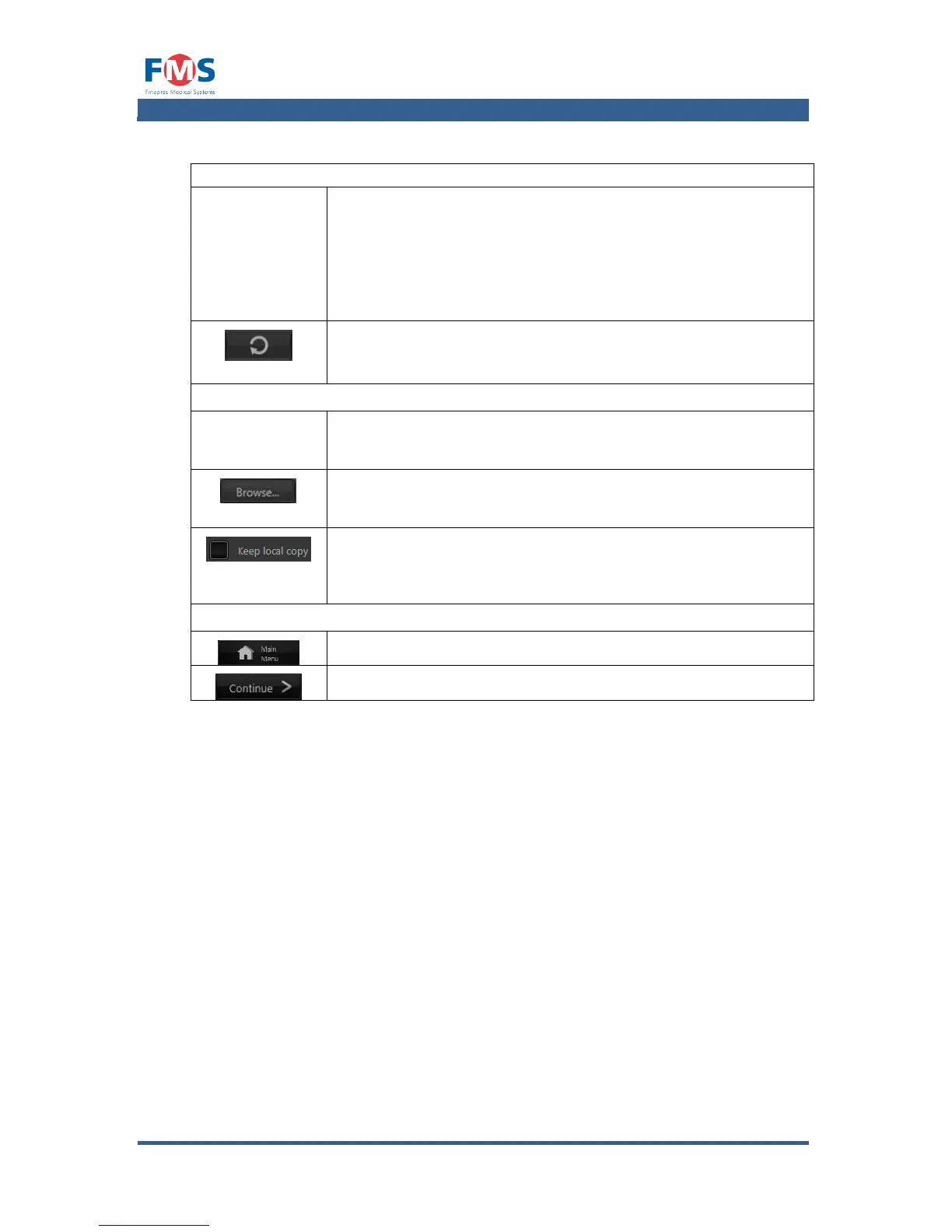
Fields in which the patient related data is to be entered. The
on-screen keypad will appear as soon as a text field is tapped.
Gender, age weight and length are required fields. If
these are not or incorrectly filled out, a red warning text will
appear next to it.
RELOAD LAST USED PATIENT DATA
Fills in the patient data fields automatically with the data of the
last patient.
In the MEASUREMENT IDENTIFIER field the name of the file
can be entered. Standard name is the current time
concatenated with the reference and procedure entry.
Opens a screen to select the directory in which the file has to
be stored. The selected directory is shown in the text box SAVE
IN FOLDER.
When a USB or network drive has been selected, the option to
keep a local copy becomes available. In case transfer to the
external drive fails, a local copy is stored irrespective of this
setting.
Returns to the MAIN MENU.
Continues to the next step of the measurement procedure.
After all fields are filled out and the “CONTINUE” button is pressed, the
“MEASUREMENT” screen opens.



 To Next Page