Version date: 04 April 2016
The marker will appear on the time index the MARKER LIST
button was pressed. In review mode the marker can be
renamed if desirable.
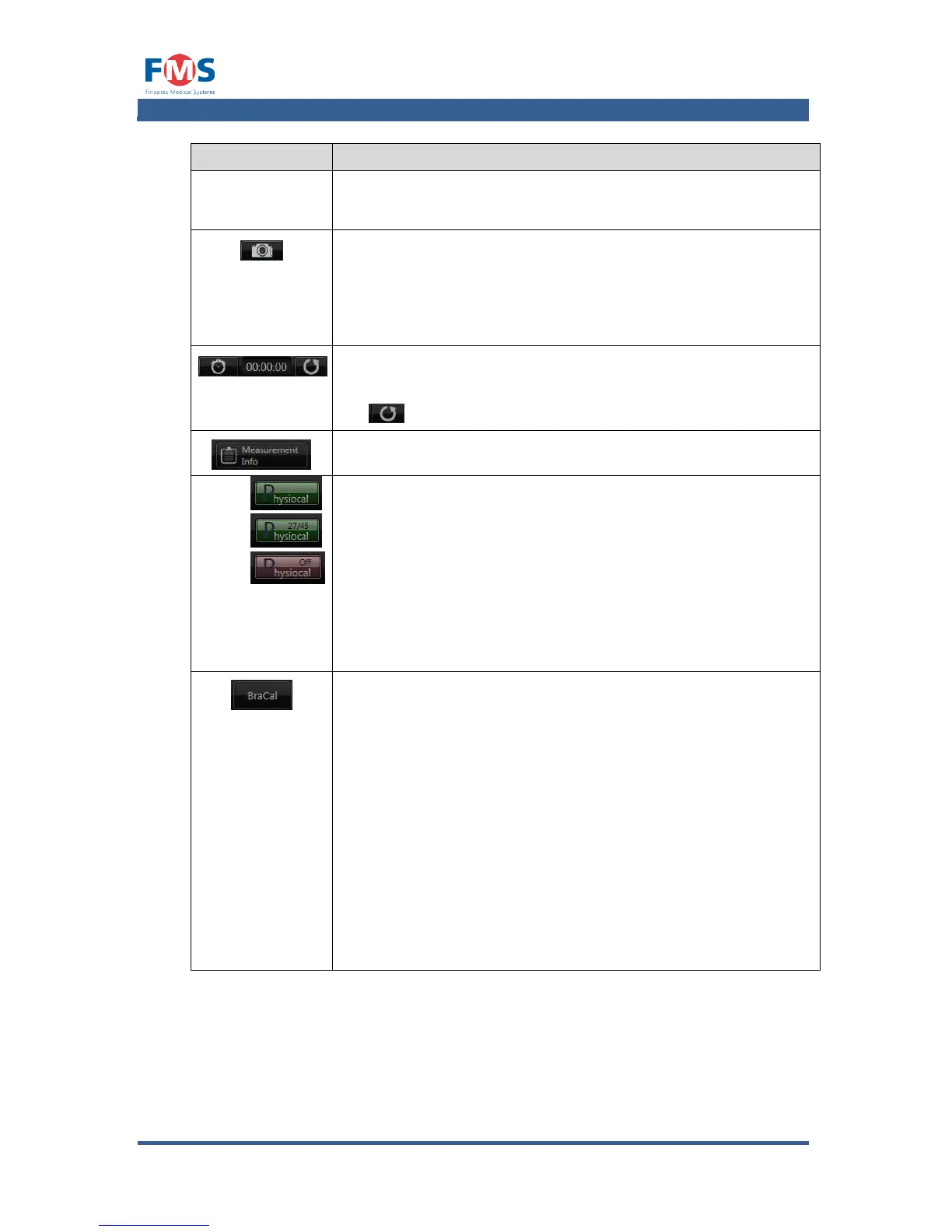
Takes a screen shot. The picture will be saved with the actual
date and time as filename in the subfolder Screenshots in the
measurement data folder. It is automatically exported with a
measurement file when it is downloaded to an external storage
medium.
TIMER
The button starts and stops the timer. The elapsed time is
shown on the display on the right of this button. By means of
the button the timer can reset to “0”.
Shows measurement info and allows to add general comments
Postpones the automatic calibration of the finger cuff(s). This
may be desirable when the user wants to avoid the calibration
to occur at a moment when it is important to have readings
(e.g. when certain procedures are carried out).
If active, the number of beats to go prior to the next automatic
calibration of the finger cuff(s) is stated on the button.
Disabling the “PHYSIOCAL” option for a longer period may have
a negative effect on the accuracy of the readings. When not
active the “PHYSIOCAL” button is colored red.
Starts the pressure calibration procedure with the aid of the
arm cuff. A pop-up is shown after the button is pressed in
which the systole and diastole pressure need to be filled in
twice. These values have to be obtained with two manual
measurements.
To properly calibrate the reconstructed brachial pressure the
start of manual inflation of an upper arm cuff needs to be
indicated. Therefore the “Mark begin” button needs to be
pressed the moment the upper arm cuff starts to inflate. The
end of the second manual measurement needs to be indicated
by the “Mark end” button. By subsequently pressing the
“Accept” button the reconstructed brachial pressure will be
calibrated according to the manual measurement results.
Pressing the “Cancel” button will cancel the calibration
procedure.



 To Next Page