Version date: 04 April 2016
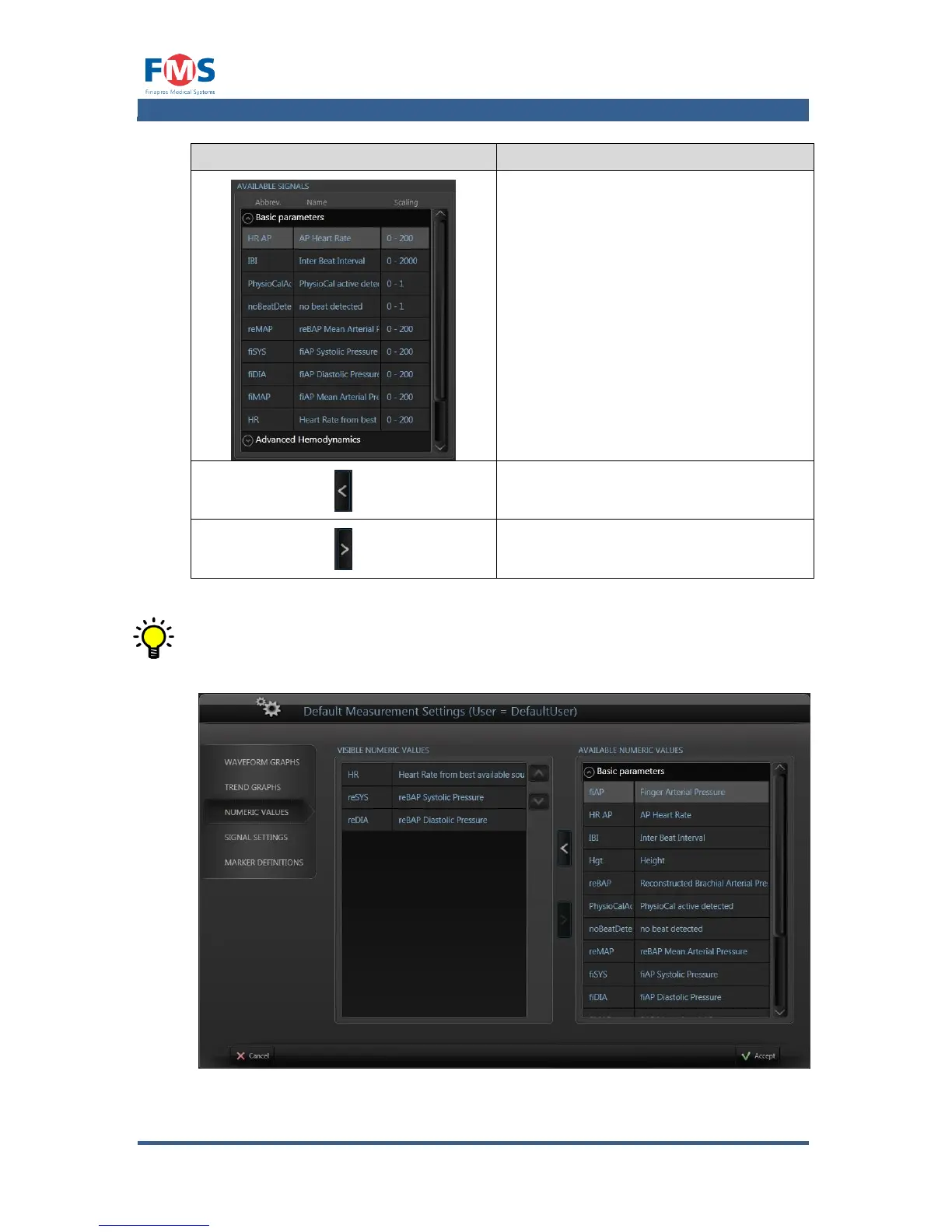
Shows all signals that can be displayed
in the trend graphs. The signals are
sorted per available module or
application.
Moves the selected signals from the
available signals to the visible signals
list
Moves the selected signals from the
visible signals to the available signals
list
When signals have the same y-scale setting, only one y-scale will appear
with the short names of the accompanying signals next to it. The names
will have the same color as the signal they belong to.
Figure A1-14: The “MEASUREMENT SETTINGS” screen, numeric values tab



 To Next Page