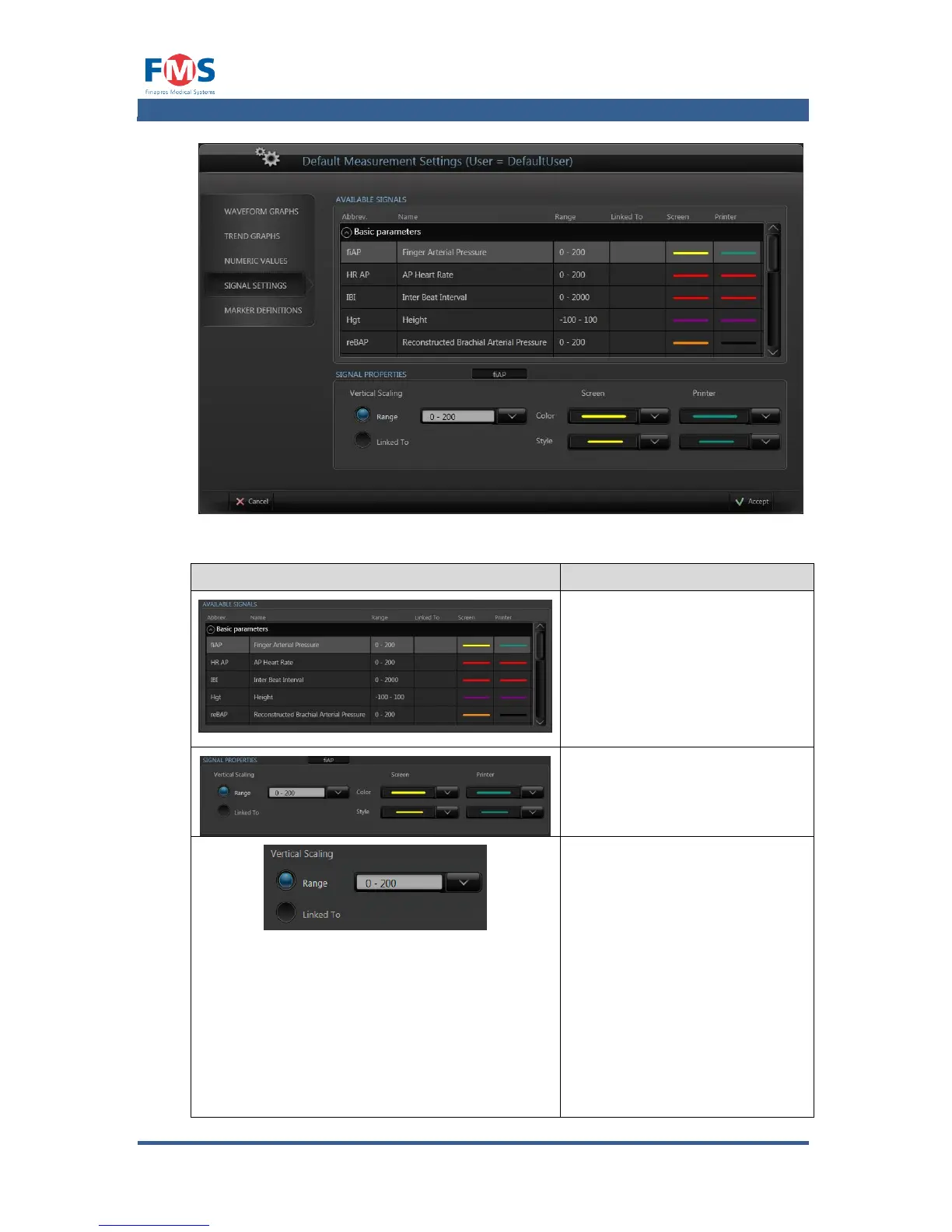
Shows how the available signals
will be represented on screen
and after printing.
When selecting a signal, the
settings can be changed in the
SIGNAL PROPERTIES window
below.
Allow the user to select the
vertical scale by selecting the
“Numeric” option and one of the
available scales in the pull down
menu.
…or…
Allow the user to select from
which signal the scaling settings
should be copied by selecting
the “linked to” option and
selecting the appropriate signal
(in this way only one scaling
setting has to be changed to
change all scaling which are



 To Next Page