Version date: 04 April 2016
linked to the first one and only
one y-scale will appear in the
graph)
Allows the user to select the
color and style of the selected
signal both on screen and for
printing
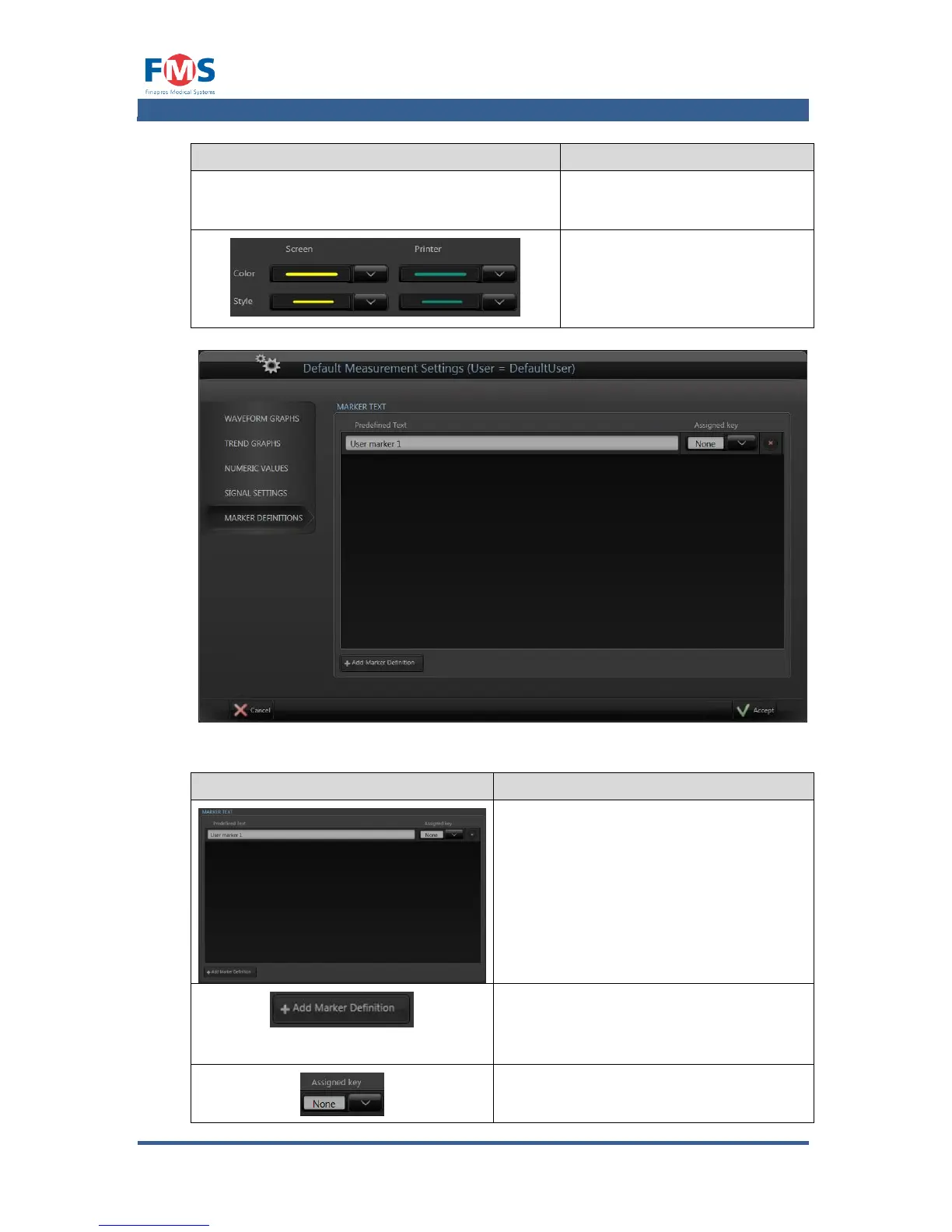
Figure A1-16: The “MEASUREMENT SETTINGS” screen, marker definitions tab
Allows the user to add predefined
marker texts to the MARKER LIST.
By clicking on the marker text, the ON-
SCREEN KEYPAD appears and the text
can be altered.
By clicking on the button, the
accompanying marker on the left is
deleted.
Opens the ON-SCREEN KEYPAD to
enable the user to enter the marker text
for a new marker.
Allows the user to assign one of the F1
to F12 keys of a keyboard to the marker,



 To Next Page