170 MS-9200UDLS/E/C Manual — P/N 52750:F 7/26/2010
Operating Instructions Read Status
Read Status Entry
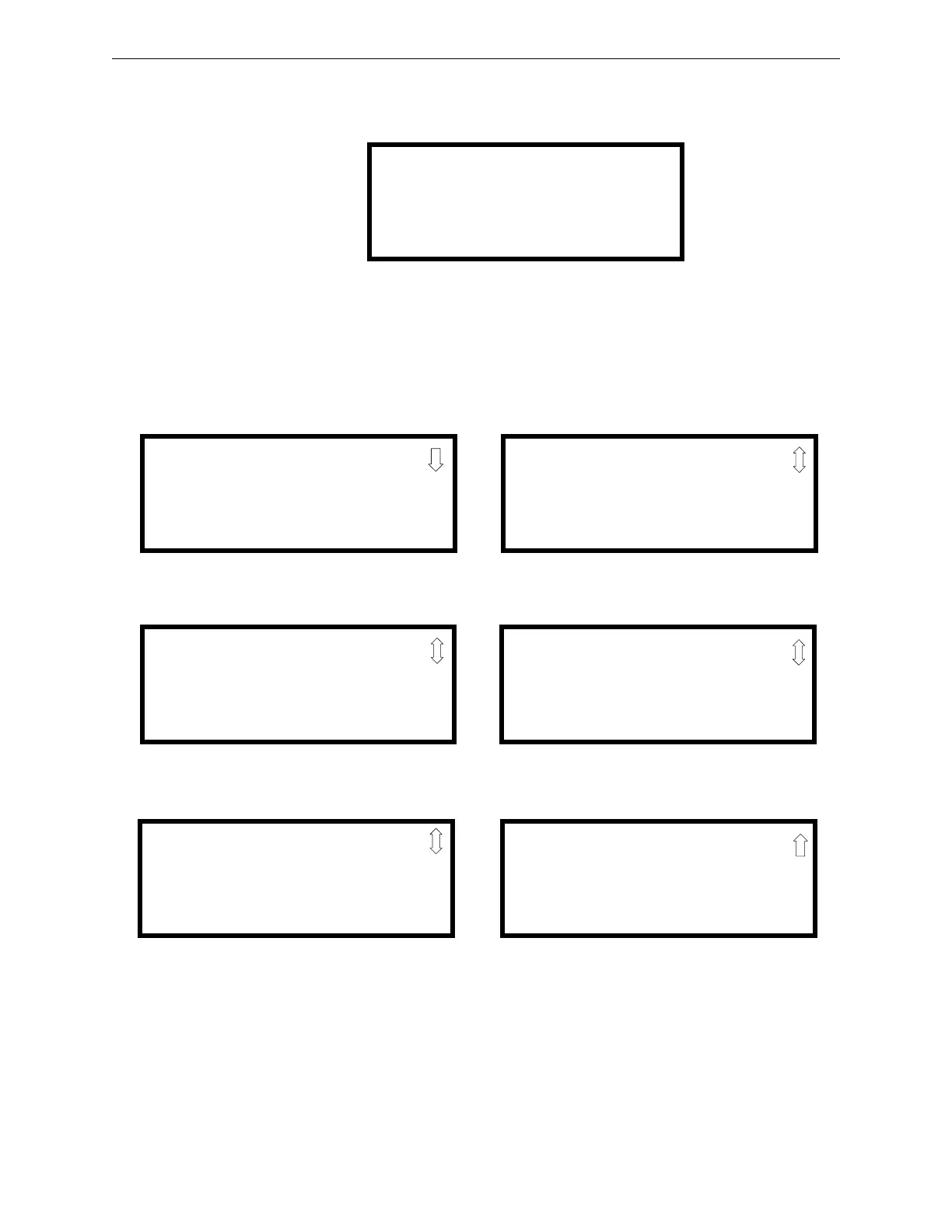
When the operator presses the control panel
ENTER key, the LCD will display the following:
Pressing 1, while this screen is being displayed, will cause the control panel to enter the Read
Status mode which allows the user to view and print the programmed features and status of the
control panel.
The following screens will be displayed:
1=READ STATUS MODE
2=PROGRAMMING MODE
3=REMOTE DOWNLOAD
4=MANUAL DIAL MODE
READ STATUS
1=SYSTEM POINT
2=ZONES
3=POWER
READ STATUS
1=TROUBLE REMINDER
2=TIMERS
3=NACS
Read Status Screen #1
Read Status Screen #3
READ STATUS
1=RELAYS
2=PROGRAM CHECK
3=HISTORY
Read Status Screen #5
READ STATUS
1=ANNUNCIATORS
2=PHONE LINE
3=CENTRAL STATION
Read Status Screen #2
READ STATUS
1=SERVICE TERMINAL
2=PRINTER/PC
3=PRINT
Read Status Screen #4
READ STATUS
1=TIME-DATE
Read Status Screen #6














 To Next Page