MS-9200UDLS/E/C Manual — P/N 52750:F 7/26/2010 93
Master Programming Level Programming
3.6.3 Zone Setup
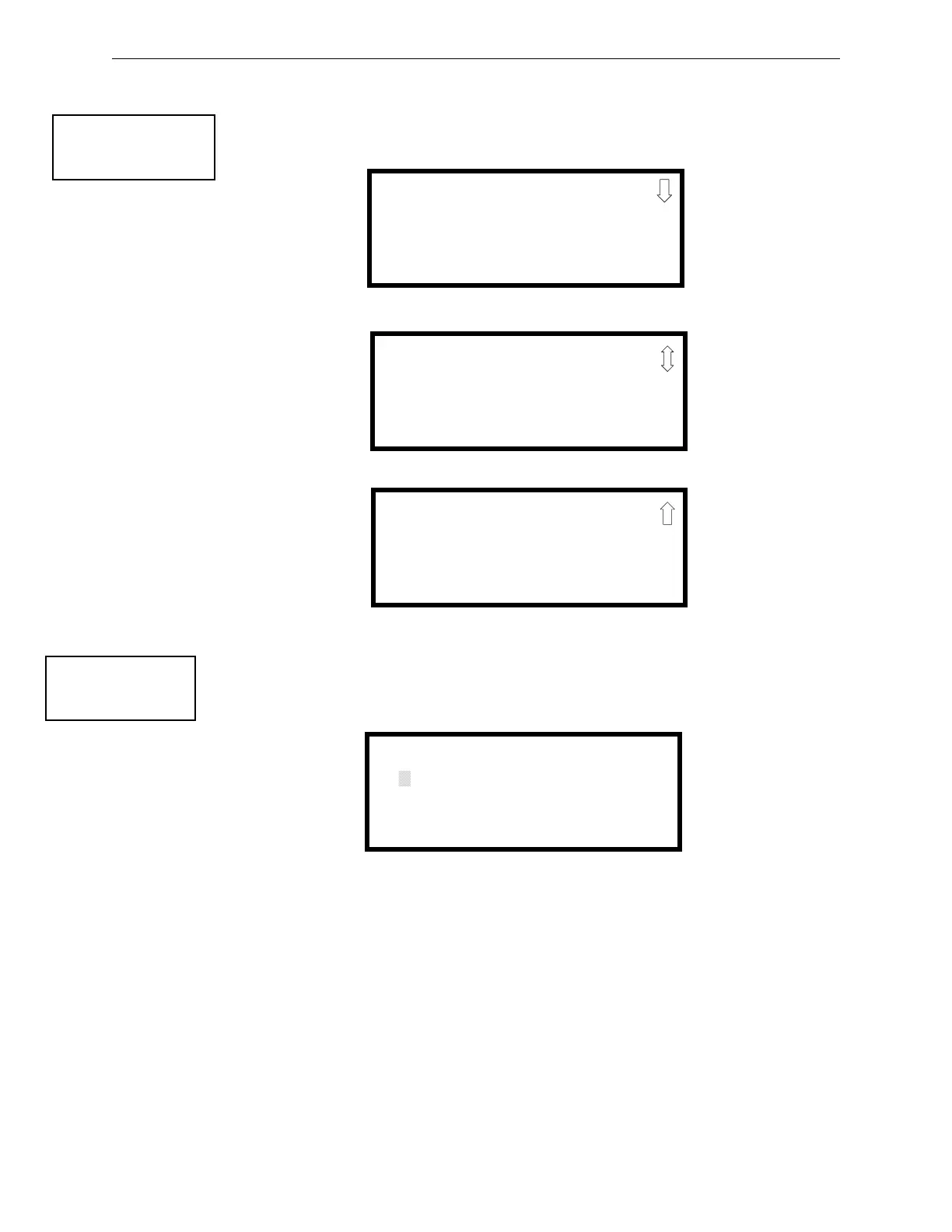
Pressing 3 while viewing Programming Screen #2 will access the Zone Setup screens as illustrated
below:
Enable
Pressing 1 for Enable, while viewing Zone Setup Screen #1, will display the following screen:
This screens allows the programmer to enable zones, one at a time. A flashing cursor appears next
to the Z, prompting the programmer to enter a two digit zone number (01 - 99). When the second
digit is entered, the zone will be enabled and the cursor returns to the original position next to the Z.
Another zone can then be enabled.
PROGRAMMING
1=AUTOPROGRAM
2=POINT PROGRAM
3=ZONE SETUP
Programming Screen #2
ZONE SETUP
1=ENABLE
2=DISABLE
3=ZONE 97 98 99
Zone Setup Screen #1
ZONE SETUP
1=ZONES INSTALLED
2=ZONES ENABLED
3=ZONES DISABLED
Zone Setup Screen #2
ZONE SETUP
1=ZONE TYPES
2=ZONES AVAILABLE
3=ZONE MESSAGE
Zone Setup Screen #3
ZONE SETUP
1=ENABLE
2=DISABLE
3=ZONE 97 98 99
Zone Setup Screen #1
ZONE TO ENABLE
Z
Enable Screen














 To Next Page