MS-9200UDLS/E/C Manual — P/N 52750:F 7/26/2010 63
Programming and Passwords Programming
to the first password character position. To exit Programming or Read Status mode at any time,
press the ESC (Escape) key repeatedly. Note that Programming mode must be exited using the ESC
key in order to store the program data entered during this mode. If the Reset key is pressed or
power is lost before exiting Programming mode, the data just entered will not be saved.
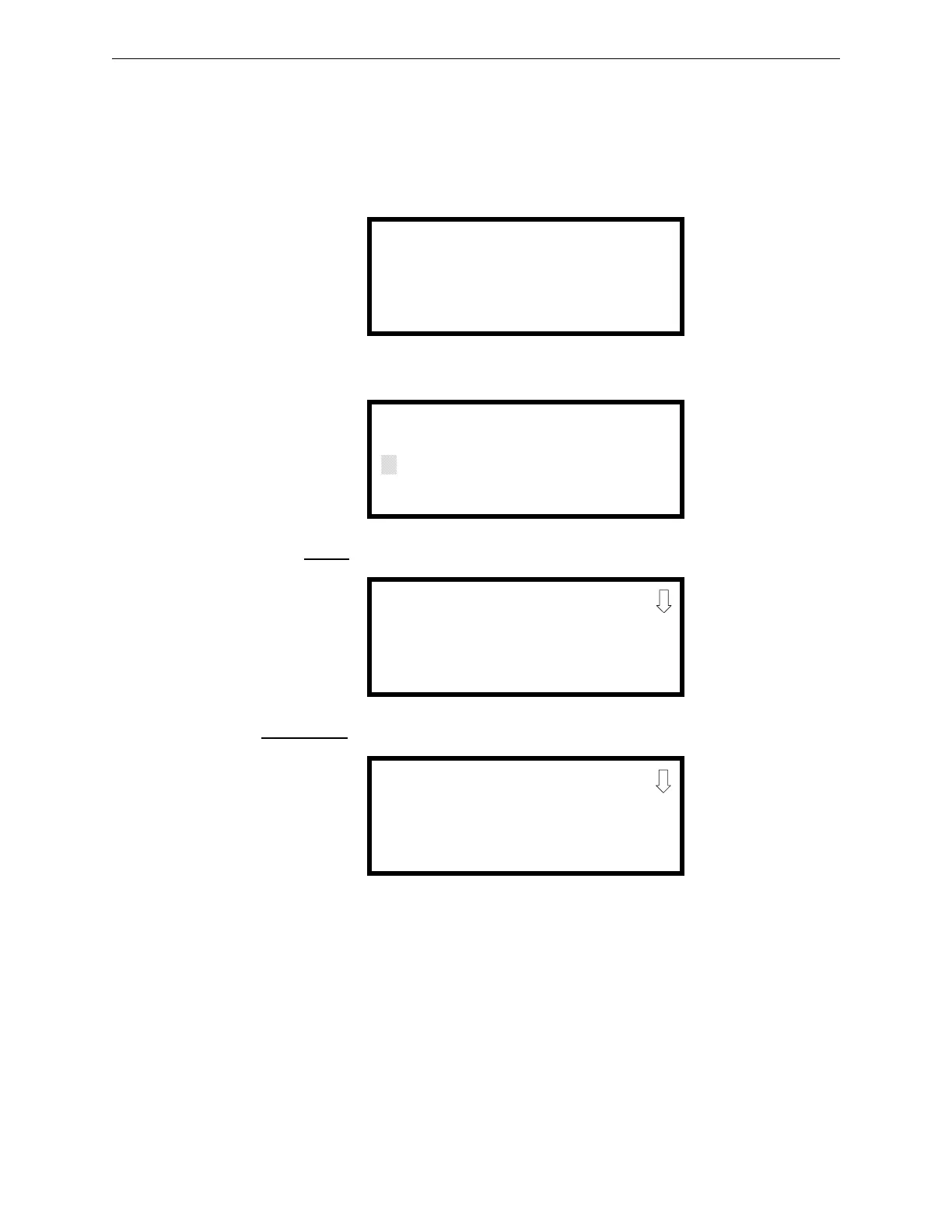
To access user Programming mode, press the Enter or Mode key. The LCD will display the
following:
To enter the user Programming mode, press 2. The display will read as follows:
Entering the Master
level password (default 00000) will cause the following screen to appear:
If the Maintenance
level password (default 11111) is entered, the following screen will appear:
Note that in the two preceding screens, an arrow appears to inform the programmer that additional
options can be viewed by pressing the keypad down arrow key.
1=READ STATUS MODE
2=PROGRAMMING MODE
3=REMOTE DOWNLOAD
PROGRAMMING
ENTER PASSWORD
*****
PROGRAMMING
1=AUTOPROGRAM
2=POINT PROGRAM
3=ZONE SETUP
PROGRAMMING
1=POINT PROGRAM
2=HISTORY
3=PROGRAM CHECK














 To Next Page