DC100 MAX Digital Dispenser Operating Manual
© 2023 Fisnar - 13 - DC100 MAX Rev 4
Use the or
buttons to move the decimal place into the
correct needed position.
The button can continue to be pressed to cycle through the digit
and decimal place positions in a continuous scrolling cycle.
When the dispense time has been correctly set, press and hold the
button for approximately two (2) seconds to save the dispense
time and exit back to the home screen.
When in the function menu, the button is used to enter into the
function setting and then used to scroll through the different parameter
values within the function setting.
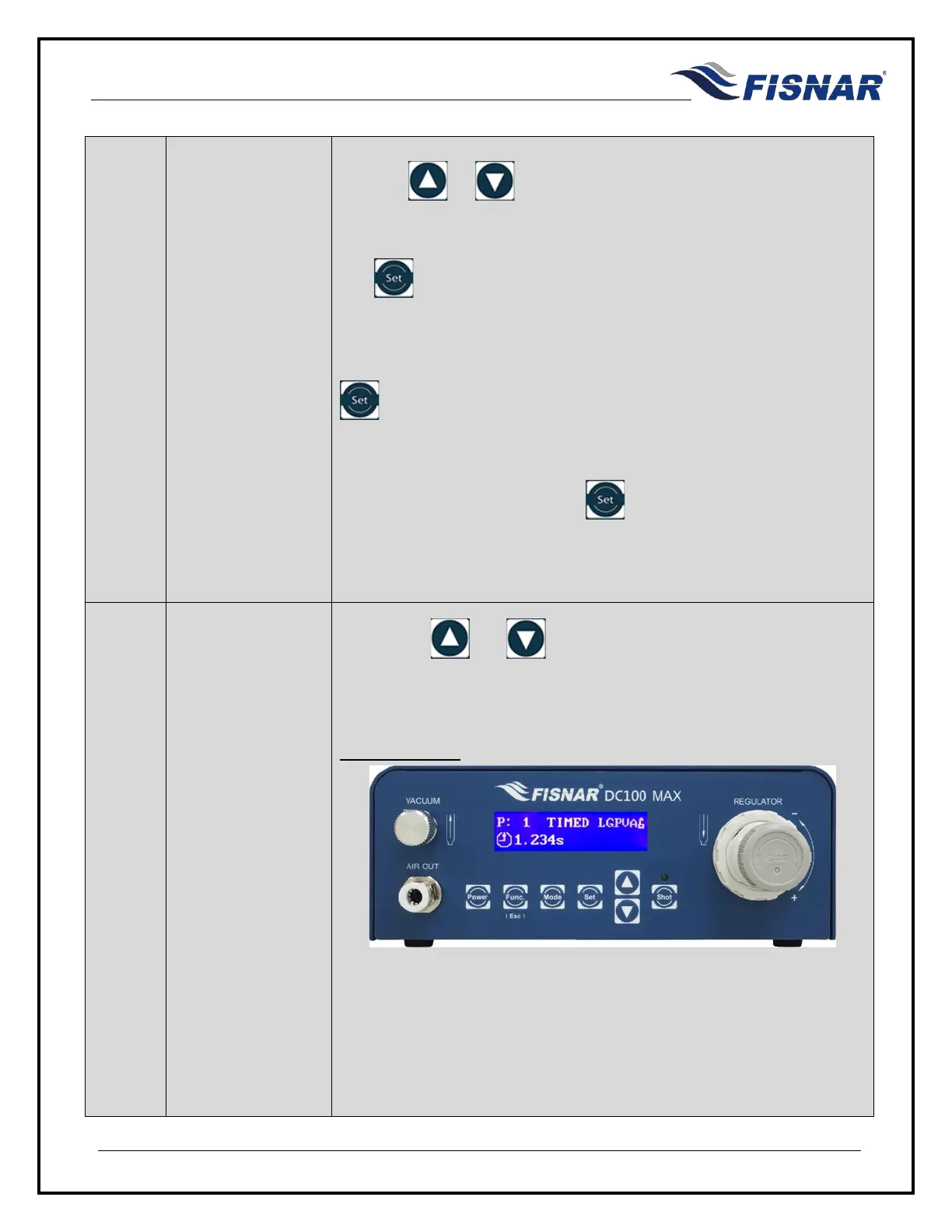
5. Parameter Display
Press the or
button to scroll through the different
parameter display screens.
Dispense Time



 To Next Page