DC100 MAX Digital Dispenser Operating Manual
© 2023 Fisnar - 33 - DC100 MAX Rev 4
FUNCTION MENU
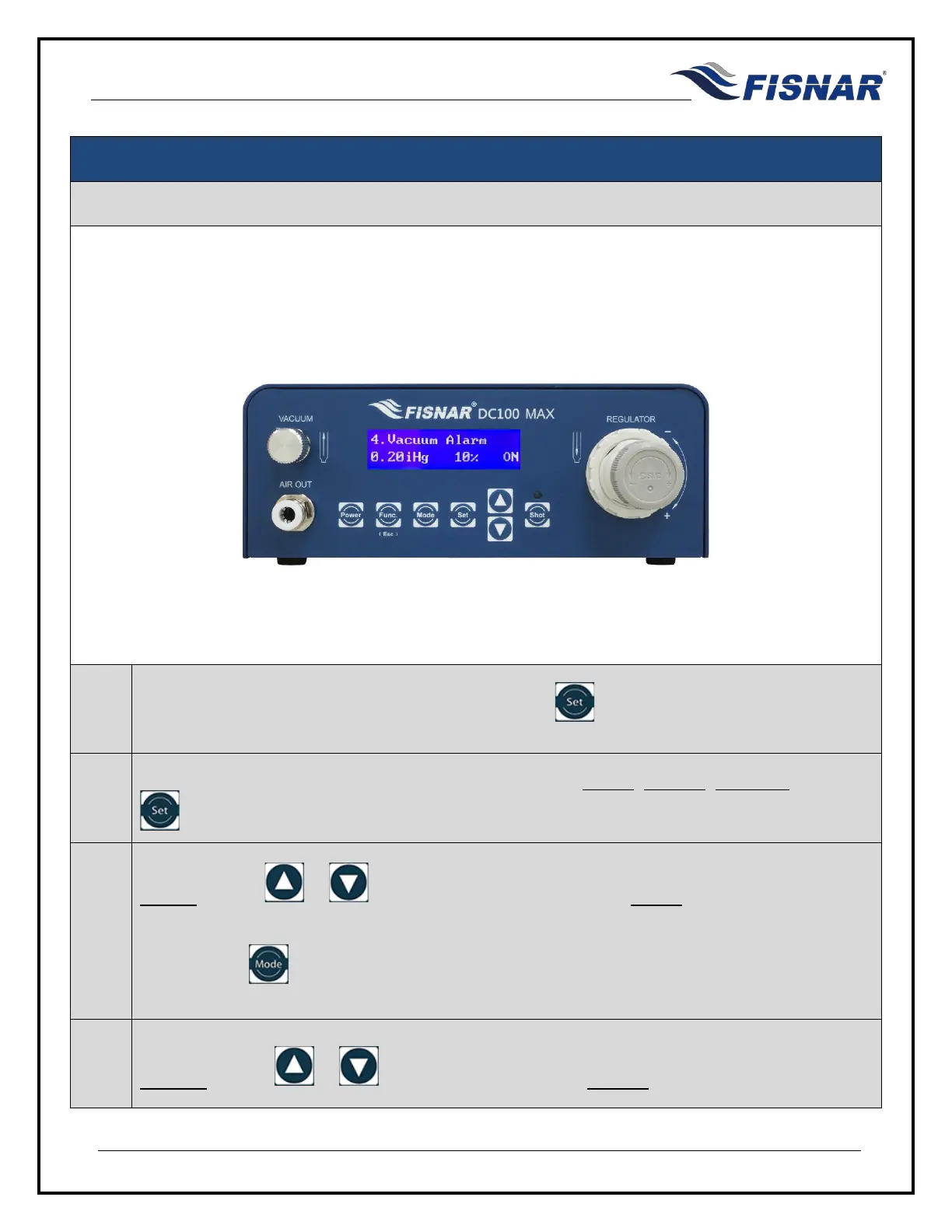
4. Vacuum Alarm
This function allows the user to set a vacuum value threshold (as well as a corresponding percentage
tolerance) that must be met in order for the machine to be actuated. A visual and audible alarm will trigger
if the vacuum is not within tolerance.
1.
When the Vacuum Alarm page is displayed, press the button to enter into the setting page
for the Vacuum Alarm.
2.
There are two (3) adjustable parameters for this function: MODE, Vacuum, Tolerance. Press the
button to scroll through these parameters.
3.
MODE: Use the or buttons to turn the Vacuum Alarm MODE On or Off.
Or, press the
button to import the set regulated pressure value, displayed on the home
screen.
4.
Vacuum: Use the or buttons to set the required Vacuum value.



 To Next Page